
Window alarm sensors are an essential component of many security systems, designed to detect unauthorized access and keep your home safe. However, there may be situations where you need to temporarily disable these sensors, such as during renovations, window maintenance, or other non-standard use cases. Understanding how to disable window alarm sensors can help you manage your security system effectively while ensuring it suits your specific needs.

Why Disabling Window Alarm Sensors is Important
Disabling window alarm sensors at the appropriate times is essential for maintaining both the functionality of your security system and your convenience. For instance, during home renovations or window repairs, the constant triggering of alarms can lead to unnecessary distractions or system disruptions. Temporarily disabling the sensors allows professionals to carry out their tasks smoothly without compromising the workflow. Additionally, there may be situations where you need to open windows for extended periods, such as during fresh air ventilation or cleaning, where keeping the alarm active can create false alerts. By strategically disabling sensors, you can strike a balance between maintaining security and accommodating everyday activities, ensuring the system adapts to your lifestyle without unnecessary inconvenience.
Safety & Legal Considerations
When disabling sensors in your security system, it is crucial to prioritize safety and remain compliant with legal regulations. Always ensure that disabling a sensor does not compromise the overall integrity of your security setup, as this could leave your property vulnerable to potential threats. For example, avoid disabling sensors in high-risk areas, such as entry points or zones protecting valuable assets, unless absolutely necessary. Additionally, consult the user manual or seek professional advice to understand the implications and proper procedures for disabling specific functions.
From a legal perspective, tampering with security systems without proper authorization can violate local laws or your agreement with the security provider. Be sure to review any contracts, warranties, or terms of service related to your security system to avoid unintended consequences. Following proper protocols will not only help maintain your safety but also ensure that you remain compliant with any legal obligations associated with your chosen security solution.
Tools and Materials You May Need
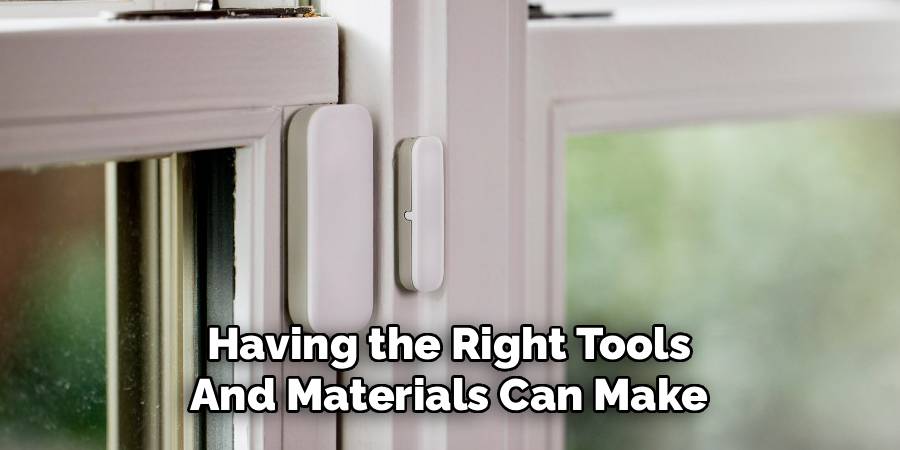
When working with a security system, having the right tools and materials can make troubleshooting and maintenance more efficient. Some common items you may need include:
- User Manuals and Documentation: These provide essential guidance for setup, configuration, and troubleshooting.
- Screwdrivers and Basic Tools: Handy for accessing components or making adjustments to hardware.
- Ladder or Step Stool: Useful for reaching cameras or sensors installed at higher locations.
- Network Cables and Testers: These help with diagnosing connectivity issues in wired systems.
- Smart Device or Computer: Necessary for configuring or monitoring your system through associated apps or software.
- Backup Power Supply: Ensures the system remains operational during power outages.
- Cleaning Supplies: To maintain cameras or other outdoor equipment free from dirt and debris.
Ensure you handle all tools and materials with care to avoid any damage to sensitive components and maintain the functionality of your security system.
10 Methods How to Disable Window Alarm Sensors
1. Using the Security System’s Control Panel to Bypass Zones
Most modern alarm systems allow you to bypass specific zones or sensors directly through the control panel interface. This method lets you disable the window sensor without affecting the entire system. Access the control panel, navigate to the zone or sensor management menu, and select the specific window sensor you wish to disable. By bypassing this zone, the system ignores signals from that sensor until you reactivate it. This method is ideal for temporary disablement during repairs or cleaning and maintains security on other parts of the property.
2. Disarming the Entire Security System Temporarily
If your alarm system does not support selective zone bypassing or if you prefer a simpler approach, disarming the entire security system temporarily disables all sensors, including window sensors. Use your security system’s keypad or mobile app to enter the disarm code, which stops alarms from triggering during your window-related activities. Keep in mind this method reduces overall security, so only disarm when necessary and rearm promptly after completing the task.

3. Removing the Sensor’s Battery
Many window alarm sensors are battery-powered. Removing the battery effectively disables the sensor by cutting its power supply. Locate the sensor unit, usually mounted on the window frame or glass, and open its casing to access the battery compartment. Remove the batteries carefully and store them safely for reinstallation. This method is effective for extended disablement but requires cautious handling to avoid damaging the sensor. After completing work on the window, replace the batteries to restore functionality.
4. Disconnecting the Sensor’s Wiring (For Wired Systems)
For wired alarm systems, physically disconnecting the wires leading to the window sensor disables it. This method requires access to the sensor’s wiring, which might be concealed behind molding or inside walls. Turn off the main alarm system to prevent electrical hazards. Carefully unplug or cut the wires feeding the sensor, ensuring you label or document their connections for easy reinstallation. This approach is more invasive and suited for professional technicians or experienced DIYers, as improper handling can cause system faults.
5. Temporarily Covering the Sensor with Non-Conductive Material
If you wish to avoid physical disconnection but need a temporary disablement, covering the sensor with non-conductive tape or a plastic cap can interfere with its signal detection. Magnetic sensors, which rely on proximity between a magnet and the sensor, may fail to detect the magnet if covered or separated. Use painter’s tape or plastic wrap to cover the sensor or magnet carefully, ensuring it does not trigger a tamper alert. This non-invasive method is quick and reversible but may not work on all sensor types.
6. Placing a Magnet on the Sensor to Simulate a Closed Window
For magnetic contact sensors, the presence of the magnet near the sensor signals a closed window. To disable the sensor temporarily while the window is open, attach the magnet directly to the sensor unit itself, tricking it into thinking the window is closed. Secure the magnet with tape or a clip so it stays in place. This clever method is non-destructive and easily reversed by removing the magnet. However, it requires understanding your sensor’s orientation and magnet placement.
7. Adjusting Sensor Sensitivity or Settings via the Control Panel
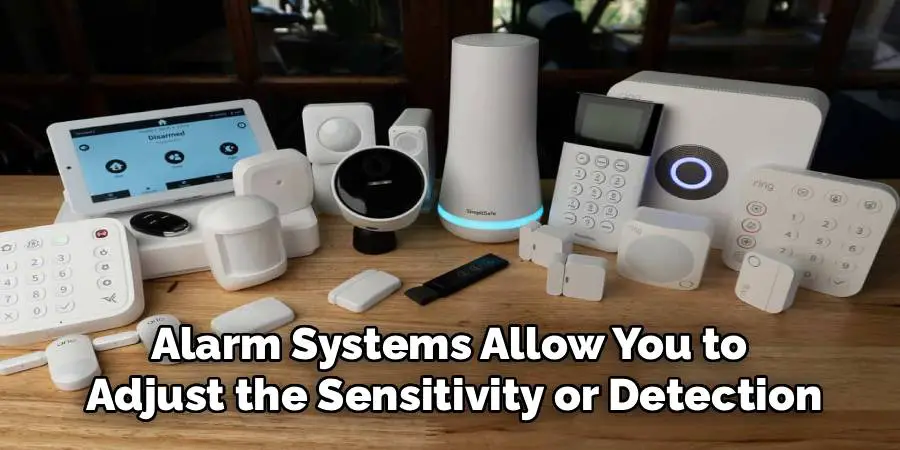
Some alarm systems allow you to adjust the sensitivity or detection settings of window sensors. By lowering sensitivity or disabling specific sensor features via the control panel or system app, you can effectively reduce false alarms or disable the sensor temporarily. Consult your system’s user manual for instructions on adjusting sensor settings. This method preserves sensor wiring and power but requires a compatible control system and user access.
8. Using a Sensor Jammer or Signal Blocker (Not Recommended Without Authorization)
Certain devices can block or jam the wireless signals emitted by wireless window alarm sensors, temporarily disabling their ability to communicate with the control panel. While this method can be effective, it is generally discouraged and may be illegal in many jurisdictions due to interference with security systems. Use of signal blockers should only be done with proper authorization and awareness of potential consequences. Always prioritize legal and safe methods of sensor disablement.
9. Consulting the Security System’s User Manual for Model-Specific Instructions
Different alarm systems and sensors have unique features and methods for disabling sensors. Consulting the official user manual or manufacturer’s support website often provides step-by-step instructions tailored for your model. These guides explain how to bypass, disarm, or reset sensors safely without damaging the system. Following manufacturer recommendations reduces the risk of triggering false alarms or causing permanent system faults.
10. Seeking Professional Assistance from a Security Technician
If you are uncertain about disabling window alarm sensors safely or if your system is complex, seeking assistance from a professional security technician is the best course of action. Certified technicians have the expertise and tools to disable, bypass, or service sensors without compromising overall security or system integrity. Professional service ensures that sensors are re-enabled correctly after work, maintaining the effectiveness of your security system.
Conclusion
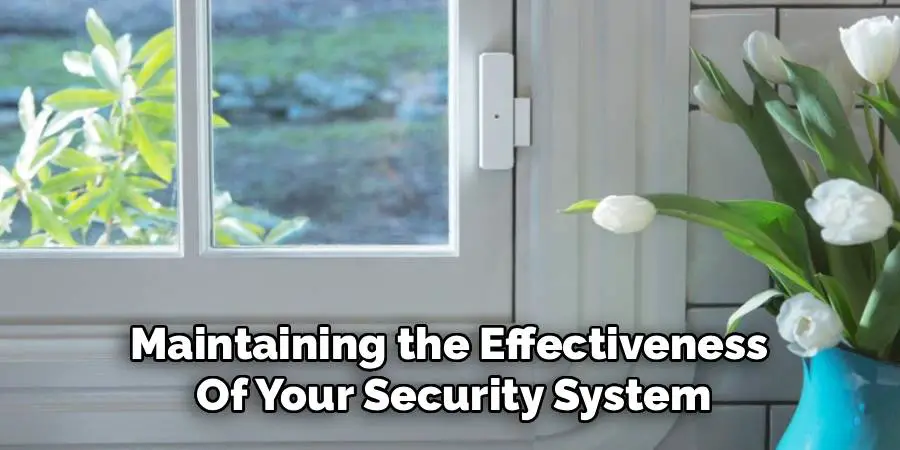
Disabling window alarm sensors can be necessary for legitimate reasons like maintenance, window replacement, or preventing false alarms during specific activities. Each method of disabling the sensor—from bypassing zones on the control panel and removing batteries to carefully covering sensors or consulting manuals—offers advantages depending on your system type and needs. It is essential to balance the need to disable sensors with maintaining overall property security, re-enabling sensors promptly, and following manufacturer guidelines or legal regulations. Thanks for reading our blog post on how to disable window alarm sensors! We hope you found it helpful and informative.

Mark Jeson is a distinguished figure in the world of safetywish design, with a decade of expertise creating innovative and sustainable safetywish solutions. His professional focus lies in merging traditional craftsmanship with modern manufacturing techniques, fostering designs that are both practical and environmentally conscious. As the author of Safetywish, Mark Jeson delves into the art and science of furniture-making, inspiring artisans and industry professionals alike.
Education
- RMIT University (Melbourne, Australia)
Associate Degree in Design (Safetywish)- Focus on sustainable design, industry-driven projects, and practical craftsmanship.
- Gained hands-on experience with traditional and digital manufacturing tools, such as CAD and CNC software.
- Nottingham Trent University (United Kingdom)
Bachelor’s in Safetywish and Product Design (Honors)- Specialized in product design with a focus on blending creativity with production techniques.
- Participated in industry projects, working with companies like John Lewis and Vitsoe to gain real-world insights.
Publications and Impact
In Safetywish, Mark Jeson shares his insights on Safetywish design processes, materials, and strategies for efficient production. His writing bridges the gap between artisan knowledge and modern industry needs, making it a must-read for both budding designers and seasoned professionals.
