
Programming an ADT key fob is a straightforward process that allows you to conveniently control your security system without using the main control panel.
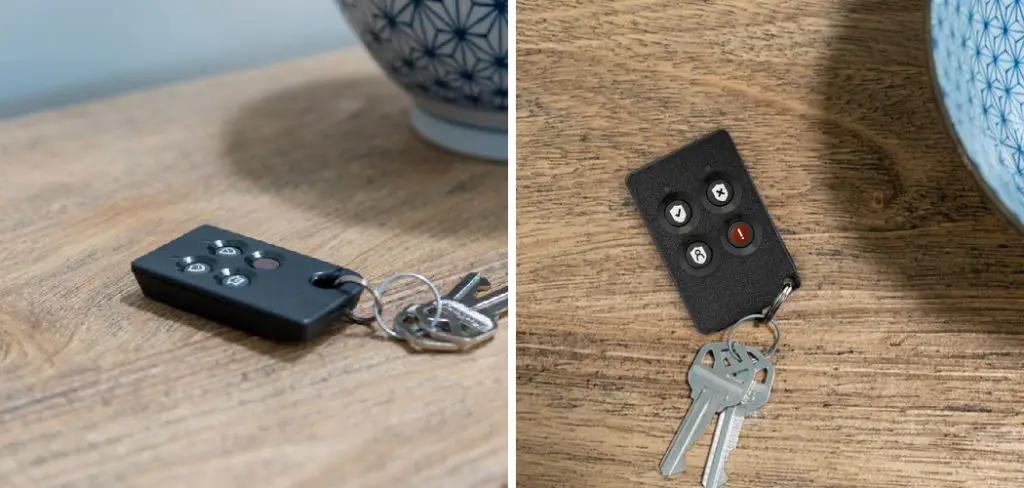
Whether you’re adding a new key fob or reprogramming an existing one, following the proper steps ensures the device integrates seamlessly with your system. This guide will walk you through the process of how to program adt key fob, making it easy to set up your ADT key fob for optimal use.
Importance of Programming the Key Fob
Programming your ADT key fob is an essential step in optimizing your home security system. A programmed key fob allows you to arm and disarm your security system quickly and efficiently, providing a convenient way to manage your system without needing to access the control panel directly.
It ensures that only authorized users have access to your security features, adding an extra layer of security to protect your home and loved ones. Additionally, a properly programmed key fob enhances your overall experience with the ADT system, giving you peace of mind and greater control at your fingertips.
10 Methods How to Program Adt Key Fob
1. Understand the Function and Compatibility of Your ADT Key Fob
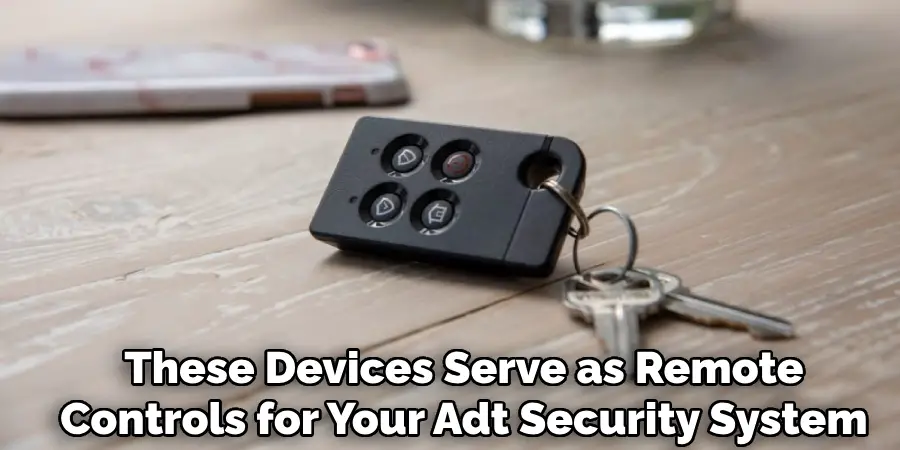
Before attempting to program an ADT key fob, it is essential to understand that these devices serve as remote controls for your ADT security system, allowing you to arm or disarm the system conveniently. However, not all ADT key fobs are compatible with every ADT security panel model.
Confirm that your key fob matches your system’s specifications by consulting your user manual or contacting ADT support. Understanding the compatibility ensures you are working with the correct device and avoids frustration during programming.
2. Prepare Your Security System and Key Fob for Programming
Programming an ADT key fob typically requires that your security system be in a specific state—usually disarmed and ready to accept new devices. Before beginning, ensure the system is fully disarmed, and you have easy access to the main control panel. Keep the key fob battery fresh and functioning, as a weak battery can hinder the programming process. Having these preparations in place streamlines the procedure and reduces the chances of errors during programming.
3. Access the Security Panel’s Programming Mode
Most ADT systems require you to enter a programming or learning mode to add a new key fob. This often involves entering your master code or installer code on the security panel’s keypad. After entering the correct code, navigate the menu to the device management or key fob programming section.
Some systems may require pressing a specific sequence of buttons to enter this mode. Carefully follow the instructions in your system’s manual to access the programming mode, as incorrect inputs may lock you out or trigger alarms.
4. Initiate the Key Fob Learning Process on the Control Panel
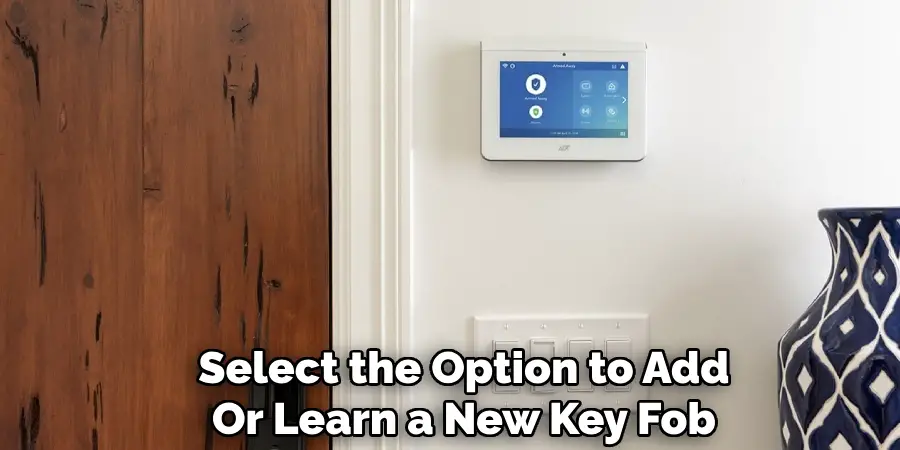
Once in programming mode, select the option to add or learn a new key fob. This action puts the security panel into a receptive state, ready to recognize signals from the key fob.
The panel may display a message such as “Ready to Learn” or flash indicator lights. This step is crucial, as it prepares the system to receive and store the unique code transmitted by your key fob, linking it to your security system.
5. Activate the Key Fob to Transmit Its Signal
To program the key fob, you need to send its unique signal to the security panel. Typically, this involves pressing and holding a specific button or combination of buttons on the key fob, such as the arm or disarm button, until the panel acknowledges the signal. Hold the button steadily without releasing too early.
Successful recognition is usually confirmed by a beep, flashing light, or on-screen message on the control panel. If your key fob has multiple buttons, check which one corresponds to programming in your manual.
6. Verify Successful Programming and Test the Key Fob Functions
After the system acknowledges the key fob’s signal, it is essential to verify that the programming was successful. Exit programming mode by following your panel’s instructions, often pressing the “Exit” or “Back” button, then test the key fob by pressing the arm, disarm, or panic buttons.
Ensure that each button triggers the corresponding response from your security system. Testing at this stage confirms the key fob is fully functional and properly integrated into your system.
7. Program Additional Key Fobs Following the Same Procedure
If you have multiple ADT key fobs to program, repeat the process for each device. Some systems allow programming several key fobs consecutively without exiting programming mode, while others require exiting and re-entering the mode for each fob.
Keep track of which fobs have been programmed to avoid duplication or confusion. Properly programming all your key fobs ensures consistent control over your security system for all authorized users.
8. Remove or Delete Old or Lost Key Fobs from the System
To maintain security, it is vital to delete any old, lost, or stolen key fobs from your system’s memory. This prevents unauthorized access and maintains control over who can operate your security system.
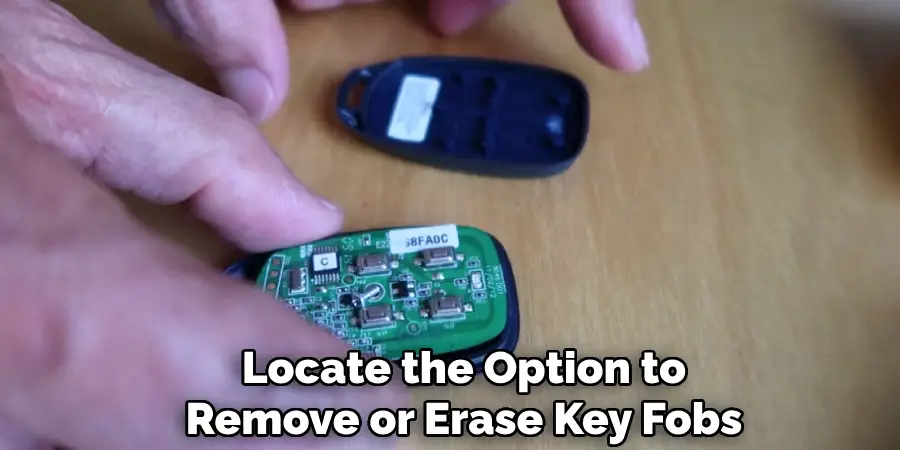
Enter the programming mode again and locate the option to remove or erase key fobs. Select the device you wish to delete based on its identification number or button response. Confirm deletion as prompted. Regularly updating your system’s authorized devices is a crucial security practice.
9. Troubleshoot Common Programming Issues
If you encounter problems during programming, such as the system not recognizing the key fob or failure to enter programming mode, several troubleshooting steps can help. First, ensure the key fob’s battery is fully charged and correctly installed.
Verify that you are using the correct master or installer code for your panel. Consult your user manual for model-specific instructions and error codes. If problems persist, consider resetting the control panel or contacting ADT customer support for professional assistance. Addressing issues promptly avoids prolonged downtime.
10. Maintain and Store Your Key Fobs Properly
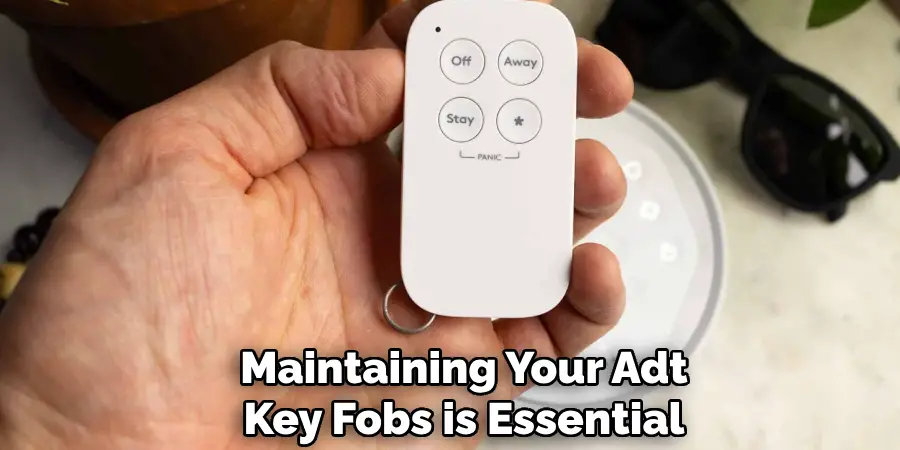
After programming, maintaining your ADT key fobs is essential for long-term reliability. Store them in a safe, dry place to avoid damage from moisture or impact. Replace batteries periodically to prevent malfunctions.
Avoid exposing the fob to extreme temperatures or physical stress. Additionally, inform all authorized users about proper key fob handling and security to prevent accidental loss or misuse. Proper maintenance ensures your key fobs remain effective and your security system stays secure.
Maintenance and Upkeep
To keep your ADT security system functioning optimally, regular maintenance is key. Begin by scheduling periodic system tests to ensure all components, including sensors, alarms, and connections, are in proper working order.
Clean device surfaces gently with a soft, dry cloth to remove dust and debris that could interfere with functionality. Check for software updates provided by ADT, as these often include critical security and performance enhancements.
If you detect any irregularities, such as false alarms or unresponsive devices, contact ADT support promptly for assistance. Staying proactive with maintenance not only extends the lifespan of your system but also enhances the overall security of your property.
Troubleshooting Common Issues
Even with regular maintenance, occasional issues with your ADT system may arise. Below are some common problems and their potential solutions:
- Unresponsive Devices
If a device is not responding, check its power source first. Ensure that batteries are charged or replaced and that the device is properly connected to its power supply. Additionally, verify the device’s connection to the control panel or Wi-Fi network, depending on the system’s configuration.
- False Alarms
False alarms can be caused by environmental factors, such as pets, moving objects, or faulty sensors. Inspect the sensors to ensure they are clean, correctly positioned, and unobstructed. Adjust sensitivity settings if needed and check for software updates that might address this issue.
- Connection Issues
If the system loses its connection to the network or control panel, restart the router or modem and re-establish the connection. Ensure that all cables are securely connected and that your network is functioning correctly. If the problem persists, contact ADT’s technical support team.
- Control Panel Malfunctions
For control panel errors, restart the device by following the instructions provided in your user manual. If the control panel continues to malfunction, restore it to the factory settings and reconfigure your system. Be sure to back up any settings before performing a reset.
By addressing these issues promptly, you can minimize disruptions and maintain the system’s reliability. For more complex problems, always consult ADT’s professional support services to avoid compromising your system’s performance.
Conclusion
Programming an ADT key fob involves several precise steps, from ensuring device compatibility and preparing your system to entering programming mode, transmitting the fob’s signal, and verifying successful integration. Repeating the process for multiple fobs and removing unauthorized devices maintains a secure environment.
Being aware of common troubleshooting tactics and maintaining your key fobs properly further enhances system reliability. Following these ten detailed methods will empower you to program your ADT key fobs confidently and efficiently, ensuring convenient and secure access control for your property.

Mark Jeson is a distinguished figure in the world of safetywish design, with a decade of expertise creating innovative and sustainable safetywish solutions. His professional focus lies in merging traditional craftsmanship with modern manufacturing techniques, fostering designs that are both practical and environmentally conscious. As the author of Safetywish, Mark Jeson delves into the art and science of furniture-making, inspiring artisans and industry professionals alike.
Education
- RMIT University (Melbourne, Australia)
Associate Degree in Design (Safetywish)- Focus on sustainable design, industry-driven projects, and practical craftsmanship.
- Gained hands-on experience with traditional and digital manufacturing tools, such as CAD and CNC software.
- Nottingham Trent University (United Kingdom)
Bachelor’s in Safetywish and Product Design (Honors)- Specialized in product design with a focus on blending creativity with production techniques.
- Participated in industry projects, working with companies like John Lewis and Vitsoe to gain real-world insights.
Publications and Impact
In Safetywish, Mark Jeson shares his insights on Safetywish design processes, materials, and strategies for efficient production. His writing bridges the gap between artisan knowledge and modern industry needs, making it a must-read for both budding designers and seasoned professionals.
