
Automatic doors are a convenient feature in many homes, businesses, and public spaces, but like any mechanical system, they may occasionally require resetting to function correctly. Whether due to power outages, system errors, or routine maintenance, knowing how to reset your automatic doors ensures they operate smoothly and safely.
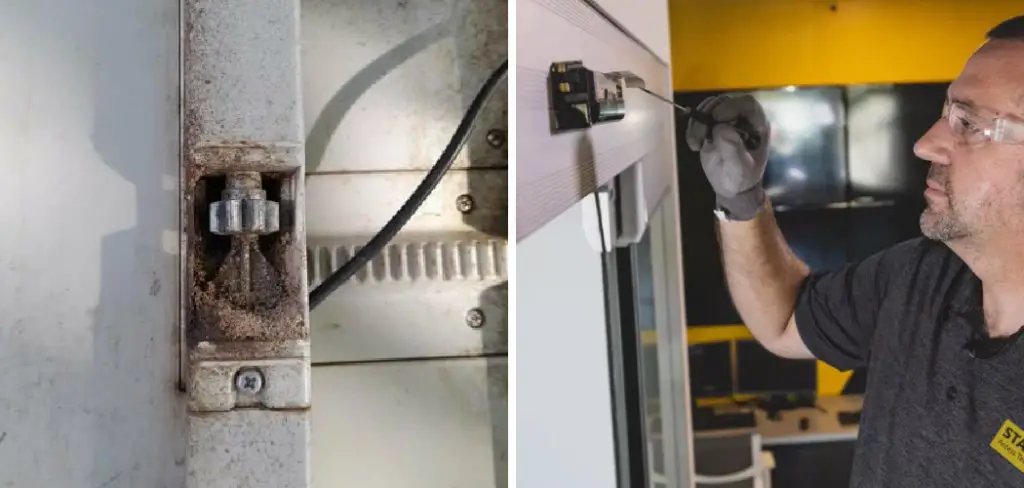
This guide on how to reset automatic doors will walk you through the steps needed to reset your automatic doors effectively, ensuring reliability and minimizing potential disruptions.
Types of Automatic Doors
Automatic doors come in various designs, each suited to specific applications and environments. The most common types include:
Sliding Doors
These doors are popular in commercial settings such as shopping malls, airports, and hospitals. They operate by sliding horizontally, providing a sleek and space-saving solution for high-traffic areas.
Swing Doors
Swing doors are hinged and open in one or both directions, making them ideal for locations with limited side space. They are often used in offices, restaurants, and other smaller establishments.
Revolving Doors
These doors consist of several panels that rotate around a central axis, allowing for continuous entry and exit. They are frequently seen in hotels, banks, and other high-profile buildings, offering superior energy efficiency and security.
Folding Doors
Ideal for spaces with limited room, folding doors compress as they open, maximizing available space. They are often found in small retail stores or residential spaces.
Telescoping Doors
These doors are similar to sliding doors but feature multiple panels that stack together when open, enabling a wider opening. They are perfect for locations requiring maximum access width, such as large retail or industrial settings.
Each type of automatic door is designed to enhance accessibility, convenience, and functionality, catering to the specific needs of its environment.
Safety Precautions Before Resetting
Resetting an automatic door system requires careful attention to safety to prevent accidents or damage. Before beginning, ensure the door’s power supply is turned off to avoid any unexpected movements. Check the surrounding area to confirm that it is clear of obstacles, ensuring no one is positioned near the door tracks or moving panels.
Always wear the appropriate safety equipment, such as gloves and safety glasses, to protect yourself during the process. Review the manufacturer’s instructions or guidelines specific to the door model to avoid improper handling. If you detect any unusual noises, loose parts, or visible damage, do not proceed and consult a professional technician instead. Prioritizing these precautions ensures a safe and efficient reset process.
Common Tools and Materials Needed
- User Manual or Access to Manufacturer Documentation
- Access to the Door’s Control Box or Keypad
- Small Tools (Screwdriver, Key for Control Panel, Etc.)
- Multimeter (for Checking Power Supply, if Needed)
8 Simple Steps on How to Reset Automatic Doors
Step 1: Locate and Read the Manufacturer’s Instructions
Before proceeding with the reset process, find the user manual or manufacturer’s instructions specific to your automatic door. These documents typically include essential details about the door’s model, functionality, and reset procedures.
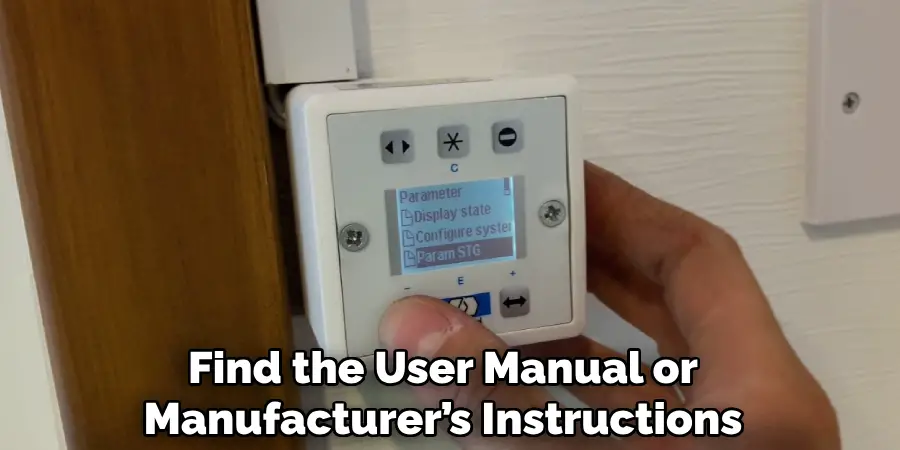
Reading the manual thoroughly ensures you understand the process and any safety precautions that may apply. If you do not have a physical copy, check the manufacturer’s website for a digital version or contact their support team for assistance.
Step 2: Identify the Control Box or Keypad
Locate the control box or keypad that operates your automatic door. This component is typically mounted on the wall near the door or integrated into the door’s framework. The control box may house buttons, switches, or a digital interface used to program and reset the door.
For keypads, look for a numeric or touchpad entry system that may also double as the reset interface. Refer to the user manual for guidance on identifying and accessing this component. Ensuring the power is off before proceeding with any adjustments is critical to avoid electrical hazards.
Step 3: Power Off Your Automatic Doors
Before performing any maintenance or adjustments, you must power off your automatic doors to ensure safety. Locate the main power switch or disconnect the system from its power source.
This switch is commonly found near the control box or as part of the building’s circuit breaker panel. Turning off the power eliminates the risk of electrical shocks and prevents the door from activating unexpectedly during your work. Always double-check that no power is flowing to the system before proceeding to the next step.
Step 4: Locate the Reset Button
After ensuring the system is powered off, locate the reset button on the automatic door system. The reset button is typically found on the control panel or near the main motor housing. Refer to the user manual specific to your door model for its exact location, as it may vary.
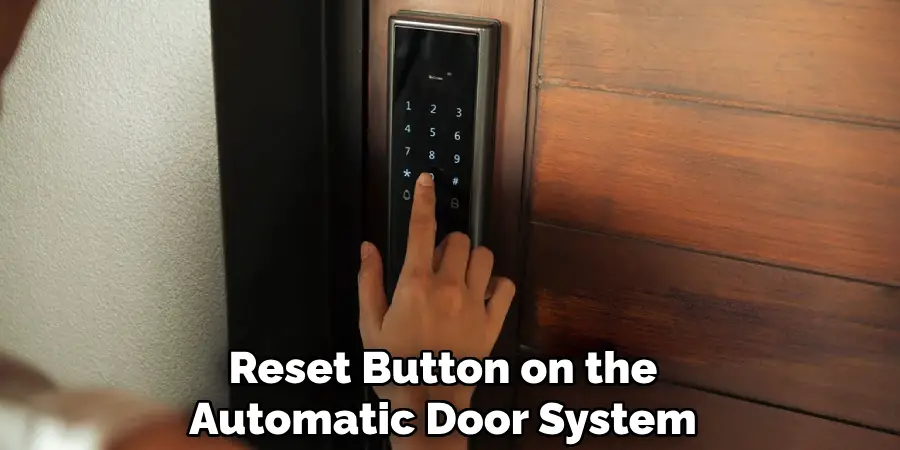
The reset button is an essential component for troubleshooting and restoring system functionality after maintenance. Make sure the area around the button is clean and free of dust or debris before proceeding.
Step 5: Press and Hold the Reset Button
Once the reset button has been located, press and hold it firmly for the duration specified in your user manual, typically between 5 to 10 seconds. This action will initiate the reset process, clearing any error codes and restoring the system to its default settings.
Ensure you maintain steady pressure on the button during this time to avoid interrupting the reset process. Release the button once the system indicates that the reset is complete, which may be signaled by a flashing light, a beep, or another indicator specific to your door model.
Step 6: Wait for the Doors to Reboot
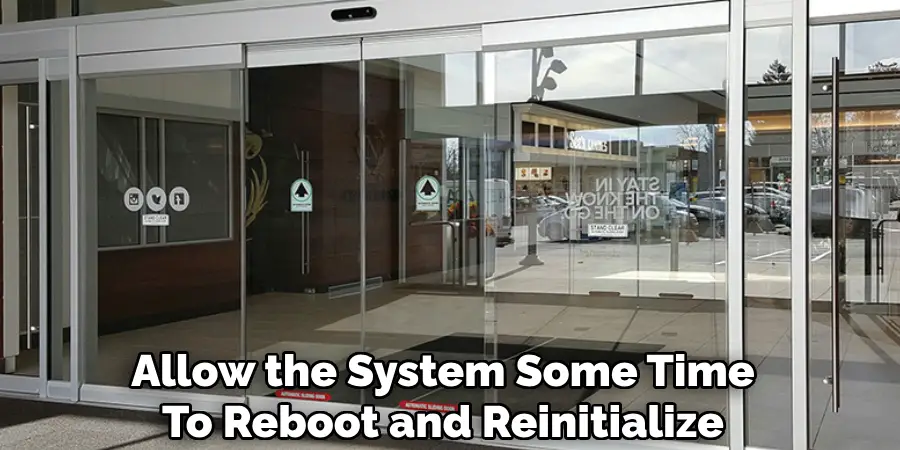
After completing the reset process, allow the system some time to reboot and reinitialize. This process may take a few moments, during which the system performs a series of internal checks to ensure all components are functioning as intended. Do not attempt to operate the doors or interfere with the system during this time.
Once the reboot is complete, the doors should return to their normal operation. Verify that all functions have been restored by testing the doors according to the instructions in your user manual. If issues persist, consult the troubleshooting section or contact customer support for assistance.
Step 7: Test the Doors
After the system reboot has been completed, it is critical to test the doors to ensure they are functioning properly. Begin by manually opening and closing the doors to confirm smooth operation. Next, activate any automated functions, such as remote controls or motion sensors, to verify their responsiveness.
Observe the doors closely for any unusual noises, delays, or resistance during operation. If all tests are successful and the doors operate as expected, the system is now ready for regular use. However, if you encounter any issues or irregularities, refer to the troubleshooting section of the user manual or contact customer support for further assistance.
Step 8: Seek Professional Help if Needed
If troubleshooting efforts do not resolve the issues or if the problem appears to be beyond your expertise, it is important to enlist professional assistance.
Contact a certified technician or the manufacturer’s authorized service provider to evaluate and repair the system. Attempting complex repairs without proper knowledge or tools could further damage the equipment or compromise safety. Ensure that any professional service provider adheres to the manufacturer’s recommendations and uses approved replacement parts to maintain the integrity and functionality of the system.
Following these steps on how to reset automatic doors can help prevent accidents and ensure the proper functionality of the system.
Additional Tips for Maintaining Your Automatic Doors
- Regularly clean and lubricate the tracks, hinges, and rollers of your automatic doors to prevent the buildup of dirt or debris that can affect their smooth operation.
- Check for any loose or damaged parts regularly and have them repaired or replaced promptly.
- Keep the area around the automatic doors clear of obstructions to avoid interference with their sensors or closing mechanism.
- Have a maintenance schedule in place with a professional service provider to ensure regular check-ups and necessary repairs are done on time.
- Educate employees and visitors on the proper use of the automatic doors, including not forcing them open or using excessive force when passing through.
Frequently Asked Questions
Q1: How Do Automatic Doors Work?
>A1: Automatic doors use sensors to detect motion and open or close accordingly. The most common types of sensors are infrared, microwave, and pressure sensors.
Q2: Are Automatic Doors Safe?
>A2: Yes, automatic doors are designed with safety features such as motion sensors and safety beams to prevent accidents.
Q3: What Happens If An Automatic Door Malfunctions?
>A3: In case of a malfunction, the door will either stop working or operate in manual mode. It is important to report any malfunctions immediately to ensure prompt repairs are done.

Q4: How Often Should Automatic Doors Be Serviced?
>A4: It is recommended to have automatic doors serviced at least twice a year to ensure proper functioning and address any potential issues before they become major problems.
Conclusion
In conclusion, automatic doors provide convenience and accessibility for employees and visitors in commercial buildings. Regular maintenance and proper use can ensure their safe operation.
If you encounter any issues with automatic doors, it is important to address them promptly and seek professional assistance for repairs. By following these recommendations on how to reset automatic doors, you can ensure the safety and functionality of your automatic doors in the long term.

Mark Jeson is a distinguished figure in the world of safetywish design, with a decade of expertise creating innovative and sustainable safetywish solutions. His professional focus lies in merging traditional craftsmanship with modern manufacturing techniques, fostering designs that are both practical and environmentally conscious. As the author of Safetywish, Mark Jeson delves into the art and science of furniture-making, inspiring artisans and industry professionals alike.
Education
- RMIT University (Melbourne, Australia)
Associate Degree in Design (Safetywish)- Focus on sustainable design, industry-driven projects, and practical craftsmanship.
- Gained hands-on experience with traditional and digital manufacturing tools, such as CAD and CNC software.
- Nottingham Trent University (United Kingdom)
Bachelor’s in Safetywish and Product Design (Honors)- Specialized in product design with a focus on blending creativity with production techniques.
- Participated in industry projects, working with companies like John Lewis and Vitsoe to gain real-world insights.
Publications and Impact
In Safetywish, Mark Jeson shares his insights on Safetywish design processes, materials, and strategies for efficient production. His writing bridges the gap between artisan knowledge and modern industry needs, making it a must-read for both budding designers and seasoned professionals.
