
BMW key fobs are sophisticated pieces of technology that provide convenient keyless entry, remote start, and security features for your vehicle. However, these electronic devices can occasionally lose their connection to your car’s computer system, leaving you unable to unlock doors or start the engine remotely. Learning how to reset bmw key fob is an essential skill that can save you time, money, and the frustration of being locked out of your vehicle.
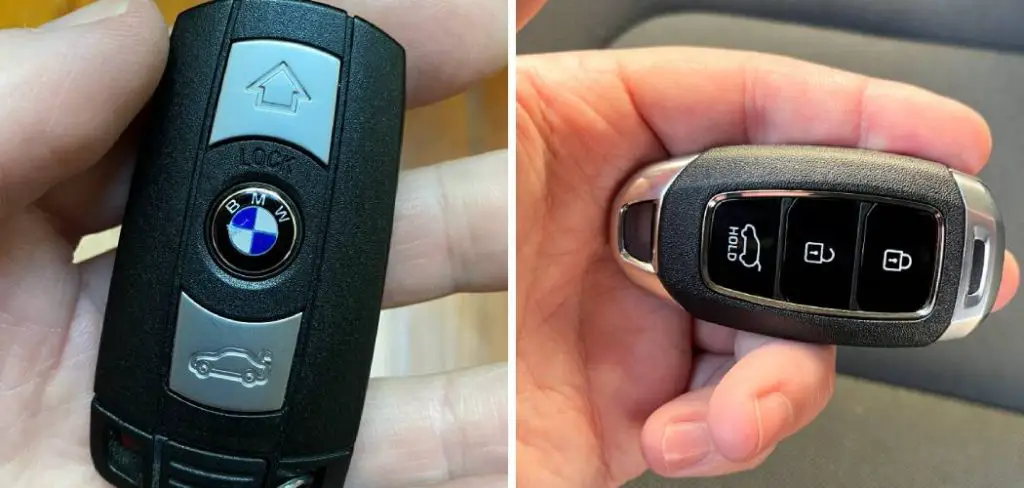
When your BMW key fob stops responding properly, it doesn’t necessarily mean the device is broken or needs replacement. Often, a simple reset procedure can restore full functionality by re-establishing the communication link between the remote and your vehicle’s onboard computer. This process, also known as reprogramming or synchronization, typically takes just a few minutes and requires no special tools or technical expertise.
Why Resetting Your BMW Key Fob Matters
Understanding when and why to reset your BMW key fob can prevent costly dealership visits and restore your vehicle’s convenience features. Modern BMW vehicles rely heavily on wireless communication between the key fob and the car’s central locking system. Over time, this connection can become disrupted due to electrical interference, battery replacement, or software glitches within the vehicle’s computer system. A successful reset procedure re-establishes this critical communication link, ensuring reliable operation of keyless entry, trunk release, and alarm functions. Additionally, learning this skill provides peace of mind and independence, allowing you to troubleshoot common key fob issues without relying on professional assistance.
Whether you’re dealing with intermittent response issues, complete key fob failure, or have recently replaced the battery, this comprehensive guide will walk you through the entire reset process step by step, ensuring you can regain control of your BMW’s remote functions quickly and efficiently.
7 Step-by-Step Guide: How to Reset BMW Key Fob
Step 1: Check the Key Fob Battery
Before attempting any reset procedure, verify that your BMW key fob has adequate battery power. A weak or dying battery is the most common cause of key fob malfunctions and can prevent successful programming. Remove the metal key blade by pressing the small release button, then carefully separate the key fob housing using a small flathead screwdriver or coin.
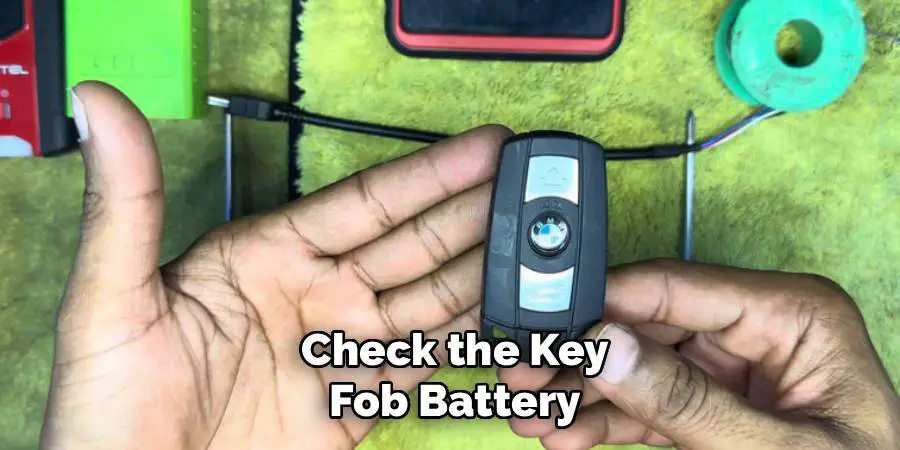
Inside, you’ll find a small circular battery, typically a CR2032 or CR2450 depending on your BMW model. Check for corrosion around the battery terminals and ensure the battery is properly seated. If the battery appears old or corroded, replace it with a fresh one before proceeding with the reset process.
Step 2: Enter Your BMW Vehicle
Position yourself in the driver’s seat of your BMW with all doors closed and windows up. This ensures optimal signal transmission between the key fob and the vehicle’s receiver modules. Make sure you have both the problematic key fob and any other working BMW key fobs for your vehicle, as the reset process may affect all programmed remotes. Turn off all electronic devices inside the vehicle, including radios, navigation systems, and mobile phones, as these can potentially interfere with the programming sequence. Adjust your seat and mirrors to a comfortable position, as you’ll need to remain in the vehicle for several minutes during the synchronization process.
Step 3: Insert the Key and Turn to Position One
Insert your BMW key into the ignition cylinder and turn it to the first position, also known as the accessory position. This activates the vehicle’s electrical system without starting the engine. You should see warning lights illuminate on the dashboard, indicating that the car’s computer systems are active and ready to receive programming commands. Do not turn the key to the start position or attempt to start the engine, as this will interrupt the keyless entry programming sequence. Hold the key steady in this position and avoid any unnecessary movements that might cause the key to shift positions accidentally.
Step 4: Press and Hold the Unlock Button
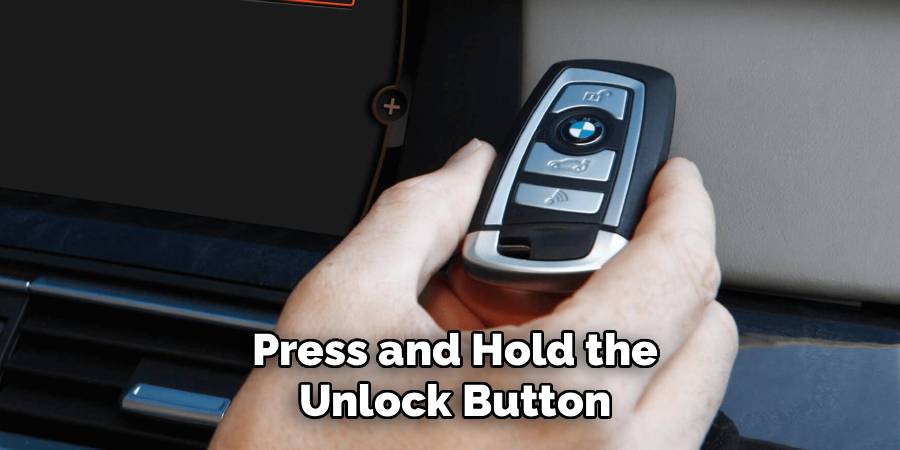
Take your BMW key fob and locate the unlock button, which typically features a car icon with an open lock symbol. Press and hold this button firmly for approximately three seconds while the key remains in the ignition’s first position. You may notice the vehicle’s doors clicking or hear a subtle sound from the central locking system, indicating that the car is responding to the remote signal. Continue holding the button even after hearing these sounds, as the full programming sequence requires sustained pressure. Some BMW models may require you to hold the button for up to ten seconds, so maintain pressure until you’re certain the reset procedure is complete.
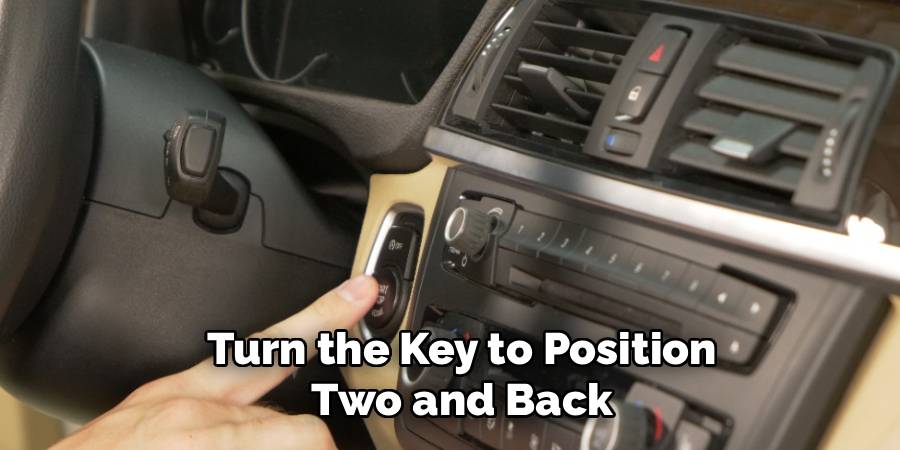
Step 5: Turn the Key to Position Two and Back
While still holding the unlock button on your key fob, carefully turn the ignition key to the second position (where most dashboard lights illuminate) and then immediately back to the first position. This sequence signals to the BMW’s computer that you’re initiating a key fob synchronization process. The timing of this step is crucial, so practice the motion once or twice without the key fob to ensure smooth execution. After returning the key to position one, you can release the unlock button on the remote. Some BMW models may flash the hazard lights or produce an audible confirmation beep to indicate successful entry into programming mode.
Step 6: Test the Key Fob Functions
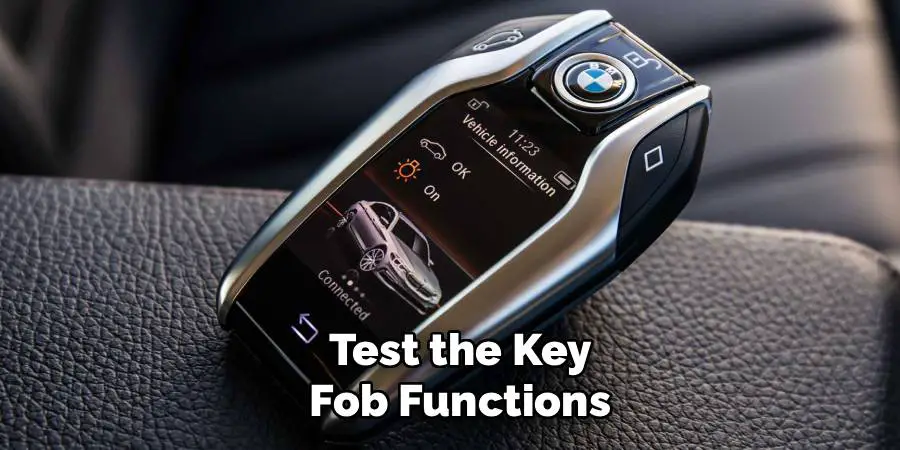
Remove the key from the ignition and exit your BMW vehicle, making sure to close the driver’s door completely behind you. Stand approximately ten feet away from the vehicle and test each function of your newly reset key fob. Press the lock button and verify that all doors lock and the security system arms properly. Test the unlock function to ensure all doors respond correctly. If your BMW is equipped with a trunk release button, test this function as well. Try the panic button if present, which should activate the car’s alarm system and hazard lights. Each function should respond immediately and reliably to confirm successful programming.
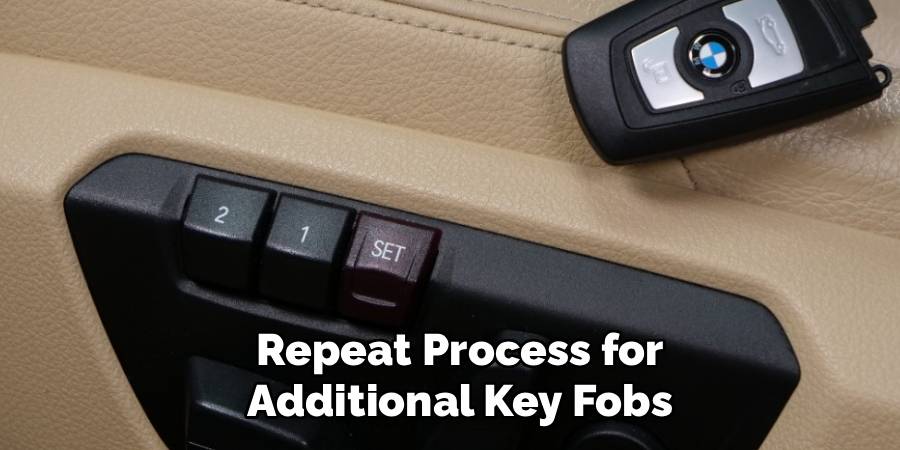
Step 7: Repeat Process for Additional Key Fobs
If you have multiple BMW key fobs that need resetting, repeat the entire procedure for each additional remote. The vehicle’s computer system can typically store programming information for up to four different key fobs, allowing multiple family members to have full access to the car’s remote functions. When programming subsequent remotes, ensure that previously programmed key fobs are kept inside the vehicle during the process, as some BMW models will erase existing programming if other remotes aren’t present during the reset sequence. This step ensures that all your key fobs maintain their programming and continue functioning properly.
Perform Final System Verification
After completing the reset procedure for all key fobs, conduct a comprehensive test of your BMW’s keyless entry system from various distances and angles around the vehicle. Test the remote functions while standing behind the car, at the driver’s side, and from the front of the vehicle to ensure consistent signal reception. Verify that the key fob works reliably from inside your garage, driveway, and other locations where you typically park. If any functions remain unresponsive or work intermittently, the reset may not have completed successfully, and you should repeat the entire process. Document which key fobs were successfully programmed and the date of reset for future reference.
Frequently Asked Questions
How Often Should I Reset My BMW Key Fob?
BMW key fobs typically don’t require regular resetting unless you experience specific issues. Most owners only need to reset their key fobs after battery replacement, if the remote stops working properly, or following certain electrical work on the vehicle. If your key fob functions normally, there’s no need to reset it. However, if you notice decreased range or intermittent operation, a reset can often restore full functionality.
Will Resetting My Key Fob Erase Other Vehicle Settings?
No, resetting your BMW key fob will not affect other vehicle settings like radio presets, seat positions, or climate control preferences. The key fob reset process only affects the wireless communication link between the remote and the car’s central locking system. Your personalized driver profiles, navigation settings, and other customizations will remain unchanged. This makes the reset process safe to perform without worrying about losing other important vehicle configurations.
What Should I Do If the Reset Process Doesn’t Work?
If your BMW key fob still doesn’t function after following the reset procedure, there may be underlying issues that require professional attention. Check if the key fob battery is truly fresh and properly installed. Inspect the key fob for physical damage like cracked housing or water damage. Try resetting any other key fobs you have to determine if the problem is vehicle-specific or limited to one remote. If multiple attempts fail, contact a BMW dealership or qualified automotive locksmith for diagnosis.
Can I Reset My BMW Key Fob Without Going to the Dealership?
Yes, most BMW key fobs can be successfully reset using the procedure outlined in this guide without requiring dealership service. However, some newer BMW models with advanced keyless entry systems may require specialized programming equipment that only dealerships or qualified locksmiths possess. If your DIY reset attempts are unsuccessful, professional service may be necessary. The age and model of your BMW will determine whether home reset procedures are sufficient for your specific vehicle.
How Long Does the Key Fob Reset Process Take?
The complete BMW key fob reset process typically takes between 5-10 minutes when performed correctly. Most of this time involves carefully following the button press sequences and timing requirements. If you’re resetting multiple key fobs, allow an additional 3-5 minutes for each additional remote. The process is relatively quick and straightforward once you understand the sequence, making it an efficient solution for restoring key fob functionality without lengthy dealership appointments.
Conclusion
Successfully learning how to reset bmw key fob empowers you to handle one of the most common BMW maintenance issues independently, saving both time and money while ensuring your vehicle’s convenience features work reliably. The step-by-step process outlined in this guide provides a systematic approach that works for most BMW models and key fob types.
Remember that patience and precision are essential for achieving reliable results. While the process may seem complex initially, most BMW owners find it becomes routine after performing it once or twice. Don’t hesitate to repeat the procedure if the first attempt doesn’t restore full functionality—sometimes multiple attempts are necessary for complete synchronization. With these skills in your automotive toolkit, you’ll never be left stranded by an unresponsive key fob again.

Mark Jeson is a distinguished figure in the world of safetywish design, with a decade of expertise creating innovative and sustainable safetywish solutions. His professional focus lies in merging traditional craftsmanship with modern manufacturing techniques, fostering designs that are both practical and environmentally conscious. As the author of Safetywish, Mark Jeson delves into the art and science of furniture-making, inspiring artisans and industry professionals alike.
Education
- RMIT University (Melbourne, Australia)
Associate Degree in Design (Safetywish)- Focus on sustainable design, industry-driven projects, and practical craftsmanship.
- Gained hands-on experience with traditional and digital manufacturing tools, such as CAD and CNC software.
- Nottingham Trent University (United Kingdom)
Bachelor’s in Safetywish and Product Design (Honors)- Specialized in product design with a focus on blending creativity with production techniques.
- Participated in industry projects, working with companies like John Lewis and Vitsoe to gain real-world insights.
Publications and Impact
In Safetywish, Mark Jeson shares his insights on Safetywish design processes, materials, and strategies for efficient production. His writing bridges the gap between artisan knowledge and modern industry needs, making it a must-read for both budding designers and seasoned professionals.
