
The sudden, piercing sound of a fire alarm is designed to get your attention, and it does its job well. But after the cause has been identified and resolved—whether it’s a bit of smoke from burnt toast or a non-emergency—the persistent chirping or full-blown alarm can be a nuisance. Knowing what to do next is a crucial part of home safety and maintenance. Resetting the system silences the noise and ensures the detectors are ready to protect you again.
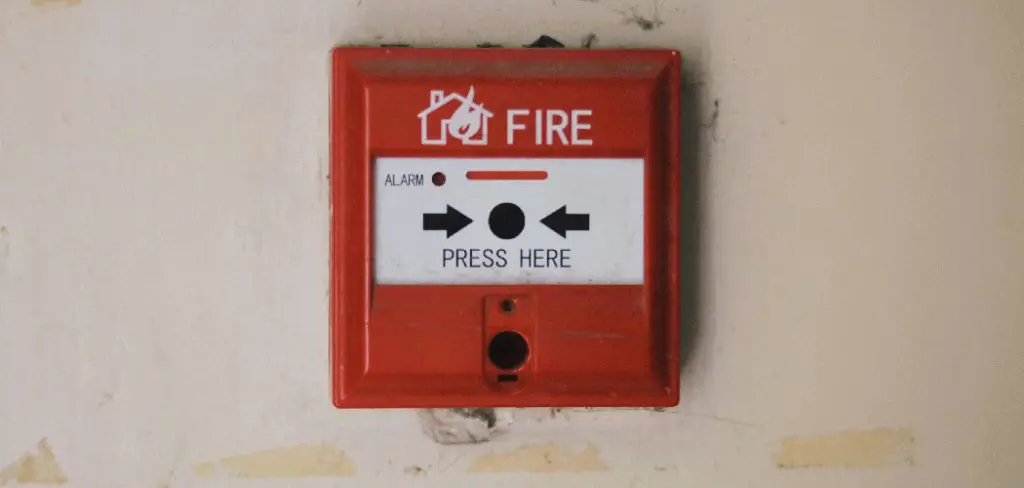
This guide is designed for homeowners and renters who need a clear, simple process to follow. We will walk you through the essential steps on how to reset fire alarm system, helping you restore peace and quiet while ensuring your safety equipment is functioning correctly.
A Step-by-Step Guide on How to Reset Fire Alarm System
Step 1: Silence the Immediate Alarm
Before you can perform a full reset, your first priority is to silence the blaring alarm. Most modern smoke detectors and fire alarm systems have a prominent “Silence,” “Hush,” or “Reset” button directly on the face of the unit. Pressing this button will typically quiet the alarm for a few minutes, giving you time to clear any smoke from the area and investigate the cause. This temporary silence is designed to give you control during a false alarm without completely disarming the system. If the smoke or trigger hasn’t been cleared, the alarm may sound again after the hush period ends.
Step 2: Clear the Air and Ventilate the Area
A fire alarm is triggered by particles in the air, whether it’s smoke from a real fire or steam from a hot shower. For the system to reset properly, these particles must be removed from the vicinity of the detector. Open windows and doors to create a cross-breeze. Turn on a fan and point it toward the smoke detector to help disperse the air more quickly. You can also wave a towel or a piece of cardboard near the detector to manually clear the air from its sensors. The alarm will not fully reset if the sensors continue to detect smoke or other particulates.
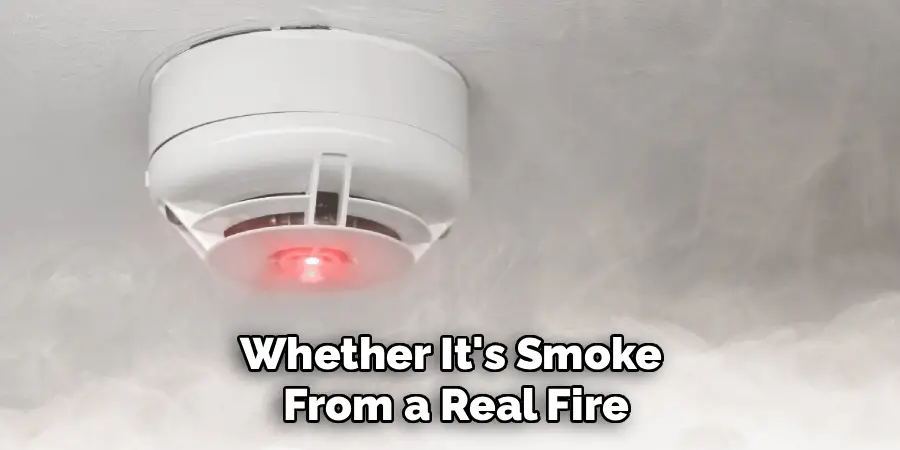
Step 3: Identify the Type of Fire Alarm System
Fire alarm systems in homes generally fall into two categories: individual battery-powered or hardwired units, and interconnected hardwired systems. An individual detector stands alone. A hardwired system is connected to your home’s electrical wiring and often has a backup battery. Interconnected systems are designed so that when one alarm is triggered, all alarms in the house sound off. Understanding which type you have is crucial, as the reset procedure can differ slightly. Hardwired systems may require an additional step at your home’s circuit breaker to perform a full power cycle reset.
Step 4: Press and Hold the Reset Button for a Hard Reset
Once the air is clear, you can perform a more definitive reset. Locate the “Reset” button on the alarm that was initially triggered. Press and hold this button for 15 to 20 seconds. You might hear a short chirp or see an LED light flash, indicating that the unit is resetting its internal processor. This action clears the alarm’s memory and recalibrates its sensor to the current, clean-air environment. For many modern smoke detectors, this step is all that is needed to resolve a false alarm and is a fundamental part of the process of how to reset fire alarm system.
Step 5: The Power Cycle Reset for Hardwired Systems
If pressing the reset button doesn’t work, or if you have a hardwired system that continues to malfunction, a power cycle reset is the next step. Go to your home’s circuit breaker panel and find the breaker that controls the fire alarm system. It is often labeled “Smoke Detectors” or may be grouped with a specific room. Turn this breaker to the “Off” position. This will cut the main electrical power to the alarms. This step ensures that you are starting from a completely powered-down state, which is sometimes necessary to clear a persistent error.
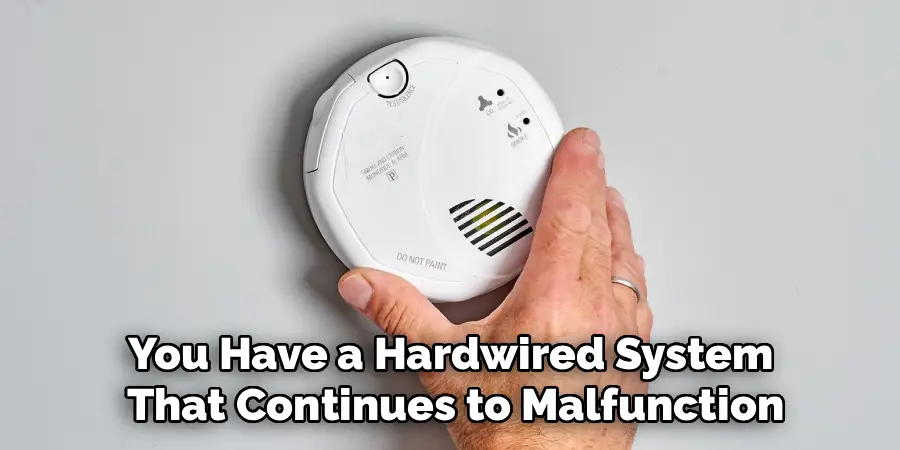
Step 6: Disconnect and Reconnect the Backup Battery
With the main power off at the circuit breaker, you now need to disconnect the backup power source. For most hardwired alarms, you will need to twist the detector to detach it from its mounting base on the ceiling. You will see a small wiring harness connecting it to the house wiring and a separate battery compartment. Open the compartment and remove the backup battery. Let the unit sit with no power for at least 30 seconds. This drains any residual charge and forces a complete reset of the unit’s internal electronics, a vital step for troubleshooting.
Step 7: Restore Power
After waiting for about a minute, you can begin restoring power. First, reconnect the backup battery inside the smoke detector and close the compartment. Reattach the smoke detector to its mounting base on the ceiling, twisting it until it locks into place. Once all the detectors are reinstalled, go back to your circuit breaker panel and switch the corresponding breaker back to the “On” position. The alarm units may chirp or beep once as they power back on, and their LED lights should flash, indicating they are receiving power and entering normal operating mode.
Common Alarm System Issues
Despite being designed for safety, smoke alarm systems can occasionally encounter issues that compromise their performance. One common problem is false alarms, which can be triggered by everyday activities such as cooking, steam from a hot shower, or even insects entering the alarm unit. Another frequent issue involves low or dead batteries, which can cause the alarm to emit a persistent chirping sound until the batteries are replaced.
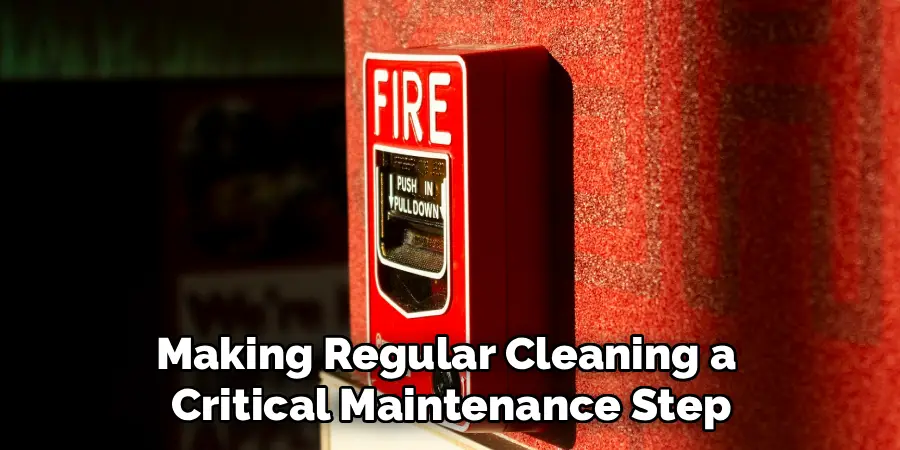
Dust accumulation inside the device can also hinder its ability to detect smoke effectively, making regular cleaning a critical maintenance step. Additionally, alarms that are beyond their lifespan—which is typically around 8–10 years—may fail to operate correctly and need to be replaced. Ensuring that your smoke detectors are properly installed, regularly tested, and maintained can help prevent these problems and keep your home and loved ones safe.
Frequently Asked Questions (FAQ)
Why Is My Fire Alarm Chirping After I Changed the Battery?
A persistent chirp after a battery change often means the new battery is not seated correctly or is not providing enough power. First, ensure the battery is installed in the correct orientation. If the chirping continues, try a different, brand-new battery. Sometimes, a “new” battery has been sitting on the shelf too long. The chirp can also indicate that the detector needs to be reset to clear the “low battery” signal from its memory. Pressing and holding the reset button for 15-20 seconds usually resolves this issue.
How Do I Reset a Fire Alarm That Is Part of a Security System?
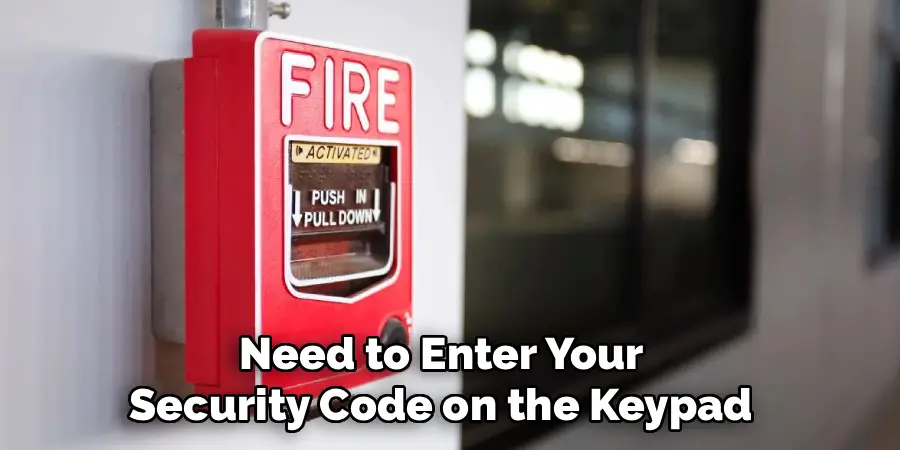
Fire alarms integrated into a larger home security system are typically reset through the main control panel or keypad. After silencing the alarm and clearing the air, you will need to enter your security code on the keypad and then press a “Reset,” “Clear,” or “Cancel” button. The specific command can vary by manufacturer, so it’s best to consult your security system’s user manual for the exact procedure. This action tells the central system that the emergency has been resolved.
Why Won’t My Fire Alarm Stop Beeping?
If a fire alarm continues to beep or chirp after you’ve cleared the air, changed the battery, and performed a reset, there are a few possible causes. The detector might be malfunctioning due to age; most smoke detectors have a lifespan of 8-10 years and will beep to signal they need to be replaced. Dust or insects inside the detector chamber can also cause false alarms. Try cleaning the unit with a vacuum cleaner brush attachment or a can of compressed air.
How Do You Know Which Alarm in an Interconnected System Was Triggered?
In most modern interconnected systems, the smoke detector that initially sensed the smoke or fire will have a distinct, rapidly flashing red LED light. The other detectors in the system that are sounding off in response will typically have a different, slower flash pattern or no flashing light at all. Identifying the initiating unit helps you locate the source of the problem and know which detector to focus on for cleaning or troubleshooting.
Can a Power Outage Set Off a Fire Alarm?
A power outage itself does not typically set off a fire alarm. However, when the power returns after an outage, the sudden surge of electricity can sometimes trigger a false alarm in hardwired systems. Additionally, if the backup battery in a hardwired unit is low or failing, the detector may start chirping during a power outage to alert you that it is running on a weak backup power source.
Conclusion
Knowing how to properly reset your fire alarm system is a simple yet vital skill for any homeowner or renter. It allows you to quickly resolve false alarms from cooking smoke or steam and ensures your system is immediately ready to detect a real emergency. The key takeaways are to always identify and clear the source of the alarm first, use the reset button for a simple fix, and perform a full power cycle for more stubborn issues with hardwired systems. Regular maintenance, like changing batteries and cleaning your detectors, will also reduce the frequency of false alarms.
By understanding the steps on how to reset fire alarm system, you can manage your home’s safety equipment with confidence and ensure it remains a reliable guardian for you and your family.

Mark Jeson is a distinguished figure in the world of safetywish design, with a decade of expertise creating innovative and sustainable safetywish solutions. His professional focus lies in merging traditional craftsmanship with modern manufacturing techniques, fostering designs that are both practical and environmentally conscious. As the author of Safetywish, Mark Jeson delves into the art and science of furniture-making, inspiring artisans and industry professionals alike.
Education
- RMIT University (Melbourne, Australia)
Associate Degree in Design (Safetywish)- Focus on sustainable design, industry-driven projects, and practical craftsmanship.
- Gained hands-on experience with traditional and digital manufacturing tools, such as CAD and CNC software.
- Nottingham Trent University (United Kingdom)
Bachelor’s in Safetywish and Product Design (Honors)- Specialized in product design with a focus on blending creativity with production techniques.
- Participated in industry projects, working with companies like John Lewis and Vitsoe to gain real-world insights.
Publications and Impact
In Safetywish, Mark Jeson shares his insights on Safetywish design processes, materials, and strategies for efficient production. His writing bridges the gap between artisan knowledge and modern industry needs, making it a must-read for both budding designers and seasoned professionals.
