
Gate sensors are a crucial component of automated access systems, designed to ensure security, convenience, and efficient operation. These sensors use various technologies, such as infrared, magnetic fields, or pressure detection, to recognize vehicles or individuals approaching the gate. Understanding how to trigger gate sensors effectively can help ensure smooth access without unnecessary delays or malfunctions. This guide will provide an overview of the common methods used to activate these sensors and tips for optimal use.

Understanding Gate Sensors
Gate sensors operate using advanced technologies designed to detect and respond to the presence of a vehicle or individual. There are several types of sensors commonly used in automated gates, each with its unique approach to detection:
- Infrared Sensors
These sensors emit an invisible beam of infrared light that, when interrupted by a person or vehicle, triggers the gate to open. They are highly sensitive and often used for pedestrian access or in areas requiring precise detection.
- Magnetic Loop Detectors
Embedded in the ground, these sensors create a magnetic field that changes when a vehicle with metal components passes over them. They are ideal for vehicular access and commonly used in parking lots and gated communities.
- Pressure Sensors
These sensors are activated by the weight of a vehicle or individual pressing down on a specific area, such as a pressure-sensitive mat or strip. While less common today, they are still found in some older systems.
- Ultrasonic Sensors
Ultrasonic sensors use sound waves to detect movement or objects nearby. They are versatile and can be adjusted for varying ranges, making them suitable for diverse environments.
By understanding the types of gate sensors and their mechanisms, users can integrate them effectively into access systems, ensuring secure and seamless operation for both vehicles and pedestrians.
Reasons for Triggering Gate Sensors
Gate sensors can be triggered by a variety of factors, depending on their type and configuration. Some common reasons include:
- Authorized Vehicle or Pedestrian Access
Gate sensors are often designed to respond to authorized access, such as vehicles with RFID tags, license plates registered in a system, or pedestrians presenting proper credentials.
- Presence of an Object or Person
Sensors like infrared beams or pressure-sensitive mats get activated when they detect the presence of an object or person in their detection range.
- Environmental Interference
Harsh weather conditions, such as heavy rain, fog, or snow, can sometimes trigger false positives in certain types of sensors, leading to unintended operation.
- Malfunctions or Calibration Issues
Hardware malfunctions or improperly calibrated systems may result in the unintentional triggering of gate sensors, requiring maintenance to restore optimal functionality.
- Security Breach Attempts
Attempts to breach security or unauthorized access may trigger sensors, alerting the system to potential threats and prompting automated responses, such as locking mechanisms or alarms.
Understanding the reasons behind triggered gate sensors helps in diagnosing issues, enhancing system reliability, and maintaining secure access protocols.
10 Methods How to Trigger Gate Sensors
1. Understanding the Types of Gate Sensors
Before attempting to trigger gate sensors, it’s important to recognize the different sensor types commonly used in gate automation systems. The most prevalent are photoelectric sensors (photo eyes), loop detectors (inductive loops), ultrasonic sensors, and infrared beams. Each sensor operates on different principles and requires different triggering methods.

Photoelectric sensors detect interruptions in a light beam; loop detectors sense metal objects via electromagnetic fields; ultrasonic sensors use sound waves to detect obstacles; and infrared beams detect heat or movement. Identifying your sensor type will help you use the appropriate triggering method.
2. Interrupting the Photoelectric Sensor Beam
Photoelectric sensors, or photo eyes, consist of a transmitter and receiver positioned opposite each other, forming an invisible infrared light beam. To trigger this sensor, you must break the beam by physically passing an object—such as a vehicle, person, or even a stick—between the transmitter and receiver. This interruption signals the control panel to halt gate movement or reverse it for safety. To test this, wave your hand or place an opaque object briefly in the beam path. Proper alignment and unobstructed sight lines are essential for accurate sensor activation.
3. Activating the Loop Detector with a Metal Object
Loop detectors operate by detecting the presence of large metal masses above an embedded inductive loop, usually installed under the gate’s entry or exit path. To trigger a loop detector, drive or place a metallic object—such as a vehicle or heavy metal plate—over the loop area. The detector senses the metal’s disturbance in the electromagnetic field and signals the gate controller to open or stop. For testing purposes, you can also use a piece of sheet metal or a large metallic tool to simulate a vehicle presence without driving through the gate.
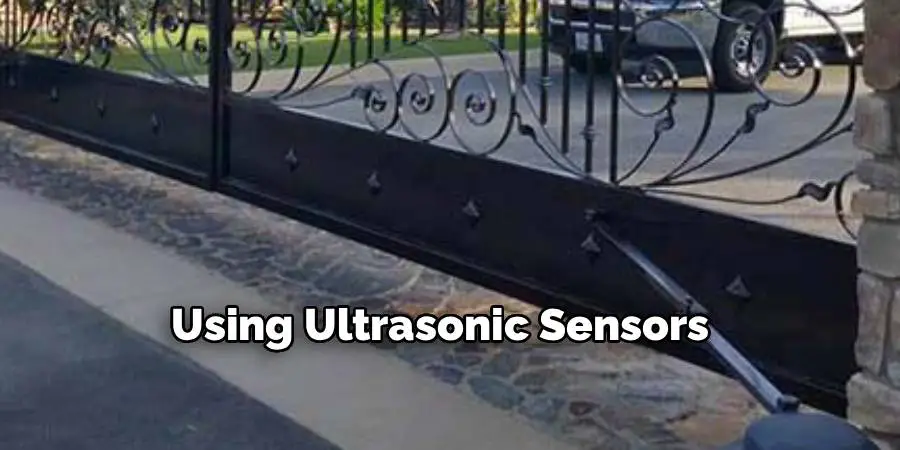
4. Using Ultrasonic Sensors to Detect Movement
Ultrasonic sensors work by emitting high-frequency sound waves and measuring the time it takes for the echo to return after bouncing off nearby objects. To trigger these sensors, simply place an object within the sensor’s detection range or walk across the sensor’s field. The sensor interprets the reflected sound waves as the presence of an obstacle, prompting the gate to react accordingly. When testing, ensure the object remains in range long enough for the sensor to register its presence and trigger the gate mechanism.
5. Triggering Infrared Beam Sensors
Infrared beam sensors detect the heat or motion of objects crossing their path. Similar to photoelectric sensors, they send an invisible infrared beam across the gate’s opening. To trigger an infrared sensor, move a warm-bodied object—such as a person or animal—through the sensor’s beam. Unlike photoelectric sensors, infrared beams can detect heat signatures, so even partial obstruction may be sufficient to activate the sensor. This feature is especially useful for pedestrian gates and enhancing safety.
6. Manual Activation via Sensor Test Mode
Many automated gate systems include a sensor test mode that allows technicians or users to simulate sensor activation without physically interrupting the beam or loop. Accessing test mode typically involves using the gate controller’s keypad or remote interface to temporarily disable sensor outputs and manually trigger responses. This method is essential for diagnosing sensor issues, calibrating sensitivity, or verifying gate safety features without requiring actual obstruction. Consult your gate system manual for the specific procedure to enter test mode.
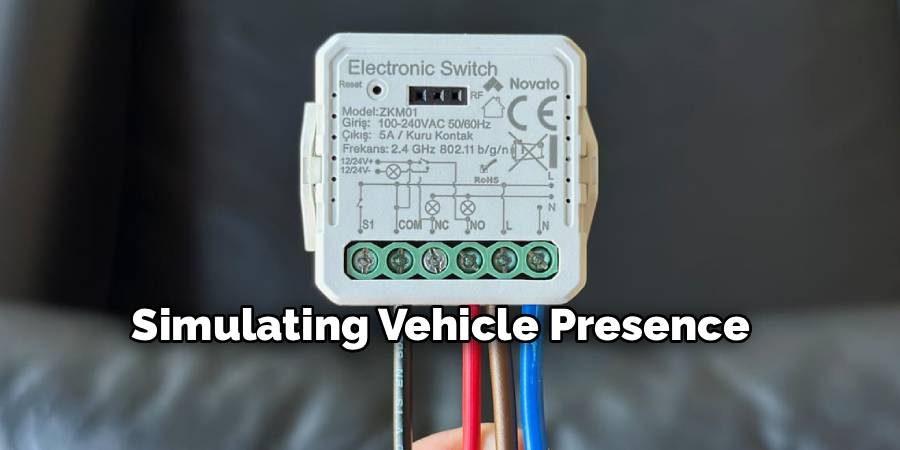
7. Simulating Vehicle Presence with Remote Controls
Some gate systems incorporate remote controls or smartphone apps that can simulate sensor triggers by sending signals to the gate controller. These commands mimic the sensor input, allowing you to open or close the gate without physically triggering the sensors. This method is helpful when testing the overall system response or when working on inaccessible sensors. However, this is not a substitute for actual sensor functionality and should be used alongside physical sensor testing for comprehensive diagnostics.
8. Adjusting Sensor Sensitivity to Detect Smaller Objects
In some cases, sensors may not trigger as expected due to sensitivity settings that are too low. Increasing sensor sensitivity allows them to detect smaller or more subtle objects passing through their detection zones. For example, ultrasonic and infrared sensors often have adjustable thresholds. Refer to the manufacturer’s instructions to fine-tune the sensitivity, enabling the sensor to respond to pedestrians, pets, or smaller vehicles. Adjusting sensitivity must be done carefully to avoid false alarms caused by irrelevant movements such as falling leaves or passing animals.
9. Checking for Sensor Alignment and Obstructions
A sensor that is misaligned or obstructed may fail to trigger properly. Ensure that photoelectric sensors are directly facing each other with no physical barriers blocking the beam. Clean sensor lenses regularly to remove dust, spider webs, or dirt that can interfere with signal transmission. For loop detectors, verify the integrity of the embedded loop wire and the proper connection to the control panel. Proper alignment and maintenance are prerequisites for effective sensor activation.
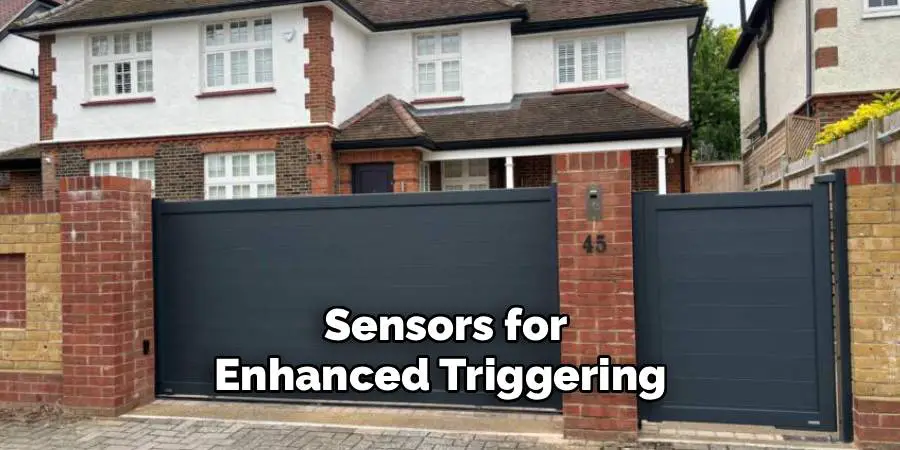
10. Combining Sensors for Enhanced Triggering
Modern gate systems often utilize multiple sensor types in combination to improve safety and reliability. For instance, a system may use a loop detector to open the gate and photoelectric sensors to prevent closing if an obstacle is detected. To trigger such a system effectively, ensure each sensor type is activated according to its operational method. Testing all sensors in concert helps verify that the gate responds accurately to different types of obstacles and maintains optimal safety standards.
Conclusion
Triggering gate sensors is an essential part of maintaining and testing automated gate systems. Whether you are working with photoelectric beams, inductive loops, ultrasonic waves, or infrared signals, understanding how each sensor operates allows you to interact with your system effectively. These ten methods provide comprehensive guidance for activating and testing gate sensors safely and efficiently.
Always remember to follow safety precautions and manufacturer instructions when working with automated gates to prevent accidents and ensure long-term system performance. Now that you know how to trigger gate sensors. While it does take a few steps each time, hopefully now you understand the process and why it’s worth taking the extra step to make sure your floor is properly cared for. So don’t wait any longer, take action today!

Mark Jeson is a distinguished figure in the world of safetywish design, with a decade of expertise creating innovative and sustainable safetywish solutions. His professional focus lies in merging traditional craftsmanship with modern manufacturing techniques, fostering designs that are both practical and environmentally conscious. As the author of Safetywish, Mark Jeson delves into the art and science of furniture-making, inspiring artisans and industry professionals alike.
Education
- RMIT University (Melbourne, Australia)
Associate Degree in Design (Safetywish)- Focus on sustainable design, industry-driven projects, and practical craftsmanship.
- Gained hands-on experience with traditional and digital manufacturing tools, such as CAD and CNC software.
- Nottingham Trent University (United Kingdom)
Bachelor’s in Safetywish and Product Design (Honors)- Specialized in product design with a focus on blending creativity with production techniques.
- Participated in industry projects, working with companies like John Lewis and Vitsoe to gain real-world insights.
Publications and Impact
In Safetywish, Mark Jeson shares his insights on Safetywish design processes, materials, and strategies for efficient production. His writing bridges the gap between artisan knowledge and modern industry needs, making it a must-read for both budding designers and seasoned professionals.
