
The HID Prox key fob is a compact and convenient access control device designed to provide secure and effortless entry to restricted areas.
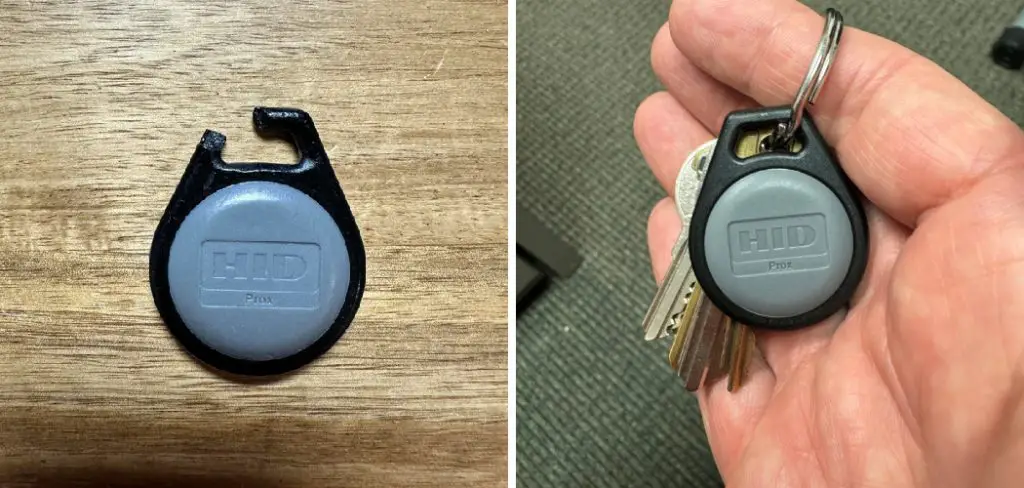
It utilizes RFID technology to communicate with compatible readers, making it a reliable and practical solution for businesses, residential complexes, and other facilities. This guide will walk you through the essentials of how to use hid prox key fob effectively.
What Is an HID Prox Key Fob?
An HID Prox key fob is a small, portable device that grants access to secure areas without the need for traditional keys or codes. Equipped with RFID (Radio Frequency Identification) technology, the key fob communicates wirelessly with compatible access control readers to authenticate a user’s identity.
These fobs are designed for ease of use, allowing users to simply present the fob near a reader to gain access. Durable and convenient, HID Prox key fobs are commonly used in workplaces, residential buildings, and other facilities where security is a priority. They are also customizable, offering unique programming options to suit specific security needs.
10 Methods How to Use Hid Prox Key Fob
1. Understand the Basic Functionality of the HID Prox Key Fob
The HID Prox key fob is a proximity access control device widely used for secure entry systems in office buildings, residential complexes, and restricted areas. Unlike traditional keys, the HID Prox key fob operates using radio-frequency identification (RFID) technology.

When the fob is brought near an authorized reader, it transmits a unique identification code wirelessly, allowing access without physical contact. Familiarizing yourself with this fundamental operation helps you effectively use the device and understand its role in your access control system.
2. Familiarize Yourself with the Range and Positioning for Effective Use
To successfully activate the reader, the HID Prox key fob must be held within a certain proximity, usually a few inches from the reader’s surface. The effective range varies depending on the reader model but typically spans from 1 to 5 inches.
Hold the fob steadily near the designated reading area, often marked by a small icon or LED indicator. Avoid rapid movements or shielding the fob with metal objects, as this can interfere with the signal. Correct positioning ensures quick and reliable access without unnecessary delays.
3. Learn How to Present the Key Fob Properly to the Reader
Presenting the HID Prox key fob involves holding it close to the reader’s sensing window, usually located near doors or turnstiles. Hold the fob steady for a second or two until the reader acknowledges the signal with an audible beep, a light indicator, or an electronic unlocking sound.
It’s important to avoid touching the reader surface with the fob, as physical contact is not required and may damage the device or reader. Practicing this smooth presentation technique allows efficient and seamless entry.
4. Understand How to Use Multiple Key Fobs if Assigned
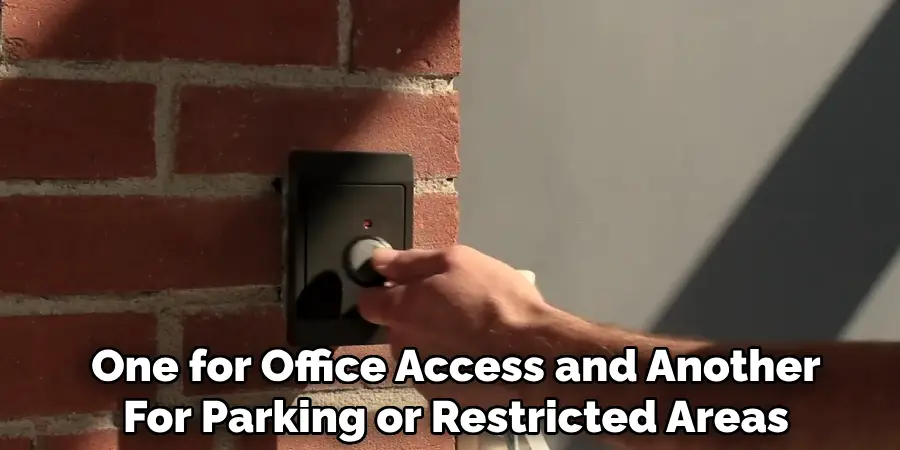
In many cases, individuals may be issued multiple HID Prox key fobs—for example, one for office access and another for parking or restricted areas. Each fob has a unique identification code programmed to specific access permissions.
Learn which fob corresponds to which access point and carry them accordingly. When approaching a reader, select the appropriate fob and present it clearly. Managing multiple fobs effectively ensures you access all authorized areas without confusion or delays.
5. Know How to Register or Activate Your HID Prox Key Fob
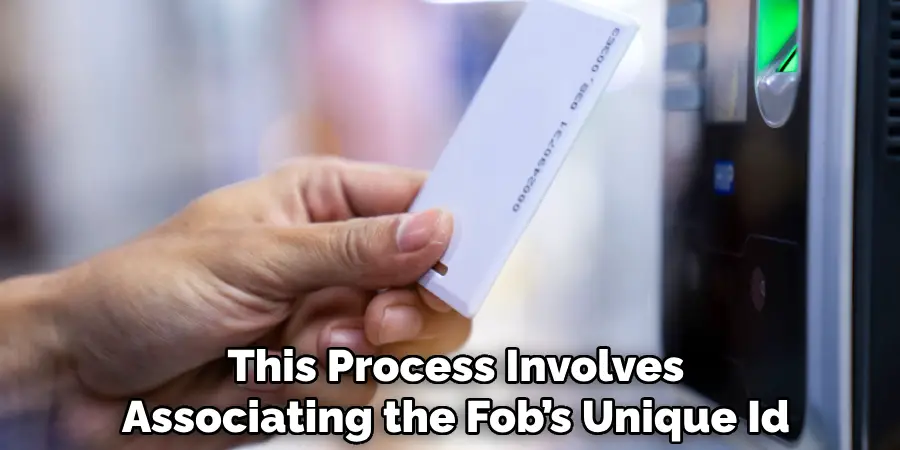
Before use, HID Prox key fobs generally require registration and programming by your access control administrator. This process involves associating the fob’s unique ID with your personal access credentials within the control system’s database.
If you receive a new fob, contact your administrator to ensure it is activated and assigned the correct access rights. Without registration, the reader will not recognize the fob, and access will be denied. Understanding this administrative step helps you avoid frustration and ensures seamless entry.
6. Utilize the Key Fob for Time and Attendance Tracking
Many organizations integrate HID Prox key fobs with time and attendance systems. By presenting your fob to designated readers at work entry points, the system records your arrival and departure times automatically.
This process simplifies clocking in and out, reduces errors, and supports accurate payroll management. If your workplace uses such systems, ensure you present your fob properly during check-in and check-out times. Knowing this function expands the utility of your key fob beyond simple door access.
7. Troubleshoot Common Issues with the HID Prox Key Fob
If your key fob fails to grant access, common causes may include being out of range, damaged hardware, or deactivated status. First, ensure you hold the fob correctly and close enough to the reader. If the problem persists, check for visible damage or wear on the fob’s casing.
Report lost or malfunctioning fobs promptly to your administrator, as they can deactivate the faulty device and issue a replacement. Prompt troubleshooting minimizes access disruption and maintains security integrity.
8. Maintain Your HID Prox Key Fob for Longevity
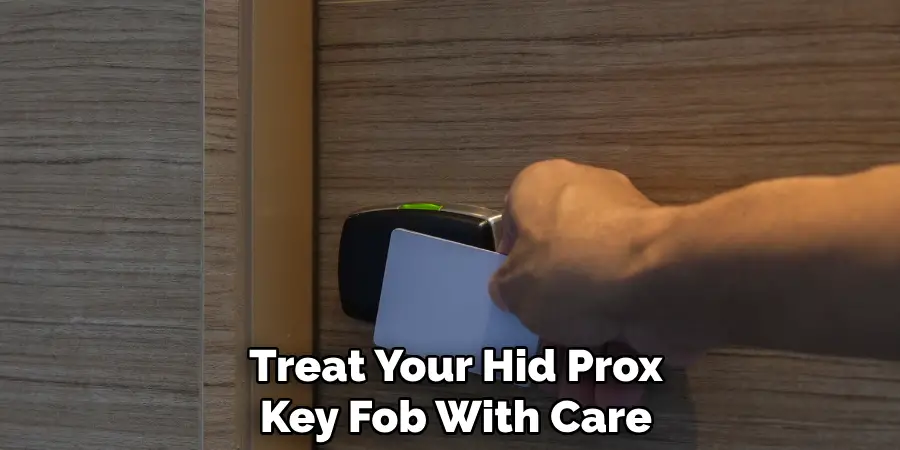
To ensure consistent performance, treat your HID Prox key fob with care. Avoid dropping it, exposing it to extreme temperatures, or immersing it in water, as these conditions can damage the internal components.
Clean the fob gently with a soft, dry cloth if it becomes dirty, but do not use abrasive cleaners or liquids. Regularly inspecting the fob for cracks or wear helps identify when replacement is necessary. Proper maintenance extends the lifespan of your device and ensures reliable access.
9. Understand Security Protocols Related to Your Key Fob
Your HID Prox key fob is a secure access credential and should be treated with the same care as physical keys or identification cards. Never lend your fob to unauthorized persons or leave it unattended in public places.
If your fob is lost or stolen, notify your security or access control administrator immediately to have it deactivated. Following these security protocols protects your access privileges and prevents unauthorized entry to sensitive areas.
10. Learn Additional Features or Integrations of Your HID Prox System
Many HID Prox systems are integrated with advanced security features such as multi-factor authentication, elevator controls, or parking gate access. Some key fobs may also be compatible with mobile apps or allow remote management of access permissions.
Familiarize yourself with these additional features if your organization employs them. Understanding the full capabilities of your HID Prox key fob enables you to leverage the system effectively for convenience and enhanced security.
Troubleshooting Common Issues
While HID Prox systems are generally reliable, users may encounter occasional issues. Below are some common problems and their potential solutions:
- Key Fob Not Working
- Possible Causes: The key fob battery may be dead, or it may not be programmed properly.
- Solution: Check if the key fob is properly assigned to your account or access system. Replace the battery if needed, and contact your system administrator for reprogramming if the issue persists.
- Access Denied Error
- Possible Causes: This error often indicates that the user does not have the required access permissions for a particular door or area.
- Solution: Verify your access permissions with the administrator. Ensure that the access point has been configured correctly in the system.
- Door Reader Not Detecting Fob
- Possible Causes: The reader may be damaged, or the key fob may be out of range.
- Solution: Move the key fob closer to the reader, ensuring proper alignment. If the issue continues, report the malfunction to your facilities or IT team.
- Intermittent Connectivity
- Possible Causes: Environmental interference, such as metal surfaces or electronic equipment, may disrupt the signal.
- Solution: Avoid placing the key fob next to metal objects or other electronic devices. If the problem remains unresolved, the reader or system may need attention.
By addressing these common issues promptly, you can maintain the smooth operation of your HID Prox system. For persistent problems, consult your system’s support team or professional technicians for assistance.
Security Tips for HID Prox Key Fob Users
To ensure the security and integrity of your HID Prox key fob system, consider the following best practices:
- Keep Your Key Fob Secure: Always store your key fob in a safe location when not in use. Avoid leaving it unattended in public spaces or areas where it may be easily accessed by others.
- Protect Against Signal Interception: Use a signal-blocking pouch or case to prevent unauthorized signal reading or cloning attempts. This is particularly important in high-risk areas.
- Regularly Update Access Permissions: Periodically review and update access permissions for your system to ensure that only authorized individuals have access. Remove any inactive or unnecessary credentials promptly.
- Report Lost or Stolen Key Fobs Immediately: If your key fob is lost or stolen, inform your system administrator or security team as soon as possible to deactivate the fob and prevent unauthorized access.
- Monitor System Logs: Frequently check system logs for any unusual or unauthorized access attempts. Address any discrepancies immediately to maintain system security.
By following these tips, you can enhance the safety of your HID Prox system and reduce the risk of unauthorized access. For additional guidance, consult your security provider or refer to the system’s documentation.
Conclusion
Using an HID Prox key fob involves more than simply presenting it to a reader; it requires understanding its operation, maintaining the device properly, and adhering to security protocols. Familiarity with the device’s range, registration process, and potential troubleshooting ensures smooth and reliable access.
Moreover, awareness of expanded functionalities, such as time tracking and system integrations, allows you to fully benefit from the HID Prox technology. Be sure to follow all instructions on how to use hid prox key fob carefully, and always consult an expert when in doubt.

Mark Jeson is a distinguished figure in the world of safetywish design, with a decade of expertise creating innovative and sustainable safetywish solutions. His professional focus lies in merging traditional craftsmanship with modern manufacturing techniques, fostering designs that are both practical and environmentally conscious. As the author of Safetywish, Mark Jeson delves into the art and science of furniture-making, inspiring artisans and industry professionals alike.
Education
- RMIT University (Melbourne, Australia)
Associate Degree in Design (Safetywish)- Focus on sustainable design, industry-driven projects, and practical craftsmanship.
- Gained hands-on experience with traditional and digital manufacturing tools, such as CAD and CNC software.
- Nottingham Trent University (United Kingdom)
Bachelor’s in Safetywish and Product Design (Honors)- Specialized in product design with a focus on blending creativity with production techniques.
- Participated in industry projects, working with companies like John Lewis and Vitsoe to gain real-world insights.
Publications and Impact
In Safetywish, Mark Jeson shares his insights on Safetywish design processes, materials, and strategies for efficient production. His writing bridges the gap between artisan knowledge and modern industry needs, making it a must-read for both budding designers and seasoned professionals.
