
Having a motion sensor light switch in your home can add both convenience and safety. These devices automatically control lighting based on movement, saving energy and creating an optimal ambiance. But programming your motion sensor light switch might seem complex at first glance. The good news? It’s a simple process once you understand the steps.
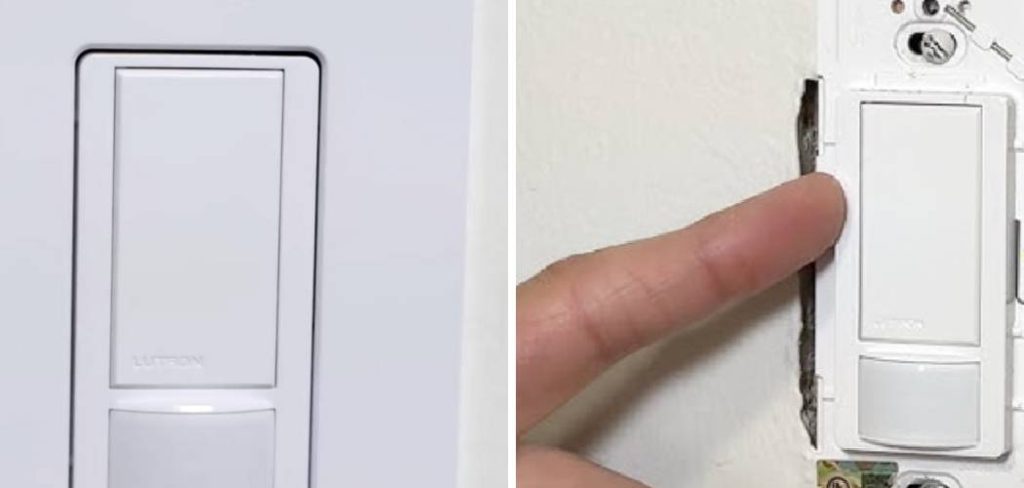
Before you begin programming your motion sensor light switch, ensure you have all the necessary tools ready, such as a screwdriver and the instruction manual for your specific model. Additionally, turn off the power to the light switch at your circuit breaker to ensure safety during the process. Carefully remove the existing light switch cover and check that the wiring matches the requirements of your motion sensor switch. Once properly installed, you can proceed with adjusting the sensitivity, delay timer, and range settings directly on the device or through its accompanying app, if applicable. Always refer to the manufacturer’s guidelines for optimal results.
This guide will walk you through how to program motion sensor light switch, explaining each step in a way that even beginners can confidently follow. By the end, you’ll know how to customize settings like motion detection sensitivity, timed lighting, and more. Whether you’re setting one up for the first time or adjusting the settings of an old switch, this guide has you covered.
Why Programming Your Motion Sensor Light Switch is Important
Learning the ins and outs of programming your motion sensor light switch ensures you’re getting the most out of the device. Improperly configured switches can lead to frustrations like lights turning on and off unexpectedly or staying on when not needed.
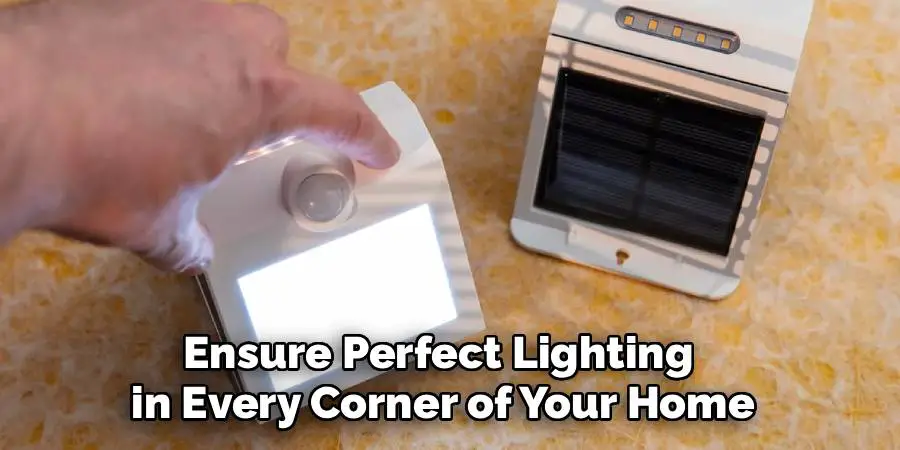
A properly programmed switch helps you save energy, reduce utility bills, and ensure perfect lighting in every corner of your home. It also adds a layer of security by illuminating spaces instantly when movement is detected. Whether it’s your porch, hallway, or backyard, the convenience and safety of a well-programmed motion sensor are unmatched.
10 Step-by-Step Guide to How to Program Motion Sensor Light Switch
Programming a motion sensor light switch requires some preparation and an understanding of the settings available on your specific model. Below are the steps broken down for simplicity.
Step 1: Gather the Necessary Tools
Before beginning, confirm you have the tools you’ll need. Most of the time, this includes a user manual that came with the device, a small screwdriver, and occasionally, a voltage tester. Make sure the circuit or power supply connected to the light switch is turned off for safety purposes.
Step 2: Identify the Model and Settings
Every motion sensor light switch may have slightly different programming options. Study the user manual or look up your switch model online to understand its specific features. Some common programmable features include motion sensitivity, light timer duration, and low-light triggers.
Step 3: Access the Settings Panel
Locate the small settings panel on your motion sensor light switch, typically underneath the switch plate. For most devices, you’ll need a screwdriver to carefully remove the cover. Once the panel is exposed, you’ll notice a series of dials, toggles, or buttons that control programming.
Step 4: Adjust the Sensitivity Settings
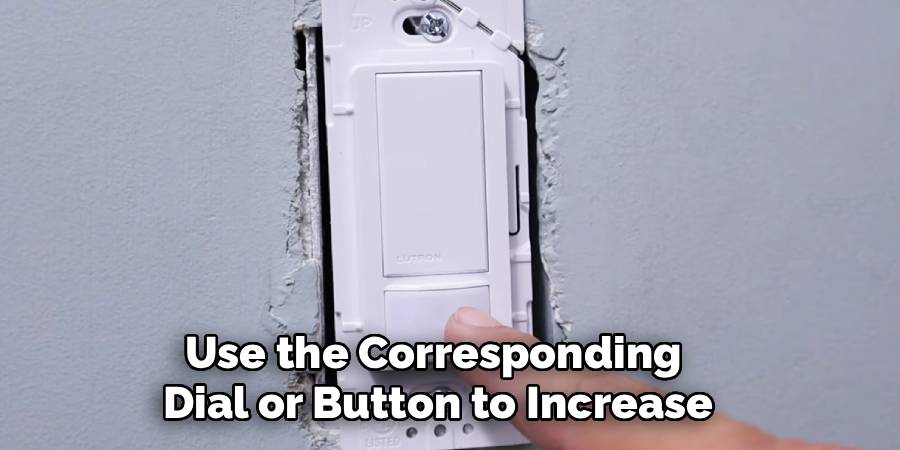
Sensitivity determines how responsive the light switch is to motion. Use the corresponding dial or button to increase or decrease sensitivity based on your preference. If the switch is in a high-traffic area, you might want lower sensitivity to avoid unnecessary activations. If the light is in a secluded area, set the sensitivity higher to catch even minor movements. The phrase “how to program motion sensor light switch” is a key part of making sure sensitivity matches its use.
Step 5: Set the Timer Duration
The light timer setting allows you to choose how long the lights stay on after motion is detected. Common durations range from 30 seconds to 10 minutes. Rotating a dial or pressing a button—depending on your model—lets you customize this feature.
Remember to test your desired duration by having someone trigger the sensor while timing how long the light stays on.
Step 6: Configure Daylight Sensors (If Applicable)
Most modern motion sensor switches include daylight detection, meaning they won’t turn on lights during the day. Locate the dial or button that enables daylight sensing and adjust its settings. This feature helps conserve energy by ensuring the lights operate only when necessary.
Step 7: Test Motion Detection Range
After fine-tuning the settings, test the switch to ensure it covers the right area. Walk at various distances from the motion sensor to determine its range. If the sensor doesn’t activate lights as desired, revisit the sensitivity controls.
Step 8: Finalize the Adjustments
Secure the settings panel after finishing your adjustments. Be cautious not to disturb the dials or toggles while reassembling. Test the motion sensor light switch multiple times to confirm it operates according to your preferences.
Step 9: Document Your Settings
Once everything works as intended, take note of your chosen settings. Recording these for future reference can save time if you need to reprogram the light switch later.
Step 10: Enjoy the Benefits
Now that your motion sensor light switch is functional and optimized, enjoy the energy efficiency, convenience, and added security it provides to your space.
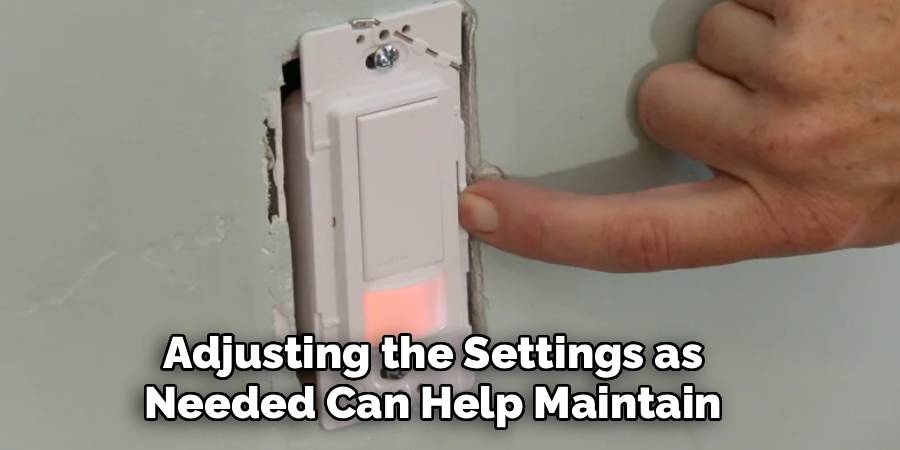
When using your motion sensor light switch, periodically check its performance to ensure it continues to operate efficiently. Over time, environmental changes, such as shifting furniture or alterations in room usage, may affect the sensor’s functionality. Adjusting the settings as needed can help maintain optimal performance and adapt to evolving needs.
Troubleshooting Tips
If you encounter any issues with your motion sensor light switch, consider the following troubleshooting tips to resolve common problems:
Check the Power Source: Ensure that the light switch is receiving power and that the circuit breaker is not tripped. Replace the bulb if necessary to rule out bulb failure.
Adjust the Sensor Settings: If the light is not activating properly, try adjusting the sensitivity, range, or timing settings on the sensor. Refer to the manufacturer’s manual for precise instructions.
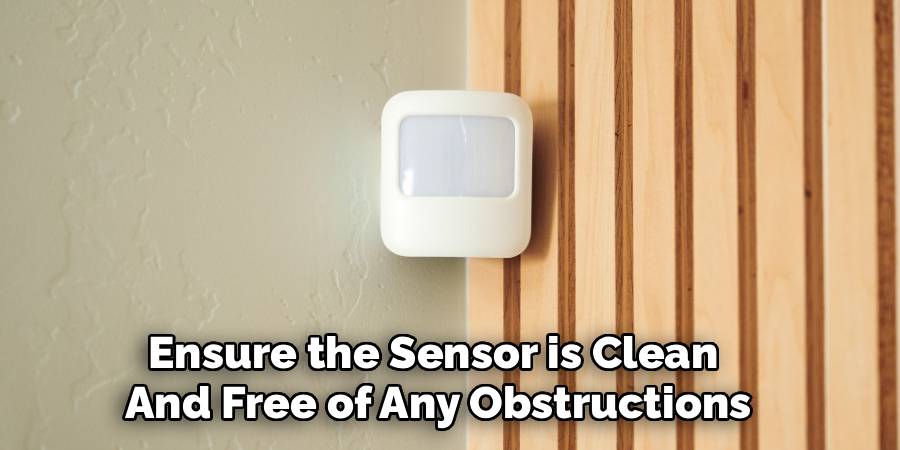
Clean the Sensor: Dust, dirt, or grime on the sensor can obstruct its ability to detect movement. Gently clean the sensor lens with a soft, dry cloth.
Verify Placement: Make sure the sensor is not blocked by furniture, curtains, or other objects, and is positioned to cover the desired area. Relocating or angling the sensor may improve its detection.
Test in Different Lighting Conditions: Some sensors may not function well in overly bright or dim environments. Test the light switch at different times of day to identify if lighting conditions are affecting performance.
Check for Interference: Other electronic devices, reflective surfaces, or wireless signals in the area may interfere with the motion sensor’s functionality. Try relocating such items away from the sensor if interference is suspected.
If the problem persists after following these steps, consult the product manual or contact the manufacturer’s customer support for further assistance.
Frequently Asked Question Section
Can I program a motion sensor light switch without a manual?
Yes, but it might take some trial and error to figure out the device’s specific settings. Most switches follow standard programming features like sensitivity and timer adjustments, which are relatively straightforward. You can also look up your device’s brand and model online to access manuals or tutorials.
Why does my motion sensor light switch turn off too quickly?
This issue is usually caused by the timer being set incorrectly. Access the programming panel and adjust the timer duration for a longer interval. Check if this resolves the issue by testing the light’s stay-on duration after triggering the sensor.
How do I reset my motion sensor light switch settings?
If the light isn’t functioning as expected, resetting it to factory settings may help. Most devices have a reset button or sequence listed in the user manual. Typically, you’ll need to hold down a button for a specific number of seconds or turn off the circuit breaker connected to the device.
What should I do if my motion sensor isn’t detecting movement?
First, check if the sensitivity settings are too low. Then, ensure the sensor is clean and free of any obstructions. If these steps don’t solve the issue, you might need to reposition the sensor to better align with the area you want it to cover.
Can I program my motion sensor light switch to ignore small movements like pets?
Yes, many motion sensor switches allow you to decrease sensitivity or lower the detection angle to ignore small movements close to the ground. Consult your specific model’s manual to identify which sensitivity adjustments can help.
Conclusion
Programming your motion sensor light switch doesn’t have to be daunting. By following these steps, you’ll have a perfectly tuned device that matches your lifestyle and needs. From adjusting sensitivity to setting timer durations, every tweak helps optimize the device for energy savings and convenience.
Regular maintenance of your motion sensor light switch is essential to ensure its continued effectiveness. Periodically clean the sensor to remove dust or debris that could obstruct its detection capabilities. Additionally, check for any software updates if your device supports them, as these can improve functionality or address common issues. With proper care, your motion sensor light switch will remain a reliable and efficient part of your home.
With this newfound knowledge of how to program motion sensor light switch, you can take control of your home lighting today. Start programming your switch and experience the benefits of a smarter home lighting system.

Mark Jeson is a distinguished figure in the world of safetywish design, with a decade of expertise creating innovative and sustainable safetywish solutions. His professional focus lies in merging traditional craftsmanship with modern manufacturing techniques, fostering designs that are both practical and environmentally conscious. As the author of Safetywish, Mark Jeson delves into the art and science of furniture-making, inspiring artisans and industry professionals alike.
Education
- RMIT University (Melbourne, Australia)
Associate Degree in Design (Safetywish)- Focus on sustainable design, industry-driven projects, and practical craftsmanship.
- Gained hands-on experience with traditional and digital manufacturing tools, such as CAD and CNC software.
- Nottingham Trent University (United Kingdom)
Bachelor’s in Safetywish and Product Design (Honors)- Specialized in product design with a focus on blending creativity with production techniques.
- Participated in industry projects, working with companies like John Lewis and Vitsoe to gain real-world insights.
Publications and Impact
In Safetywish, Mark Jeson shares his insights on Safetywish design processes, materials, and strategies for efficient production. His writing bridges the gap between artisan knowledge and modern industry needs, making it a must-read for both budding designers and seasoned professionals.
