
Your Toyota’s anti-theft system is a crucial feature, but when it acts up, it can be incredibly frustrating, sometimes even preventing you from starting your car.
Whether your car alarm is blaring for no reason or the engine immobilizer has been accidentally triggered, you’re not alone. Many drivers face this issue, often after a simple battery change or when using a new key. The good news is that you can often resolve the problem yourself without an expensive trip to the dealership.
This guide is designed to provide you with simple, effective methods to get your car back on the road. We’ll show you exactly how to reset Toyota anti theft system, walking you through the troubleshooting process step by step.
Why Resetting Your Toyota Anti-Theft System Is Important
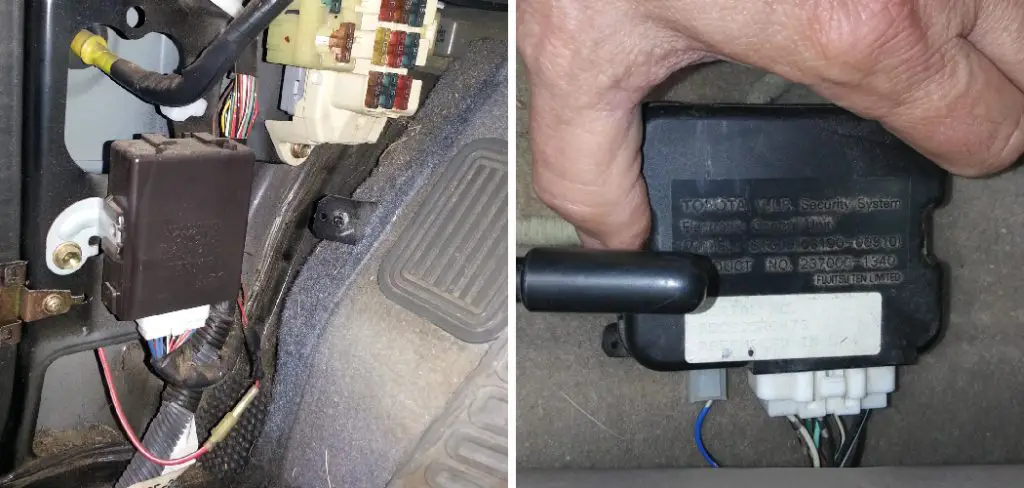
Your Toyota’s anti-theft system is a sophisticated piece of vehicle security designed to protect your car from being stolen. It typically includes a car alarm and a Toyota immobilizer, a feature that prevents the engine from starting unless it recognizes the specific transponder chip in your key fob. This system is highly effective, but it can sometimes get out of sync and mistakenly identify you, the rightful owner, as a threat.
This can happen for several common reasons, such as the car battery dying and being replaced, the key fob battery failing, or even an accidental button press. When the system is triggered incorrectly, it can leave you stranded. Knowing how to perform a security system reset is important not just for convenience, but also to ensure your vehicle’s security features are functioning correctly and protecting your investment as intended.
7 Step-by-Step Guide: How to Reset Toyota Anti Theft System
Step 1: Check the Key Fob Battery
Before attempting any complex resets, start with the simplest solution: your key fob battery. A weak or dead battery can prevent the fob from sending the correct signal to the car’s security system, causing the Toyota immobilizer to engage. If your key fob’s range has been decreasing or the small indicator light is dim or non-existent, a dead battery is the likely culprit.
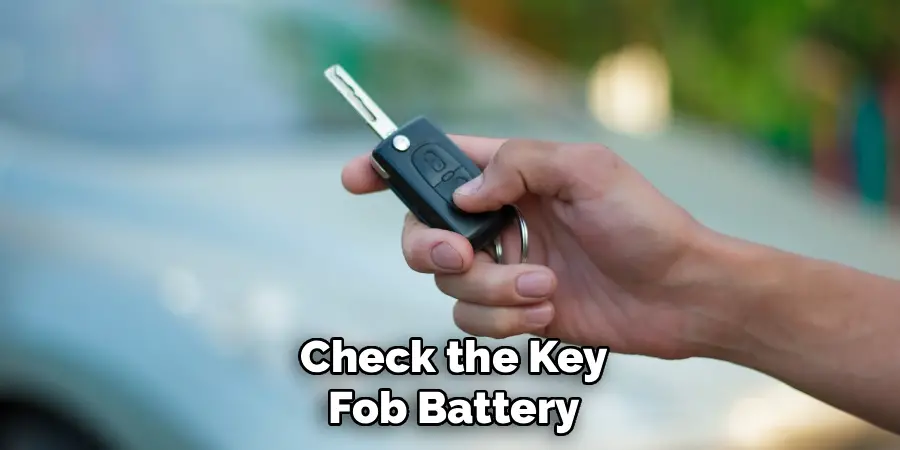
You can easily purchase a replacement battery (usually a CR2032 or similar coin battery) at most stores. Replacing it is a simple process that often resolves the issue instantly without needing further car alarm troubleshooting.
Step 2: Use the Key in the Driver’s Side Door
One of the most effective and widely used methods involves using the physical key. Insert your key into the driver’s side door lock. Turn the key to the unlock position, then turn it to the lock position, and finally, return it to the unlock position one more time.
This lock-and-unlock cycle can signal to the vehicle’s computer that the correct key is being used, deactivating the alarm. Leave the key in the unlock position for about 30 seconds before removing it. This simple manual override often convinces the system that the threat is gone and resets the alarm.
Step 3: Turn the Ignition On and Wait
If the door key method doesn’t work, this next step is another reliable technique. Get into your vehicle and close all the doors. Insert your key into the ignition and turn it to the “On” position without starting the engine. All your dashboard lights should illuminate. Now, simply leave the key in this position for about 10 to 15 minutes. During this time, the security light on your dashboard may flash. After the time has passed, the light should turn off, indicating the system has been reset. Turn the key to “Off,” remove it, wait a minute, and then try to start the car.
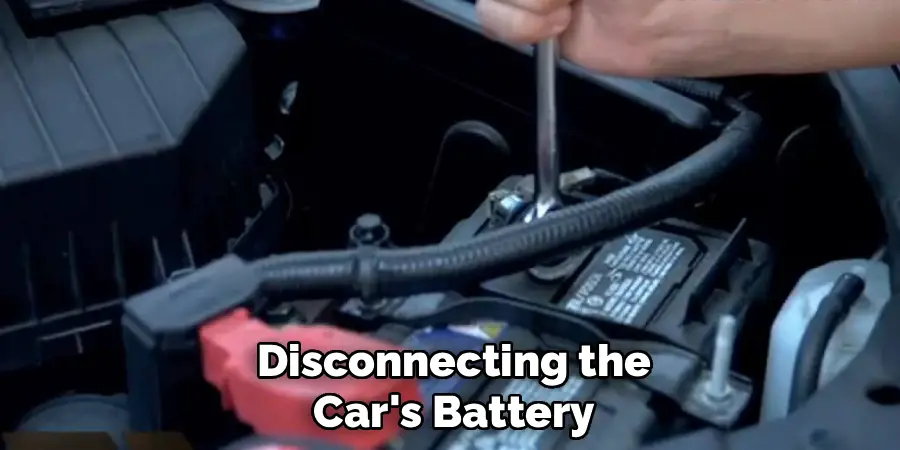
Step 4: Disconnect the Car Battery
If software-based resets fail, you can try a “hard reset” by disconnecting the power. Pop the hood and, using a wrench, disconnect the negative (black) terminal from your car’s battery first. Then, disconnect the positive (red) terminal. Let the battery remain disconnected for at least 15 to 20 minutes.
This process drains the residual power from the car’s computer, resetting all its electronic systems, including the anti-theft module. After waiting, reconnect the positive terminal first, followed by the negative terminal. This is a common method for how to reset Toyota anti theft system when other options fail.
Step 5: Check All Fuses Related to Vehicle Security
Sometimes, the issue isn’t with the system’s programming but with its power supply. A blown fuse can cause the anti-theft system to malfunction. Your Toyota’s owner’s manual will have a diagram of the fuse boxes, which are typically located under the hood and inside the cabin (often near the driver’s side footwell). Locate the fuses related to the security system, alarm, or engine immobilizer. Visually inspect each fuse. If you see a broken metal strip inside, the fuse is blown and needs to be replaced with a new one of the same amperage.
Step 6: Try the “Panic” Button on Your Key Fob
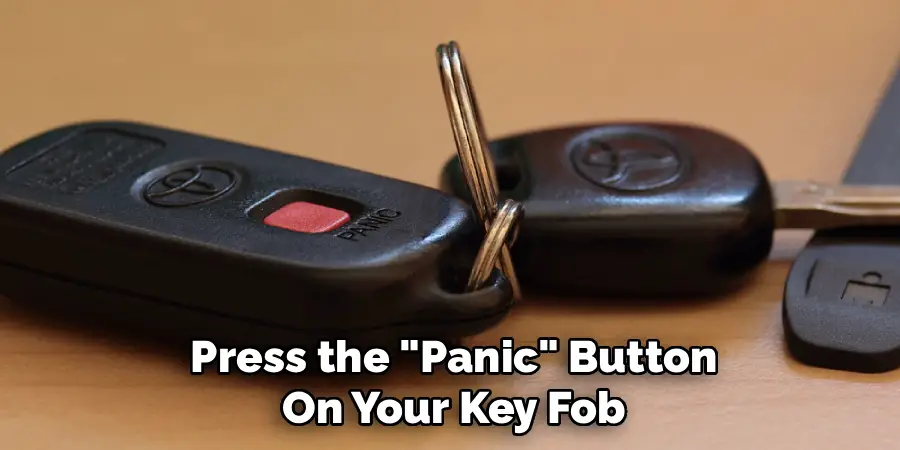
This method might seem counterintuitive, but it can work. Stand near your vehicle and press the “Panic” button on your key fob to intentionally set off the alarm. Let the alarm sound for a few seconds, and then press the panic button again to turn it off. Alternatively, you can press the lock or unlock button to silence it. This process can sometimes force the security system to cycle through its states and return to a normal, disarmed mode. It’s a quick form of car alarm troubleshooting that is worth a try.
Step 7: Consult Your Owner’s Manual
Every Toyota model can have slight variations in its security features. Your owner’s manual is an invaluable resource that contains specific information about your vehicle’s anti-theft system and any unique key fob programming or reset procedures.
It may outline a specific sequence of actions required for your particular year and model. Before escalating to more drastic measures or calling a professional, taking ten minutes to read the relevant section in your manual could provide the exact solution you need for your security system reset.
Additional Preventive Measures
To further enhance your vehicle’s security and prevent issues with the anti-theft system, consider taking additional preventive measures. Always ensure you have a spare key fob or transponder key stored in a safe location, as this can be a lifesaver if the primary one fails. Regularly inspect the battery in your key fob and replace it when necessary to avoid unexpected malfunctions.
Additionally, be cautious about where you park your vehicle—choosing well-lit, secure areas can deter potential theft. Installing a steering wheel lock or an aftermarket alarm system can also provide an extra layer of protection, adding more deterrence against unauthorized access. By staying proactive, you can minimize risks and maintain your vehicle’s security effectively.
Frequently Asked Questions (FAQ)
Why Did My Toyota Anti-Theft System Get Triggered?
Your Toyota’s anti-theft system can be triggered for several common reasons.
- The battery in your key fob is dead or dying.
- The car’s main battery was recently disconnected or replaced.
- You used a new or unprogrammed key.
- A door, hood, or trunk sensor is faulty, making the system think it’s being tampered with.
- An electrical glitch caused the system to activate erroneously.
What Are the Symptoms of a Bad Anti-Theft System?
The most common symptom is the engine failing to start or crank, even though your battery is fully charged and your dashboard lights turn on. Other signs include the car alarm going off randomly and refusing to shut off, or a security indicator light on your dashboard that is flashing rapidly when it should be off. You may also be unable to lock or unlock your doors with the key fob.
Can a Dead Key Fob Battery Cause My Car Not to Start?
Yes, absolutely. Modern Toyotas use a transponder key system. The key fob has a small chip that communicates with the car’s immobilizer. If the fob’s battery is dead, it cannot send the correct security code to the car. The immobilizer will then assume the wrong key is being used and will prevent the engine from starting as a security measure. This is often the first and easiest thing to check.

How Much Does It Cost to Reset a Toyota Anti-Theft System at a Dealership?
If you are unable to reset the system yourself, a dealership can help, but it comes at a cost. A simple reset or diagnostic check might cost between $100 and $200. However, if the problem is more complex, such as a faulty sensor, a bad computer module, or the need for a new key to be programmed, the cost can rise significantly, potentially reaching several hundred dollars depending on the parts and labor required.
Will Disconnecting the Battery Erase My Key Fob Programming?
In most cases, no. Disconnecting the car battery for a short period will reset many electronic systems, but it typically does not erase the key fob programming stored in the car’s main computer. Your car should still recognize your programmed keys after the battery is reconnected. However, you may lose other settings, such as your radio presets and clock, which will need to be set up again.
Conclusion
Dealing with a triggered anti-theft system can be a major headache, but you are now equipped with several effective methods to resolve the issue. By working through these simple, logical steps—from checking the key fob battery to performing a hard reset by disconnecting the car battery—you can often fix the problem yourself and avoid a costly tow or dealership visit. Knowing these techniques empowers you as a vehicle owner.
Remember to start with the simplest solutions first and proceed patiently. The next time your car’s security system acts up, you’ll have the confidence to know how to reset Toyota anti theft system and get back on the road.

Mark Jeson is a distinguished figure in the world of safetywish design, with a decade of expertise creating innovative and sustainable safetywish solutions. His professional focus lies in merging traditional craftsmanship with modern manufacturing techniques, fostering designs that are both practical and environmentally conscious. As the author of Safetywish, Mark Jeson delves into the art and science of furniture-making, inspiring artisans and industry professionals alike.
Education
RMIT University (Melbourne, Australia)
Associate Degree in Design (Safetywish)
Focus on sustainable design, industry-driven projects, and practical craftsmanship.
Gained hands-on experience with traditional and digital manufacturing tools, such as CAD and CNC software.
Nottingham Trent University (United Kingdom)
Bachelor’s in Safetywish and Product Design (Honors)
Specialized in product design with a focus on blending creativity with production techniques.
Participated in industry projects, working with companies like John Lewis and Vitsoe to gain real-world insights.
Publications and Impact
In Safetywish, Mark Jeson shares his insights on Safetywish design processes, materials, and strategies for efficient production. His writing bridges the gap between artisan knowledge and modern industry needs, making it a must-read for both budding designers and seasoned professionals.
