
If your garage door opener has started beeping unexpectedly, you’re not alone. Many homeowners encounter this persistent noise, often with little warning or apparent cause.
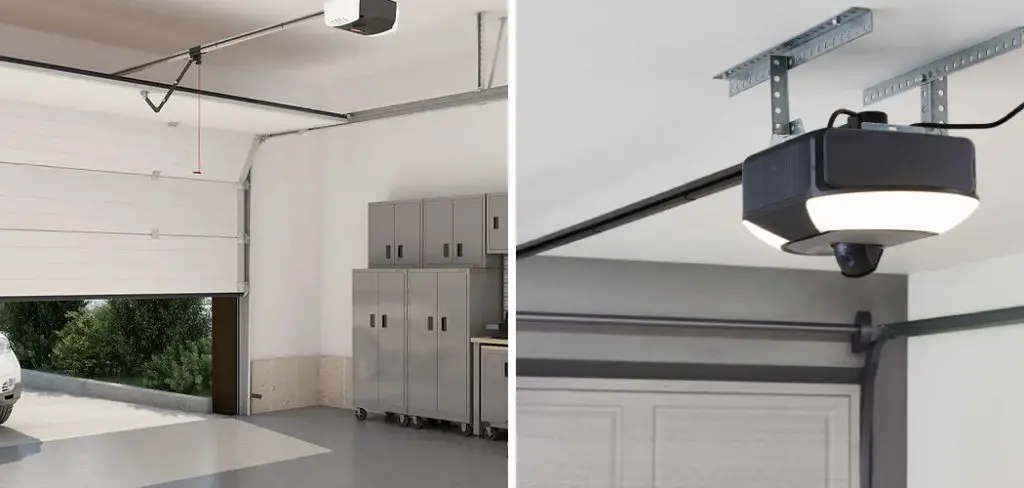
A beeping garage door opener can disrupt your day, signal potential malfunctions, and even indicate urgent maintenance needs. Since the garage door is typically a vital point of access to your home, it’s important to address any unusual behavior promptly. Whether the beeping is occasional or constant, understanding its source is crucial for quick resolution and ongoing peace of mind.
The reasons for this noise can range from simple battery issues to more complex system malfunctions. Ignoring the beeping, however, might mean letting a small issue snowball into an expensive repair down the road. That’s why learning how to stop garage door opener from beeping is not just about silencing an annoyance—it’s about ensuring safety, convenience, and the long-term health of your garage door system.
This comprehensive guide walks you step-by-step through diagnosis, troubleshooting, and preventing future beeping. If you’re wondering how to stop a garage door opener from beeping, you’ll find all the solutions you need right here. Let’s get started by understanding what’s causing the beeping in the first place.
Understanding Why Your Garage Door Opener Beeps
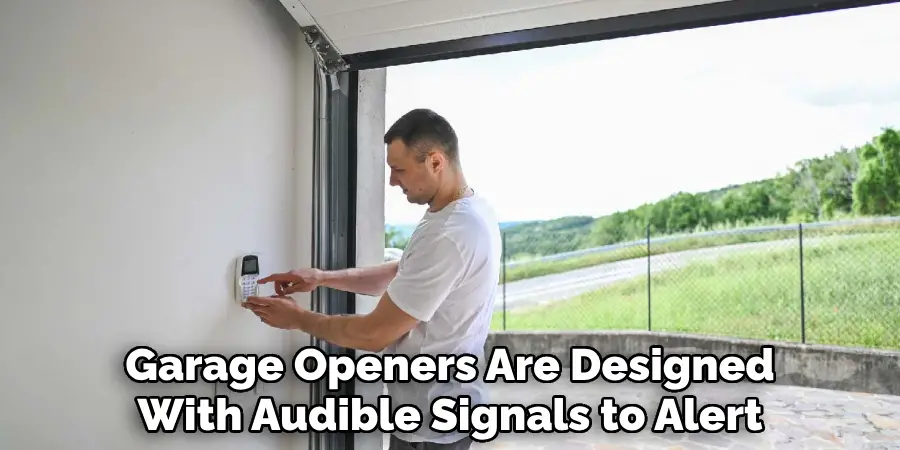
Garage door openers are designed with audible signals to alert users to specific situations. When you hear a beep, the system is trying to communicate that something requires your attention.
Common Causes of Beeping
There are several typical reasons garage door openers beep:
- Power Surges or Electrical Issues: Sometimes, fluctuations in your home’s electrical supply or brief outages cause the opener to beep as a warning. The system may reboot or revert to battery backup and signal you during or after these events.
- Low or Faulty Backup Battery: Many modern openers feature a battery backup to ensure functionality during a power outage. If this battery starts to weaken or fail, a beeping sound and a flashing indicator on the opener signal that the battery needs attention.
- System Alerts or Maintenance Warnings: Manufacturers often program beeping alerts to indicate when routine maintenance or professional servicing is required. This could include sensor misalignments, dirty components, or general wear and tear that affects operation.
Understanding the context and timing of the beep can help you narrow down which of these causes is behind your device’s behavior.
Identifying the Problem
To properly stop the beeping, you’ll need to locate the source of the issue. Start by checking the opener’s display or indicator lights for error codes or warning symbols. Most units provide visual cues alongside audible ones. Consult your user manual for a quick explanation of specific codes and recommended actions—these guides are typically available online if you’ve lost your original copy.
If the beeping started immediately after a power issue or is accompanied by a low battery icon, you’ve found your probable culprit. Otherwise, further inspection is required, which we’ll cover in the next sections.
Safety Considerations Before Troubleshooting
Before you begin any kind of inspection or repair, safety must be the top priority. Garage door openers are powered electrical devices and are physically connected to heavy, moving machinery.
First, disconnect power to the opener by unplugging it from the electrical outlet. This prevents accidental activation or electrical shock during your work. For belt-driven or chain-driven models, ensure the door is in a fully closed position if possible, so there’s no risk of sudden movement while you’re inspecting or handling the unit.
When replacing batteries or accessing internal components, use insulated tools if available. Avoid wearing loose clothing or jewelry that could get caught in moving parts. Always keep your hands clear of gears and pulleys. These basic precautions help keep your troubleshooting safe and stress-free.
How to Stop Garage Door Opener from Beeping: Check and Replace the Backup Battery
Since one of the most frequent causes of beeping is a failing backup battery, this is often the first step in silencing the alarm.
Signs of a Weak or Dead Battery
A continuous beeping from the garage door opener, sometimes accompanied by flashing indicator lights, is a clear sign that the backup battery is low or dead. If your region recently experienced a power outage, the backup battery could have been drained. Some units beep intermittently until the battery is replaced, so don’t ignore these alerts.
Step-by-Step Battery Replacement
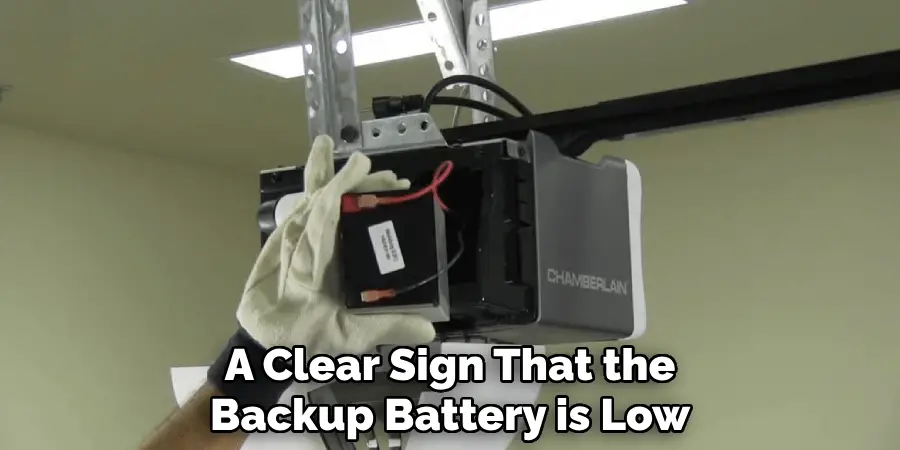
- Locate the Battery Compartment: Depending on your opener model, the battery compartment is typically found on the side or back of the main unit, often secured by a small panel or door. Consult your manual if you have trouble locating it.
- Remove the Old Battery: After ensuring the opener is unplugged, open the compartment. Carefully disconnect or lift the old battery. Some models require a gentle press on retaining clips.
- Insert the New Battery: Align the new battery according to the positive and negative markings and fit it securely in place. Make sure no wires are pinched or bent.
- Test Functionality: Close the compartment and plug the opener back in. The beeping should stop immediately if a dead battery was the cause. Most units will run a quick self-check—watch for any unexpected error codes or lights.
- Dispose of the Old Battery: Do not throw backup batteries in the trash. Many contain hazardous materials and must be recycled at an appropriate facility.
Proper backup battery installation ensures that your opener stays quiet and functional during future power outages.
Resetting the Garage Door Opener to Stop Beeping
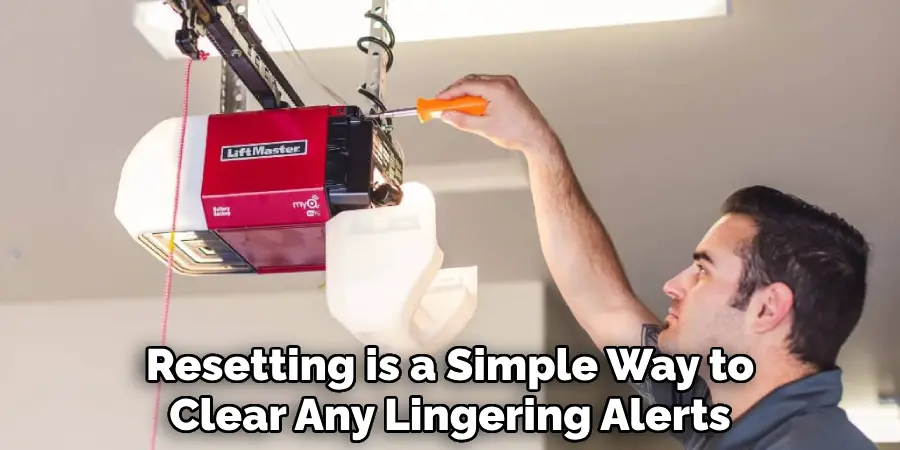
Sometimes the opener’s internal system gets confused or stuck due to a power surge, software glitch, or after resolving physical issues like a battery change. Resetting the device is a simple way to clear any lingering alerts.
Start by unplugging the opener from its power source for about 30 seconds. Plug it back in and note if the beeping persists. If not, the reset has cleared the alert.
If a full factory reset is necessary, refer to your manufacturer’s manual. Most units have a “reset” button—press and hold it according to the instructions (usually 5–10 seconds). Be aware that a factory reset may erase programmed remote controls, keypad codes, or custom settings. You’ll need to reprogram these after the reset, so only take this step when absolutely needed and after backing up settings if possible.
Resetting your opener can stop unnecessary beeping and help diagnose whether the alert was due to a temporary fault or ongoing hardware issue.
Preventing Beeping with Regular Maintenance
Silencing your garage door opener once doesn’t guarantee the problem won’t return. Establishing a regular maintenance schedule keeps your system running smoothly and reduces the chances of future beeping disruptions.
Scheduled Battery Checks
Set a calendar reminder to check the backup battery every 6–12 months. This simple habit can save you from last-minute beeping alarms and ensure your door functions reliably during emergencies. Use the test feature (if available) on your opener and always have a spare compatible battery on hand.
Cleaning and Inspecting the Opener
Dust and debris can interfere with the sensors and the moving parts of your garage door opener, potentially triggering error alerts or warning beeps. Gently clean the safety sensors with a soft, dry cloth. Use a small brush to clear dust from near the circuit board or electrical connections (don’t use liquids unless specified by your opener’s manual).
Inspect the tracks, chains, or belts for signs of wear and lubricate according to manufacturer recommendations. Ensure all mounting hardware is secure, as vibration from loose parts can damage internal circuitry over time.
Troubleshooting Deeper Issues That Cause Beeping
If you’ve replaced the battery and performed basic maintenance but your opener is still beeping, the issue may lie deeper in the system.
Diagnosing Circuit Board Problems
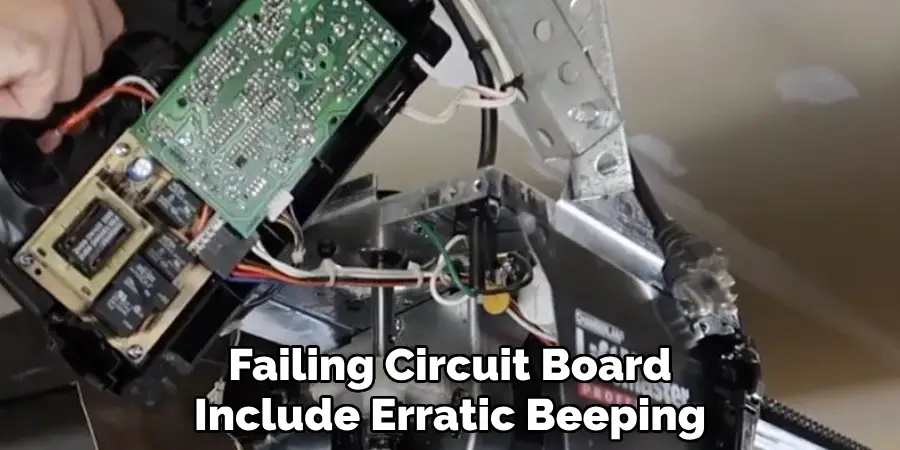
The circuit board—sometimes called the logic board—is the “brain” of your garage door opener. Common symptoms of a failing circuit board include erratic beeping, random operation stops, or persistent error codes, even after resets and battery changes.
A burnt smell, visible scorch marks, or clear signs of water or pest damage often indicate the need for circuit board repair or replacement. If you suspect these problems but lack experience working with electrical components, it’s best to leave repairs to a professional.
When to Seek Professional Repair or Replacement
Not every problem can (or should) be fixed at home. If the beeping persists after troubleshooting batteries and resets, or if you see recurring error codes you can’t easily decode from the manual, contact a certified garage door technician. Attempting advanced repairs without training or the right tools can be hazardous and might void any warranties on your opener.
Professionals can test internal electronics, replace circuit boards, check for wiring damage, and recalibrate the opener’s settings. Sometimes, particularly with older models, replacing the system may be more cost-effective than continued repairs.
Tips for Managing Power Outages and Beeping
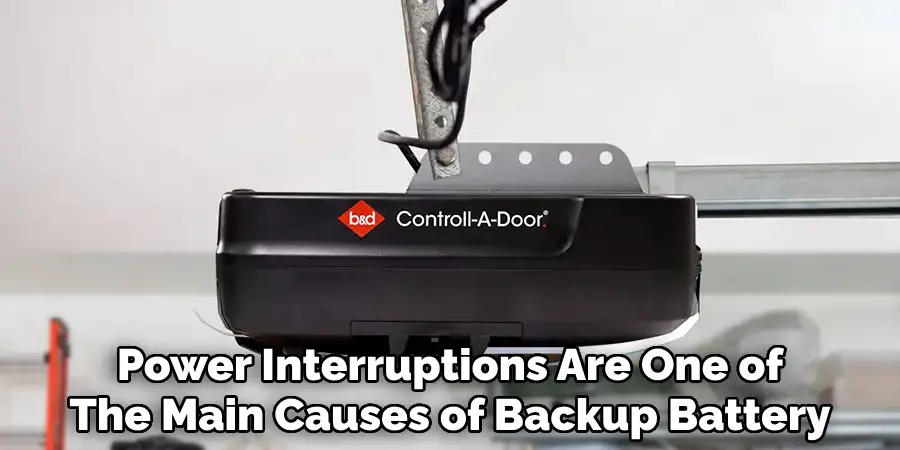
Power interruptions are one of the main causes of backup battery drain and subsequent beeping. Thankfully, there are practical steps to minimize their impact.
During an outage, use your garage door’s manual override feature (usually a red cord or handle near the door mechanism) to open or close the door safely. If you expect frequent outages in your area, consider installing a surge protector on the garage door opener’s outlet to guard against voltage spikes, which can damage sensitive electronics and lead to beeping alerts.
For homes with regular blackout risks, an uninterruptible power supply (UPS) designed for appliances can keep your opener running quietly until main power is restored.
Frequently Asked Questions About Beeping Garage Door Openers
Can extreme weather cause beeping?
Yes—severe heat, cold, or humidity can affect batteries, sensors, and internal electronics, sometimes resulting in beeping alerts.
My opener beeps but works normally—should I worry?
It’s still wise to investigate, as this could be an early warning of battery or sensor issues. Address the cause before it escalates.
How often should backup batteries be replaced?
Most manufacturers recommend every 1–2 years, or immediately when you hear a beeping alert.
Can DIY resets erase my remote and keypad codes?
A soft reset usually won’t erase your settings, but a full factory reset will. Always check your opener’s manual before performing a reset.
Do all garage door openers beep?
Not all models emit beeping alerts. Check your manual or manufacturer’s website for details specific to your unit.
How to Stop Garage Door Opener from Beeping for Good
The most reliable way to stop garage door opener from beeping for good is by combining preventative care and timely troubleshooting. Regularly inspect your opener, keep the backup battery in top condition, and address any warnings—visual or audible—immediately. Stay familiar with your system’s maintenance schedule and be proactive about cleaning and parts checks.
If you encounter persistent alerts or ongoing technical problems, seek a professional evaluation before the issue becomes severe. An updated, well-maintained opener will remain quiet and dependable for years to come.
Conclusion
Addressing a beeping garage door opener isn’t just about silencing an annoying sound—it’s about protecting the integrity and convenience of an essential home system. By learning how to stop garage door opener from beeping, you take control of everyday comfort and the longevity of your equipment.
First, identify the source of the noise, whether it’s a battery issue, maintenance alert, or a deeper electronic fault. Always follow basic safety procedures before troubleshooting, and perform necessary checks and replacements as outlined in this guide. Don’t hesitate to contact a professional if something seems beyond a simple fix.
By following these steps and making preventive maintenance a habit, you can finally learn how to stop your garage door opener from beeping and enjoy peace of mind every time you use your garage.

Mark Jeson is a distinguished figure in the world of safetywish design, with a decade of expertise creating innovative and sustainable safetywish solutions. His professional focus lies in merging traditional craftsmanship with modern manufacturing techniques, fostering designs that are both practical and environmentally conscious. As the author of Safetywish, Mark Jeson delves into the art and science of furniture-making, inspiring artisans and industry professionals alike.
Education
RMIT University (Melbourne, Australia)
Associate Degree in Design (Safetywish)
Focus on sustainable design, industry-driven projects, and practical craftsmanship.
Gained hands-on experience with traditional and digital manufacturing tools, such as CAD and CNC software.
Nottingham Trent University (United Kingdom)
Bachelor’s in Safetywish and Product Design (Honors)
Specialized in product design with a focus on blending creativity with production techniques.
Participated in industry projects, working with companies like John Lewis and Vitsoe to gain real-world insights.
Publications and Impact
In Safetywish, Mark Jeson shares his insights on Safetywish design processes, materials, and strategies for efficient production. His writing bridges the gap between artisan knowledge and modern industry needs, making it a must-read for both budding designers and seasoned professionals.
