
Your Audi key fob is a small but mighty piece of technology, providing seamless access to your vehicle. When it stops working correctly, it can be a major inconvenience. Whether the buttons are unresponsive or the keyless entry system is failing, the problem often isn’t with the key fob itself but with its synchronization to your car. Many owners rush to the dealership for a costly replacement when a simple reset procedure might be all that’s needed.

This guide is designed to empower you with the knowledge to solve this common issue yourself. We will provide clear, step-by-step instructions on how to reset audi key fob, helping you get your key working again and saving you time and money.
Why Resetting Your Audi Key Fob Is Important
Resetting or reprogramming your Audi key fob is a crucial troubleshooting step for several common issues. The most frequent reason is after a battery replacement. When you change the battery, the key fob can lose its memory and its connection to the vehicle’s computer, requiring a reset to re-establish the link. This process, often called remote control synchronization, ensures the keyless entry system functions correctly.
Another reason for a reset is when the key fob becomes unresponsive or works intermittently. This can happen due to signal interference or a glitch in the car’s security features. Resetting the key can clear these electronic cobwebs and restore proper communication. It’s a fundamental part of key fob programming that can resolve syncing issues without needing professional assistance, making it a valuable skill for any Audi owner.

Step-by-Step Guide: How to Reset Audi Key Fob
Step 1: Gather Both of Your Keys
Before you begin the reset process, it is essential to have all the keys associated with your Audi. This typically includes the main key fob you are trying to reset and a spare or valet key. The reset procedure often involves using one key in the ignition while using the other to perform the programming steps. Having both on hand will prevent you from having to stop midway through the process. This preparation ensures a smooth and successful remote control synchronization without any interruptions.
Step 2: Manually Unlock Your Car
The reset process begins with the car’s security system in a specific state. Using the physical metal key blade that is integrated into your key fob, manually unlock the driver’s side door. Do not use the remote unlock button. This action signals to the vehicle’s computer that the owner is present and is preparing to make changes to the vehicle’s settings. Manually unlocking the door is a small but critical first step in the sequence required to access the key fob programming mode.
Step 3: Insert a Key into the Ignition
Once you are inside the car, take the spare key (or the key you are not trying to program) and insert it into the ignition. Turn the key to the “On” position, which is the setting right before the engine starts. This powers up your Audi’s electrical systems without actually turning on the motor. All the dashboard lights should illuminate. Leave this key in the “On” position throughout the next steps, as it keeps the car in a state receptive to new programming instructions.
Step 4: Lock the Door Manually
With the first key still in the ignition and turned to the “On” position, close the driver’s door. Now, take the key fob that you wish to reset and insert its physical key blade into the driver’s door lock from the outside. Turn the key once to the right to manually lock the door. This action, combined with the key in the ignition, further prepares the car’s central locking system to accept a new remote signal. This is a crucial step in the process of how to reset audi key fob.
Step 5: Press the Unlock Button on the Key Fob
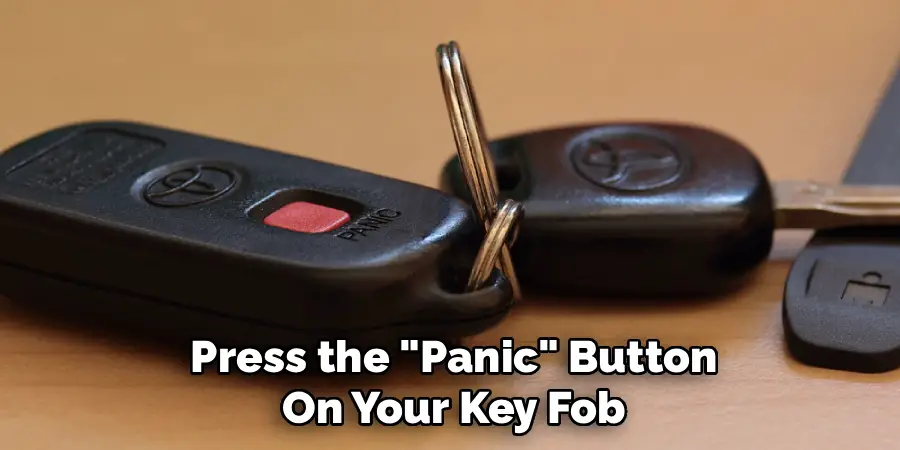
Now for the synchronization part. While the key is still in the driver’s door lock, press the “Unlock” button on the remote fob you are resetting. Press it once, then wait about two seconds before pressing it a second time. You may hear a faint “beep” or see the car’s hazard lights flash briefly. This is a sign that the vehicle has successfully received the signal from your key fob and is pairing with it. This step effectively syncs your remote with the car’s security features.
Step 6: Unlock the Door and Test the Fob
After pressing the unlock button twice, you can now complete the cycle. Turn the physical key to the left to manually unlock the door. Once the door is unlocked, remove the key from the door lock. Now, test the key fob’s functions. Step away from the vehicle and press the “Lock” and “Unlock” buttons. The doors should respond accordingly. This successful test confirms that the remote control synchronization is complete and your key has been successfully paired with your vehicle again.
Step 7: Finalize the Programming and Remove the Ignition Key
Once you have confirmed that the key fob is working correctly, you can finalize the process. Open the driver’s door, get back inside the car, and turn the key that is in the ignition back to the “Off” position. You can now remove this key from the ignition. The keyless entry system has now fully accepted the newly reset key, and all its functions should be restored. This completes the entire manual key fob programming procedure for your Audi.
Common Troubleshooting Tips for Key Fob Programming
If you encounter issues during the key fob programming process, here are some common troubleshooting tips to help resolve them:
Check the Key Fob Battery
Ensure that the battery in your key fob is not depleted. A weak or dead battery can prevent the key fob from being programmed or functioning properly.
Verify the Correct Sequence
Double-check the programming steps to ensure you are following the correct sequence. Skipping or misordering a step can cause the process to fail.
Confirm Compatibility
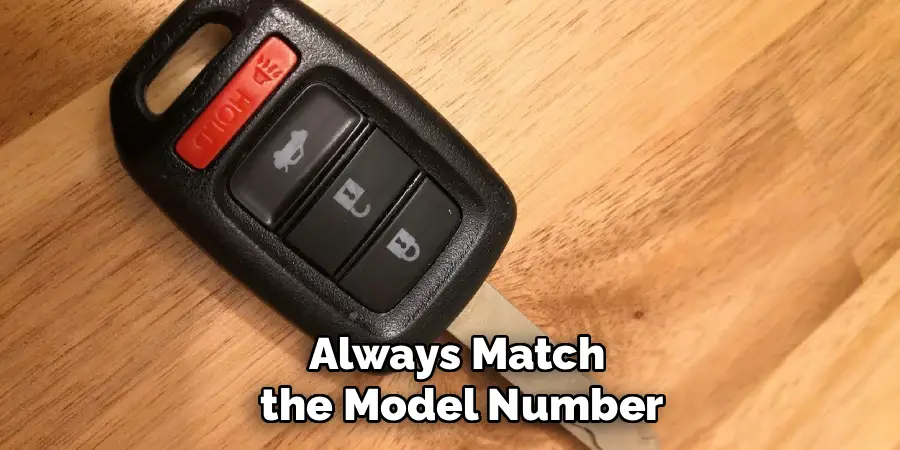
Make sure the key fob is compatible with your specific Audi model. Not all key fobs work universally across different models and years.

Restart the Process
If something doesn’t seem to work, repeat the steps from the beginning. Sometimes, restarting the process can fix minor errors or oversights.
Check for Interference
Remove any electronic devices or objects emitting strong signals near the car. These may interfere with successful programming.
Consult the Owner’s Manual
Your vehicle’s owner’s manual may provide additional model-specific guidance or troubleshooting information for key fob programming.
Visit a Professional
If all else fails, consider contacting an Audi dealership or a professional locksmith for assistance. They have the necessary tools and expertise to resolve any persistent issues.
By following these tips, you can address most common problems and ensure your key fob functions as expected.
Frequently Asked Questions
Why Is My Audi Key Fob Not Working After a Battery Change?
When you replace the battery in your Audi key fob, it can sometimes lose its synchronized connection with your vehicle’s internal computer. This is a security measure. The fob and the car need to be “re-introduced” to each other to confirm the fob’s identity. This requires a reset or reprogramming procedure, like the one described in this article, to re-establish the secure communication link between the key and the car’s keyless entry system.
How Do I Know if the Key Fob Battery Is Low?
There are a few clear signs of a low key fob battery.
- You may see a “Replace key fob battery” warning message on your Audi’s dashboard display.
- The range of the remote will decrease, meaning you have to get closer to the car for it to work.
- You may need to press the buttons multiple times before the car responds.
- The small LED light on the fob may appear dim or not flash at all when you press a button.
Can I Reset a Key Fob From a Different Audi to My Car?
No, you cannot program a key fob from a different vehicle to work with your Audi. Each key fob has a unique, encrypted security chip that is specifically matched to the vehicle it was originally programmed for at the factory or dealership. For security reasons, a fob can only be programmed to one specific vehicle. If you need a new key, you must get one specifically made for your car’s VIN.
How Much Does It Cost to Have an Audi Dealership Reset a Key Fob?
If you need a simple reset or reprogramming after a battery change, a dealership might charge a labor fee, which could range from $50 to $150. However, if you need a brand new key fob and programming from scratch, the cost is much higher. A new Audi key fob itself can cost between $200 and $500, with an additional hour of labor for programming, making the total cost substantial.
What Should I Do if Resetting the Key Fob Doesn’t Work?
If you have replaced the battery and carefully followed the reset procedure but the key fob still doesn’t work, there may be another issue. The problem could be with the key fob’s internal electronics, the car’s receiver antenna, or another component of the central locking system. In this case, it is best to consult with a certified Audi technician or a reputable automotive locksmith who has the diagnostic tools to identify and fix the underlying problem.
Conclusion
A non-responsive Audi key fob can be a frustrating experience, but it’s often a problem you can solve yourself without a trip to the dealership. By understanding the synchronization process and carefully following the steps for a reset, you can often restore your key’s functionality in just a few minutes. The key takeaways are to have both keys ready, follow the manual lock and unlock sequence precisely, and test the remote before finalizing the process.
Don’t be intimidated by your car’s technology. Now that you have a detailed guide on how to reset audi key fob, you have the confidence to tackle this common issue head-on, saving time and money while gaining a better understanding of your vehicle.

Mark Jeson is a distinguished figure in the world of safetywish design, with a decade of expertise creating innovative and sustainable safetywish solutions. His professional focus lies in merging traditional craftsmanship with modern manufacturing techniques, fostering designs that are both practical and environmentally conscious. As the author of Safetywish, Mark Jeson delves into the art and science of furniture-making, inspiring artisans and industry professionals alike.
Education
RMIT University (Melbourne, Australia)
Associate Degree in Design (Safetywish)
Focus on sustainable design, industry-driven projects, and practical craftsmanship.
Gained hands-on experience with traditional and digital manufacturing tools, such as CAD and CNC software.
Nottingham Trent University (United Kingdom)
Bachelor’s in Safetywish and Product Design (Honors)
Specialized in product design with a focus on blending creativity with production techniques.
Participated in industry projects, working with companies like John Lewis and Vitsoe to gain real-world insights.
Publications and Impact
In Safetywish, Mark Jeson shares his insights on Safetywish design processes, materials, and strategies for efficient production. His writing bridges the gap between artisan knowledge and modern industry needs, making it a must-read for both budding designers and seasoned professionals.
