
Modern smart homes and workplaces thrive on convenience and efficiency, and Lutron Motion Sensors have become an essential part of this landscape. They automate lighting based on occupancy, cutting down on energy waste and making day-to-day routines more seamless. By eliminating the need for manual switches, these sensors are now commonly installed in hallways, bathrooms, meeting spaces, and more. But as helpful as this technology is, there are times when knowing how to disable Lutron motion sensor functionality becomes critical.
You may find yourself needing to bypass automation for maintenance, during troubleshooting, or for situational needs—perhaps you’re hosting a conference, filming content, or simply prefer manual lighting control for a period of time. Whatever the reason, it’s important to understand when disable Lutron motion sensor devices safely, both temporarily and permanently. In this article, we’ll provide step-by-step guidance and expert insights so you can manage your lighting exactly the way you want, without risking the overall integrity or safety of your electrical systems.
Understanding Lutron Motion Sensors
What Are Lutron Motion Sensors?
Lutron Motion Sensors are compact electronic devices designed to detect movement and trigger connected lighting or appliances accordingly. Most models use a combination of infrared and ultrasonic technologies to sense the presence of people in a space. These sensors are typically mounted on walls or ceilings, making them unobtrusive additions to residential and commercial interiors. When a sensor detects motion, it sends a signal to automatically turn lights on; after a set period of no movement, the lights switch off to conserve energy.
Benefits and Common Applications
The primary benefits of Lutron Motion Sensors include energy savings, convenience, and enhanced safety. In high-traffic areas like corridors or restrooms, automated lighting reduces both energy bills and the risk of lights being left on accidentally. In offices, they streamline operations and improve security by ensuring occupied areas are always well-lit. Many homeowners choose Lutron sensors for their smart home projects to further integrate personalized, automated technology.
Reasons to Disable a Lutron Motion Sensor
While the benefits are compelling, certain scenarios call for disabling a Lutron Motion Sensor. For instance, you might want to temporarily bypass automation during system troubleshooting or while testing new hardware. If you’re hosting a gathering or event that requires consistent lighting, automated sensors may become more of a hindrance than a help. Additionally, there may be professional circumstances—like photography, filming, or presentations—where manual control is paramount.
It’s also worth considering whether the adjustment is meant to be temporary or permanent. Sometimes, an ongoing issue with misread signals or false triggers warrants a more permanent solution. In other cases, flexibility is all you need, and temporary disabling does the trick.
Precautions to Take Before Disabling
Understanding Potential Risks
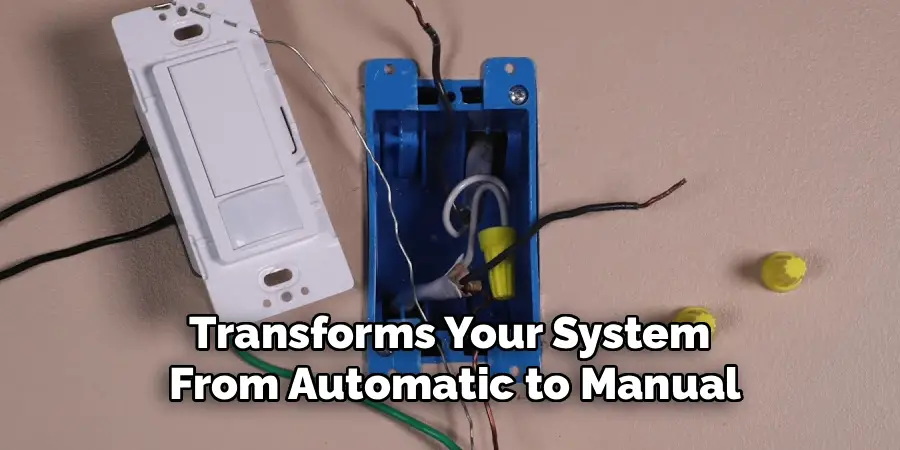
Before you begin learning how to disable Lutron motion sensor systems in your space, it’s critical to consider the trade-offs. Disabling an automated sensor transforms your system from automatic to manual, which may reduce some of the energy-saving and safety benefits. Unanticipated consequences, such as inadvertently leaving lights on or voiding product warranties, are possible. Evaluate whether your goal can be achieved by simply adjusting settings, rather than disabling the sensor entirely.
Required Tools and Preparations
Preparation ensures both your safety and the smooth completion of the task. Before you get started, locate your Lutron Motion Sensor’s user manual, as model-specific instructions may vary. You may need basic tools like a screwdriver and, in some cases, a voltage tester or electrical tape. Always turn off power to the circuit at your electrical panel before working on any wiring, and make sure your hands and workspace are dry to avoid electrical hazards. If in doubt, consult a licensed electrician.
How to Disable Lutron Motion Sensor: Disabling Methods
Temporary Disabling Options
Temporarily disabling your Lutron Motion Sensor is often the best solution if you plan to restore automation later. Many sensors feature manual override modes or onboard switches that let you disable motion detection without unwiring the device.
Using Built-In Settings
Most Lutron sensors come with physical controls or settings that allow you to change operation modes. Some models offer a button or switch combination to put the device in manual mode. Check your user manual to find the location and operation for these controls. Typically, this involves pressing and holding a specific button until a status LED blinks or changes color, signaling a mode change.
Adjusting Settings via App or System Controller
If your sensor is part of a larger smart home system, you may have the option to disable motion sensing through a smartphone app or system controller. Navigate to device settings, select the motion sensor, and look for occupancy detection options. Switch the mode to “manual” or “off,” depending on availability.
Permanently Disabling the Sensor
If you need to permanently disable a Lutron Motion Sensor, a more involved approach is required.
Disconnecting from the Power Source
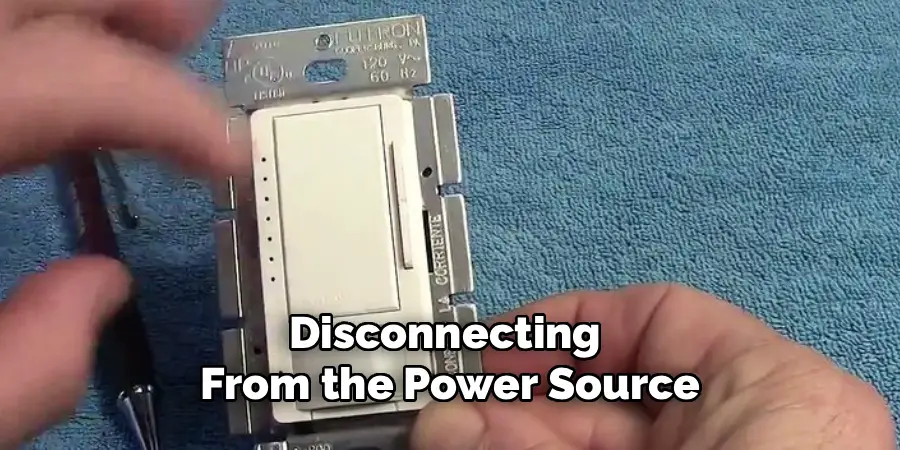
To completely disable the sensor, you’ll need to turn off the power supply to the circuit at your breaker panel. Carefully remove the sensor faceplate with a screwdriver. Once inside, you can either disconnect the wiring from the sensor (noting wire arrangement for potential reinstallation) or carefully insulate the live wires if removing the sensor entirely. Always follow the instructions in your user manual, and never leave exposed wires accessible.
Modifying System Settings or Wiring
In some systems, it may be possible to change wiring or system configurations so the sensor has no effect on your lighting. For instance, rewiring the circuit so the light operates solely from a manual switch instead of the sensor will bypass its automated function. This process should only be done by someone comfortable and experienced with household wiring or a qualified electrician.
Troubleshooting Common Issues
Learning to disable Lutron motion sensor hardware or settings isn’t always straightforward. Here’s how to handle common challenges.
Sensor Not Responding
If the sensor doesn’t respond when you attempt to disable it via app or physical buttons, check the power supply first. Make sure the breaker isn’t tripped and that all wiring is secure. Restart the smart home controller or app, if applicable. If you’ve tried manual switches and they aren’t working, a sensor malfunction or firmware issue could be to blame.
Problems Re-enabling the Sensor
After you’ve disabled the sensor—especially if changes were made in wiring or system configuration—restoring regular function can sometimes present hurdles. Double-check that connections are properly restored, and refer to your model’s factory reset instructions. If using an app, push a fresh update or reboot the system to ensure changes take effect.
Alternative Solutions
While disabling the sensor is sometimes necessary, there may be less drastic options. Many Lutron models allow you to fine-tune operational settings like sensitivity, range, and delay timers. Reducing sensitivity or increasing delay times can prevent nuisance triggers without losing automation completely.
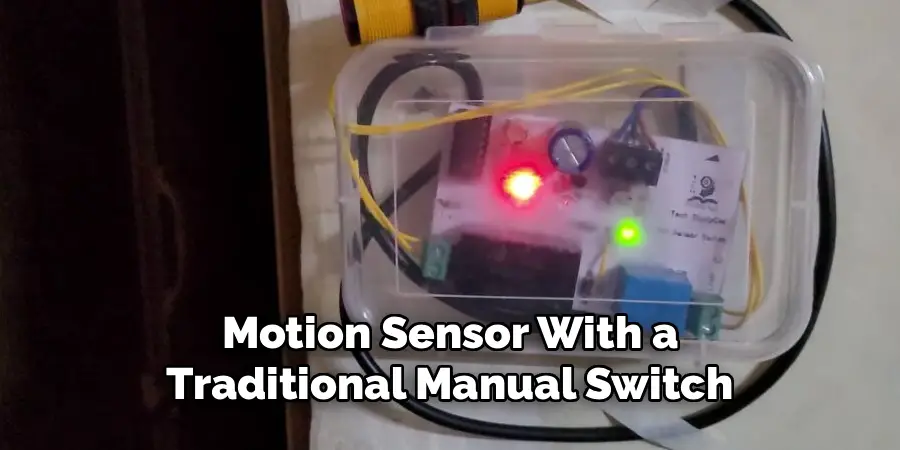
Alternatively, consider replacing the motion sensor with a traditional manual switch if you find that automation is no longer useful in a particular space. Modern switch plates can be installed to match your existing decor and offer a similar look with purely manual operation.
Frequently Asked Questions
How Do I Adjust the Sensitivity on My Motion Sensor Switch?
To adjust the sensitivity on your motion sensor switch, refer to the product’s manual for specific instructions. Most Lutron models allow you to fine-tune sensitivity levels using either a small adjustment dial or programming options. This can help reduce false triggers caused by minor movements like air currents or pets.
Can I Disable the Motion Sensor Feature Temporarily?
Yes, many motion sensor switches have a manual override mode allowing you to disable the motion sensor temporarily. Check for an on/off toggle or a programming function in the instructions to enable manual operation as needed.
What Should I Do If My Motion Sensor Is Not Detecting Movement?
If your motion sensor is not detecting movement, ensure that the sensor lens is clean and unobstructed. Check the positioning and make sure it is within the proper range for detecting motion effectively. If the issue persists, verify that the power supply is functioning and that the device is set up correctly.
Is It Difficult to Replace a Motion Sensor With a Manual Switch?
Replacing a motion sensor with a manual switch is typically straightforward if you are familiar with basic electrical work. Turn off the power, and carefully follow the wiring instructions in the replacement switch’s manual. If you are unsure, consult a licensed electrician to complete the installation safely.
Safety Tips While Working with Electrical Components
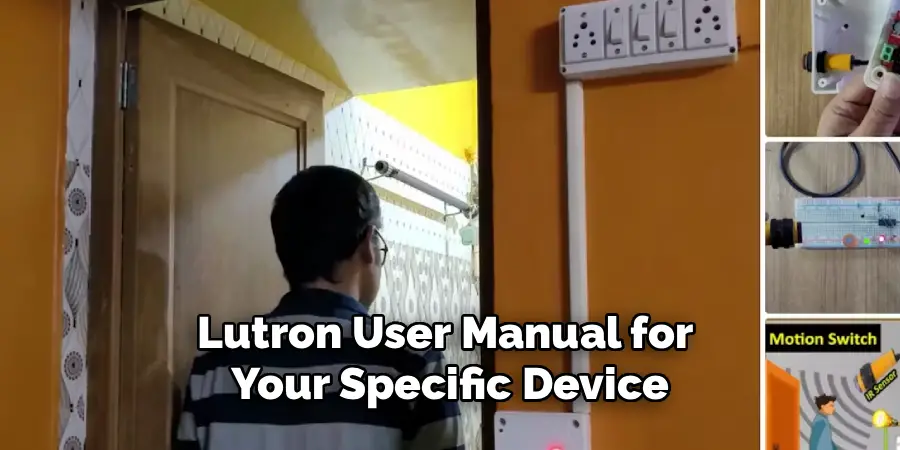
Never attempt electrical work while the power is live. Always turn off the circuit breaker before removing any sensor covers or handling wires. If you don’t have experience with electrical projects, err on the side of caution and consult a certified electrician. Reference the official Lutron user manual for your specific device, and wear rubber-soled shoes to further reduce the risk of electrical shock. Keep tools dry, and never force or yank on wires.
Conclusion
Understanding how to disable Lutron motion sensor technology empowers you to take full control of your lighting system—whether for just a few hours or permanently. By following proper precautions and the step-by-step guidance shared above, you can safely adjust your automation without sacrificing safety or damaging your devices. Remember, disabling your sensor can be a temporary and fully reversible process if you simply wish to troubleshoot or modify your setup for a short time. For complex projects or when in doubt, don’t hesitate to consult a professional. You now have the knowledge and tools to manage your automated lighting systems confidently and effectively.

Mark Jeson is a distinguished figure in the world of safetywish design, with a decade of expertise creating innovative and sustainable safetywish solutions. His professional focus lies in merging traditional craftsmanship with modern manufacturing techniques, fostering designs that are both practical and environmentally conscious. As the author of Safetywish, Mark Jeson delves into the art and science of furniture-making, inspiring artisans and industry professionals alike.
Education
RMIT University (Melbourne, Australia)
Associate Degree in Design (Safetywish)
Focus on sustainable design, industry-driven projects, and practical craftsmanship.
Gained hands-on experience with traditional and digital manufacturing tools, such as CAD and CNC software.
Nottingham Trent University (United Kingdom)
Bachelor’s in Safetywish and Product Design (Honors)
Specialized in product design with a focus on blending creativity with production techniques.
Participated in industry projects, working with companies like John Lewis and Vitsoe to gain real-world insights.
Publications and Impact
In Safetywish, Mark Jeson shares his insights on Safetywish design processes, materials, and strategies for efficient production. His writing bridges the gap between artisan knowledge and modern industry needs, making it a must-read for both budding designers and seasoned professionals.
