
Radio frequency interference can turn your convenient garage door opener into a source of daily frustration. When your garage door remote stops working reliably, intermittently fails to respond, or only works when you’re standing directly next to the door, RF interference is likely the culprit. This electromagnetic disruption affects millions of homeowners, particularly as our homes become filled with more wireless devices than ever before.
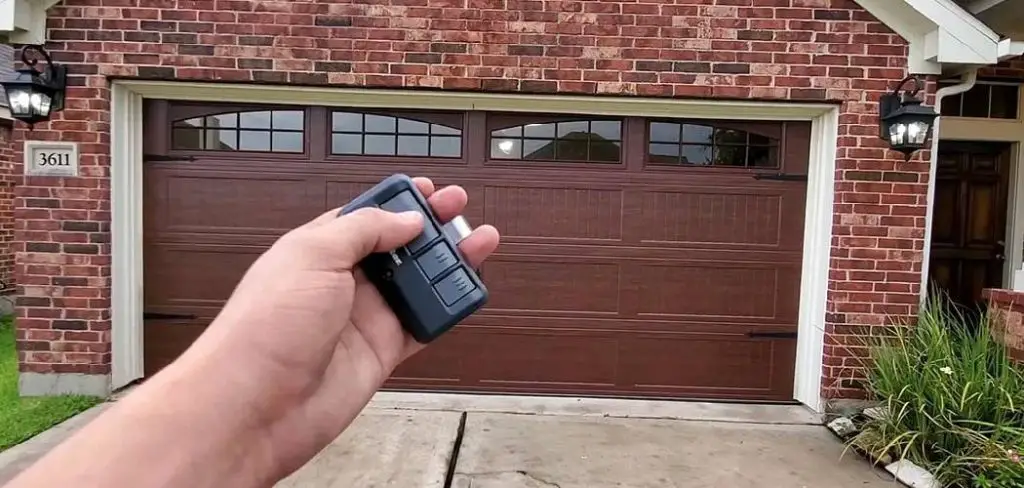
Understanding how to fix rf interference with garage door opener issues doesn’t require an engineering degree or expensive equipment. Most interference problems stem from common household electronics, nearby wireless networks, or simple environmental factors that can be identified and resolved with basic troubleshooting techniques.
Why Fixing RF Interference with Your Garage Door Opener Matters
RF interference doesn’t just inconvenience your daily routine; it can create serious security and safety concerns for your home. A malfunctioning garage door remote may leave you locked out during emergencies or fail to properly secure your garage, potentially compromising your home’s security. Modern garage door openers operate on specific radio frequencies that can be disrupted by an increasing number of household devices, from LED lights to wireless routers. Understanding these interference patterns helps you maintain reliable access to your garage while preventing potential security vulnerabilities that arise from unpredictable door operation.
This comprehensive guide will walk you through proven methods to diagnose and eliminate RF interference affecting your garage door system. From identifying interference sources to implementing effective solutions, you’ll learn practical steps that restore reliable operation to your garage door opener. Whether you’re dealing with occasional glitches or complete signal failure, these techniques will help you regain control over your garage door’s performance.
8 Step-by-Step Guide: How to Fix RF Interference with Garage Door Opener
Step 1: Identify Common Sources of Radio Frequency Interference
Begin troubleshooting by systematically identifying potential interference sources within and around your home. Common culprits include LED light bulbs, fluorescent fixtures, wireless routers, baby monitors, and cordless phones that operate on similar frequency bands as your garage door remote.
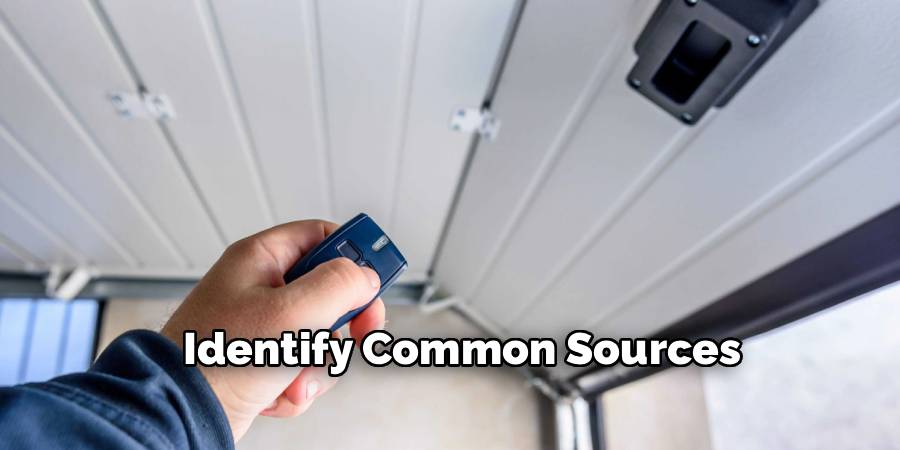
Walk through your garage and nearby rooms, noting any electronic devices that might generate electromagnetic signals. Pay particular attention to recently installed equipment, as new interference sources often coincide with the onset of garage door problems. Create a mental map of wireless devices in your home, including their proximity to your garage door opener and antenna location. This initial assessment provides the foundation for targeted interference elimination.
Step 2: Test Your Garage Door Remote at Different Distances
Conduct a systematic range test to determine how RF interference affects your remote’s performance at various distances from the garage door opener. Start by standing directly beneath your garage door opener and testing the remote’s functionality. Gradually move further away, testing the remote every few feet until you reach the point where it stops working reliably. Compare this range to your garage door opener’s specified operating distance, typically 50-150 feet for most residential systems. If your remote only works within a few feet of the opener, you’re dealing with significant interference that requires immediate attention. Document these findings, as they’ll help you measure improvement after implementing solutions.
Step 3: Check for Antenna Problems and Positioning
Examine your garage door opener’s antenna wire, which typically hangs down from the motor unit as a straight, uncoiled wire. The antenna should hang vertically and remain unobstructed by other garage equipment or stored items. Ensure the wire hasn’t been damaged, bent, or coiled up, as these conditions drastically reduce signal reception quality. Clean any dust or debris from the antenna wire using a soft cloth, as accumulation can interfere with signal transmission. If the antenna appears damaged or corroded, contact your garage door opener manufacturer for a replacement part. Proper antenna positioning and condition are fundamental to reliable radio frequency signal reception and transmission.
Step 4: Eliminate LED Light Interference
LED bulbs, particularly older or cheaper models, generate significant electromagnetic interference that disrupts garage door remote signals. Replace any LED bulbs in your garage door opener’s light sockets with garage door opener-compatible LED bulbs specifically designed to minimize RF emissions. These specialized bulbs cost slightly more than standard LEDs but eliminate a common source of interference.
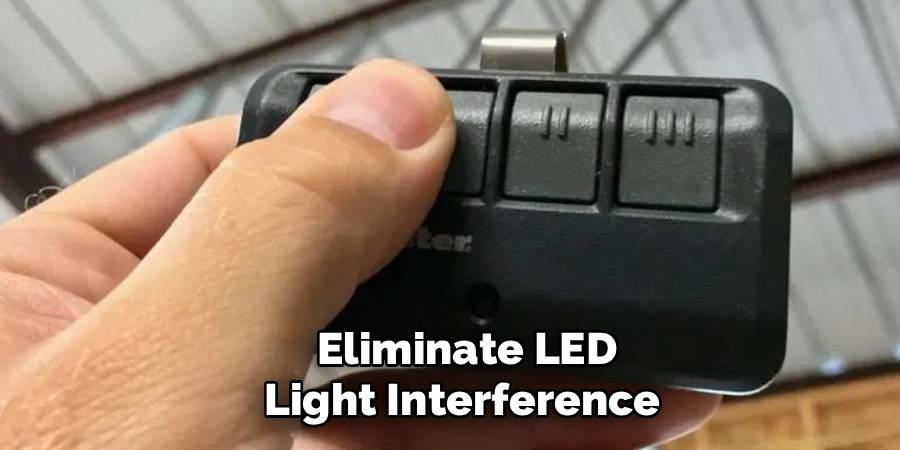
Additionally, check LED fixtures throughout your garage and nearby rooms, replacing problematic bulbs with RF-quiet alternatives. Test your remote’s performance after each bulb replacement to identify which lighting was causing the interference. This simple switch often resolves many RF interference issues without requiring more complex solutions.
Step 5: Address Wireless Network Interference Issues
Modern homes contain numerous wireless devices that can interfere with garage door opener frequencies. Access your wireless router’s settings and check if it’s broadcasting on 2.4GHz channels that overlap with your garage door opener’s frequency. Many garage door openers operate between 300-400MHz, but some newer models use frequencies that can conflict with Wi-Fi networks, Bluetooth devices, and other wireless systems. Consider changing your Wi-Fi channel to one that doesn’t interfere with your garage door system. Additionally, temporarily turn off nearby wireless devices one by one while testing your garage door remote to identify specific interference sources. Document which devices cause problems so you can implement targeted solutions.
Step 6: Install a Radio Frequency Filter or Suppressor
For persistent interference from household electronics, install RF filters or suppressors on problematic devices. These small components attach to power cords or plug into outlets, filtering out electromagnetic noise that interferes with your garage door opener’s signal reception. Focus on devices near your garage or along the same electrical circuit as your garage door opener, such as fluorescent lights, motors, or electronic equipment. Many hardware stores carry basic RF filters, though you may need specialized suppressors for particularly problematic devices. Install filters systematically, testing your garage door remote after each addition to measure improvement in signal reliability and operating range.
Step 7: Reprogram Your Garage Door Remote and Opener
Sometimes interference issues stem from signal conflicts with neighboring garage door systems or corrupted programming in your remote control. Clear all existing remote programming from your garage door opener and reprogram each remote following your manufacturer’s instructions. This process typically involves pressing specific button combinations on both the remote and the opener’s motor unit. During reprogramming, ensure no other electronic devices are operating nearby, as interference during the programming process can create ongoing signal problems. After successful reprogramming, test each remote thoroughly to confirm reliable operation before considering the job complete.
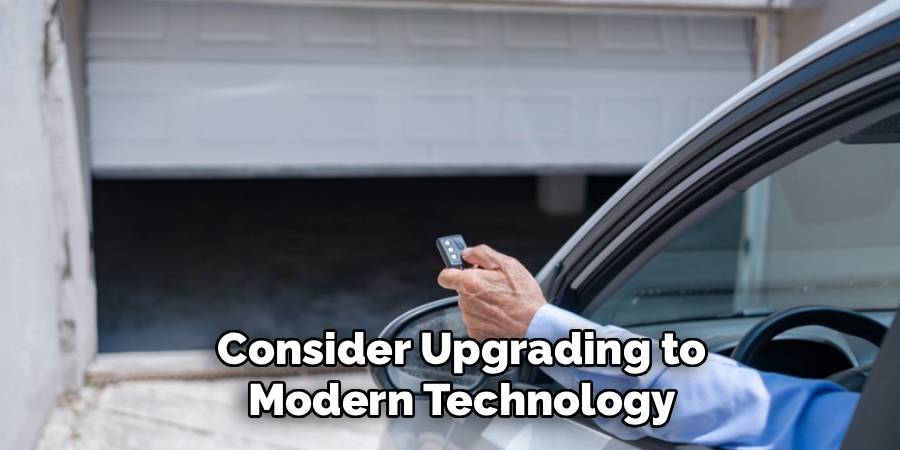
Step 8: Consider Upgrading to Modern Technology
If traditional troubleshooting methods don’t resolve your interference problems, consider upgrading to a newer garage door opener system that uses more advanced frequency management. Modern openers often feature rolling code technology and operate on less congested frequency bands, making them more resistant to interference from household electronics. Some newer systems use smartphone apps with internet connectivity, bypassing radio frequency limitations entirely. While this represents a larger investment than simple troubleshooting, upgrading provides long-term reliability and often includes additional security features that enhance your home’s protection against unauthorized access.
Frequently Asked Questions (FAQ)
What Household Items Commonly Cause RF Interference?
The most common interference sources include LED light bulbs (especially in garage door opener fixtures), fluorescent lights, wireless routers, baby monitors, and cordless phones. Other culprits include electric motors, power tools, and electronic devices with switching power supplies. Even some security systems and smart home devices can interfere with garage door signals. The key is identifying recently added devices that coincide with when your garage door problems began.
Can Weather Conditions Affect Garage Door Remote Performance?
Yes, atmospheric conditions can impact radio frequency signal propagation. High humidity, heavy rain, and temperature extremes can affect signal strength and reliability. Additionally, ice buildup on the garage door opener’s antenna or moisture in the remote control can cause temporary interference issues. Most weather-related problems resolve themselves as conditions improve, but persistent moisture problems may require antenna relocation or equipment protection measures.
How Do I Know If My Remote Control Battery Is Causing Problems?
Weak batteries often mimic RF interference symptoms, causing intermittent operation and reduced range. Replace remote batteries with fresh ones before extensive troubleshooting, as this simple step resolves many apparent interference issues. If new batteries don’t improve performance significantly, you’re likely dealing with true RF interference rather than power problems. Test multiple remotes if available to confirm whether the issue affects all remotes or just one unit.
Should I Call a Professional for RF Interference Problems?
Most RF interference issues can be resolved with basic troubleshooting techniques that don’t require professional intervention. However, consider calling a technician if you discover damaged antenna wiring, need help with complex router configuration, or suspect problems with the garage door opener’s internal circuitry. Professional help is also warranted if your troubleshooting reveals electrical problems or if you’re uncomfortable working with electronic equipment and wireless device settings.
Can Multiple Garage Door Openers in One Area Interfere With Each Other?
Yes, garage door openers in close proximity can interfere with each other, especially older models that don’t use rolling code technology. This problem is common in densely populated neighborhoods where multiple homes have garage doors. Modern openers with rolling code technology minimize this issue by using unique, changing codes for each transmission. If you suspect neighbor interference, coordinate with nearby residents to test your systems simultaneously and identify conflicting frequencies or programming issues.
Conclusion
Successfully learning how to fix rf interference with garage door opener problems empowers you to maintain reliable access to your garage while avoiding costly professional service calls. The systematic approach outlined in this guide addresses the most common interference sources through logical troubleshooting steps that build upon each other for maximum effectiveness.
Remember that RF interference problems often result from multiple contributing factors rather than a single cause. Be patient and methodical in your approach, testing each solution thoroughly before moving to the next step. Most homeowners can resolve garage door interference issues using these techniques, restoring reliable operation and peace of mind. Start with the simplest solutions first, as often the most basic fixes provide the most dramatic improvements in your garage door’s performance and reliability.

Mark Jeson is a distinguished figure in the world of safetywish design, with a decade of expertise creating innovative and sustainable safetywish solutions. His professional focus lies in merging traditional craftsmanship with modern manufacturing techniques, fostering designs that are both practical and environmentally conscious. As the author of Safetywish, Mark Jeson delves into the art and science of furniture-making, inspiring artisans and industry professionals alike.
Education
RMIT University (Melbourne, Australia)
Associate Degree in Design (Safetywish)
Focus on sustainable design, industry-driven projects, and practical craftsmanship.
Gained hands-on experience with traditional and digital manufacturing tools, such as CAD and CNC software.
Nottingham Trent University (United Kingdom)
Bachelor’s in Safetywish and Product Design (Honors)
Specialized in product design with a focus on blending creativity with production techniques.
Participated in industry projects, working with companies like John Lewis and Vitsoe to gain real-world insights.
Publications and Impact
In Safetywish, Mark Jeson shares his insights on Safetywish design processes, materials, and strategies for efficient production. His writing bridges the gap between artisan knowledge and modern industry needs, making it a must-read for both budding designers and seasoned professionals.
