
Losing or damaging your Nissan key fob can be a frustrating experience, often leading to the assumption that a costly trip to the dealership is inevitable. However, for many Nissan models, you can handle this task yourself with just a few simple steps. This guide is designed to walk you through the process of how to program a Nissan key fob from the comfort of your own garage. We will break down each action into easy-to-follow instructions, empowering you to sync a new or replacement fob to your vehicle quickly. This beginner-friendly approach will save you time and money, getting you back on the road with a fully functional remote.
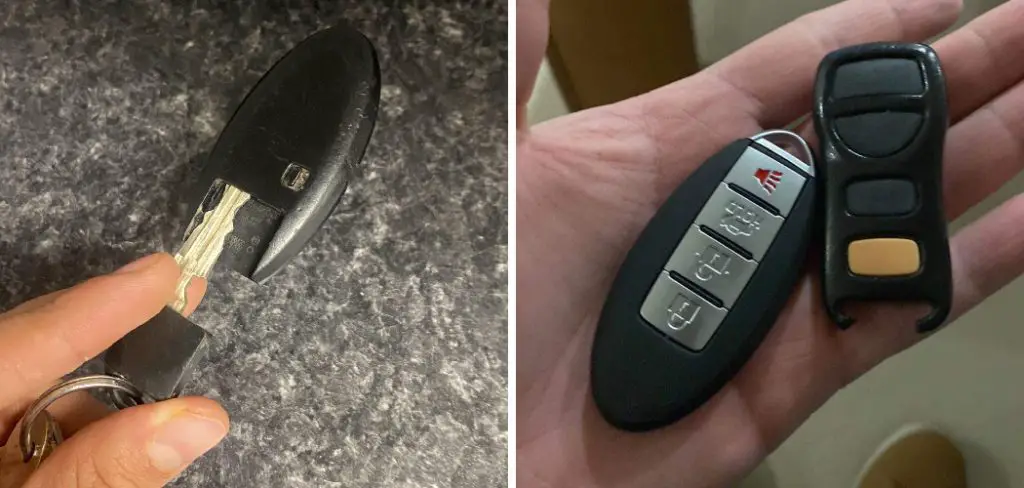
A key fob is an essential component of modern Nissan vehicles, offering convenience and enhanced security at the push of a button. Whether you’ve recently purchased a replacement fob or need to program a new one, understanding how to sync it with your car can seem daunting at first. Fortunately, the process is straightforward and can be done without the need for professional assistance. This guide will equip you with the knowledge and confidence to program your Nissan key fob at home with minimal tools and effort.
What You Should Have Before Programming Your Nissan Key Fob
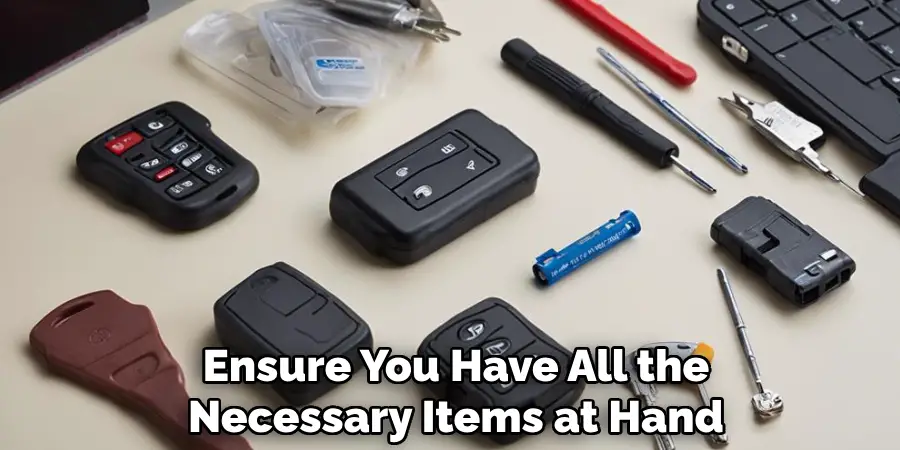
Before beginning the programming process, there are a few items you should have on hand to ensure a smooth and successful experience:
- A new or replacement Nissan key fob: This can be purchased through a dealership or third-party supplier.
- A working key fob for your vehicle: You will need this to access the necessary programming mode.
- A fully charged battery in both vehicles: If the battery is low in either your current or new fob, it may cause issues during the programming process.
- Your vehicle’s manual: This will provide specific instructions for entering programming mode on your particular Nissan model.
Step-by-Step Guide: How to Program a Nissan Key Fob
Follow these detailed instructions to sync your key fob with your vehicle. This method works for many Nissan models, but note that newer vehicles with intelligent key systems may require professional equipment.
Step 1: Prepare Your Vehicle
Before you begin, gather all the key fobs you wish to program for the vehicle, as this process will erase any previously programmed remotes. Ensure all doors are closed and unlocked. Get inside your Nissan and sit in the driver’s seat. It is crucial that all doors remain closed throughout the entire programming sequence to ensure the vehicle’s computer enters programming mode correctly. Having your key and all fobs within reach will make the process smoother. This initial preparation is the foundation for a successful pairing, so take a moment to get everything in order before proceeding.
Step 2: Cycle the Ignition Key
Insert your key into the ignition, but do not turn it to start the engine. You will need to cycle the key between the “Off” and “On” positions (the position right before the engine cranks) rapidly. Insert and remove the key from the ignition at least six times within a 10-second window. The goal is to do this until you see the hazard lights flash twice. This action signals that the vehicle’s computer has successfully entered programming mode. If the lights do not flash, you may have performed the cycle too slowly. Simply try again until you achieve the correct timing.
Step 3: Enter Programming Mode
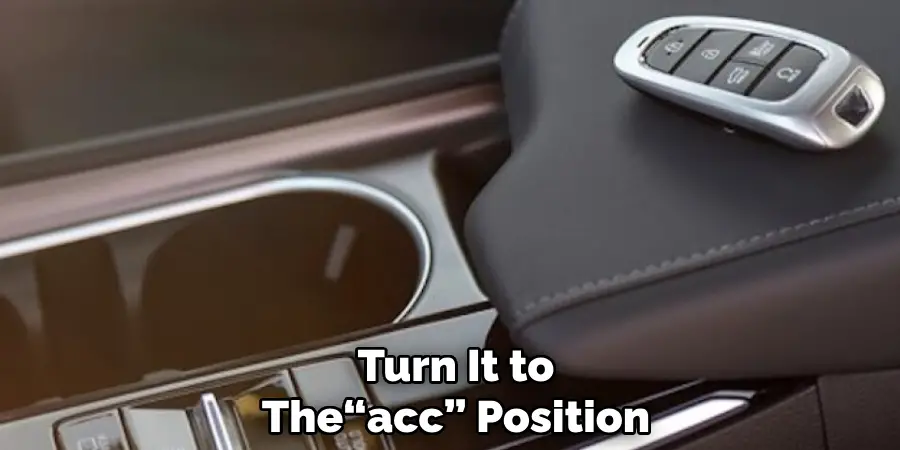
Once the hazard lights have flashed, you have successfully put your car into programming mode. Now, re-insert the key into the ignition and turn it to the “Accessory” (ACC) position. This is the first click when you turn the key, which powers the vehicle’s electronics without engaging the engine. This step must be completed quickly after the hazard lights flash to maintain the programming state. Leaving the key in the ACC position prepares the system to receive the signal from your new key fob, finalizing the setup for the next crucial part of the pairing process.
Step 4: Program the First Fob
With the key in the Accessory position, you are ready to program your first remote. Take the new key fob and press the “Lock” button once. You should see the hazard lights flash one more time. This flash is the confirmation that the vehicle has successfully accepted and programmed this specific fob. If the lights do not flash, there may be an issue with the fob’s battery or compatibility with your vehicle model. Double-check that you have the correct type of fob for your Nissan year and model before trying this step again.
Step 5: Key Fob for Additional Remotes
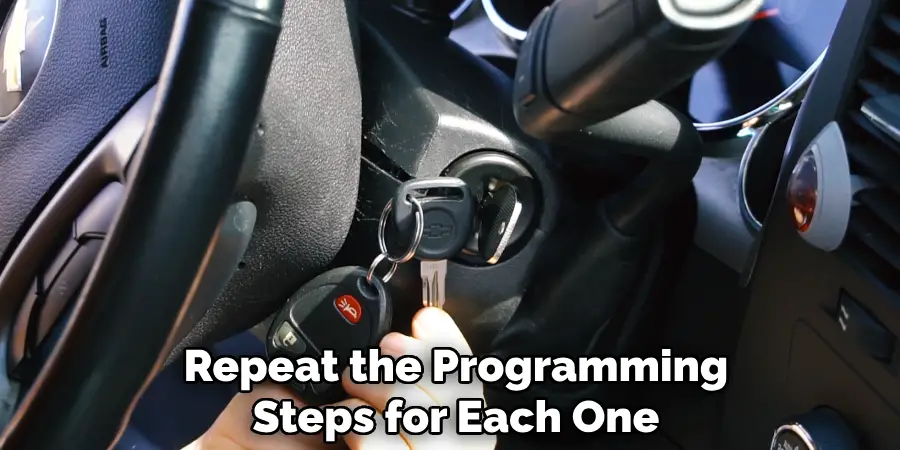
If you have more than one key fob to program, you must do them all during this single session. Without removing the key from the ignition, simply press the “Lock” button on the next fob. Again, the hazard lights should flash once to confirm that the second remote has been successfully paired. You can repeat this step for up to four key fobs, depending on your vehicle’s system. It is vital to program all remotes at once, as entering programming mode deactivates any fobs that are not re-registered during this process.
Step 6: Exit Programming Mode
After you have successfully programmed all of your key fobs, you need to exit the programming mode to save the changes. To do this, turn the ignition key to the “Off” position and remove it completely from the ignition. The hazard lights will flash again, signaling that the programming sequence is complete and the vehicle’s computer system has exited programming mode. This finalizes the process and ensures that the newly programmed fobs are stored in the car’s memory. Your remotes are now paired and ready for testing.
Step 7: Test All Programmed Fobs
The final step is to ensure every fob is working correctly. Step outside the vehicle and close all the doors. Test each remote by pressing the lock, unlock, and panic buttons. Verify that each fob successfully operates the vehicle’s functions from a reasonable distance. If a fob does not work, it might have a dead battery or could be incompatible. However, if you followed each step carefully and received the confirmation flashes, all of your remotes should now be fully functional, and you have successfully completed the programming process on your own.
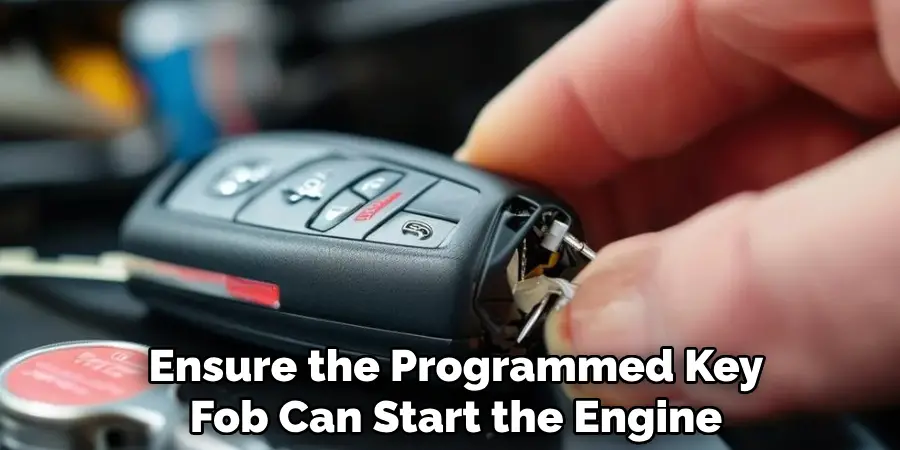
If the outlined programming process does not work for your vehicle, there are alternative methods you can consider. One common option is using an OBD-II programmer, a device that connects to your vehicle’s onboard diagnostic port to program key fobs. These devices are often compatible with a wide range of vehicle models and allow for quick and precise programming.
Another alternative is seeking assistance from a dealership or automotive locksmith. While these professional services may be more costly, they often have advanced tools and expertise to ensure successful programming. Be sure to confirm compatibility and cost details beforehand, as certain vehicles may require specific equipment or manufacturer-authenticated procedures.
Frequently Asked Questions
Why Did My Nissan Key Fob Stop Working?
A key fob can stop working for several reasons. The most common cause is a dead battery, which is simple to replace. Signal interference from other electronic devices can also temporarily block the connection. Finally, the fob might have lost its programming with the car, requiring you to go through the reprogramming steps.
Can I Program Any Nissan Key Fob to My Car?
No, you must use a key fob that is compatible with your specific Nissan model and year. Fobs operate on different frequencies and use distinct internal chips. Purchasing a fob designed for your vehicle is essential for it to sync correctly. Always verify compatibility before buying a replacement online.
Do I Need to Reprogram All My Keys at Once?
Yes, it is crucial to program all your key fobs during the same session. When you enter the vehicle’s programming mode, it erases all previously stored fobs from its memory. Therefore, any remotes you want to use—even existing ones—must be reprogrammed to regain functionality with your car.
How Much Does a Dealership Charge to Program a Key Fob?
Dealership prices can vary significantly but typically range from $50 to over $150 for programming services alone. This cost does not include the price of the key fob itself, which can add another $100 to $400. This is why learning to do it yourself can offer substantial savings.
What if This Programming Method Doesn’t Work for My Nissan?
This manual programming method generally works for many Nissan models made before the mid-2010s. Newer models, especially those with push-to-start ignitions and “Intelligent Key” systems, have more complex security and require specialized diagnostic tools that only dealerships or professional automotive locksmiths possess for programming.
Conclusion
Successfully programming your own Nissan key fob is a rewarding and practical skill that puts you in control of your vehicle’s maintenance. By following the steps outlined in this guide, you can bypass an expensive and time-consuming trip to the dealership. From preparing your vehicle and cycling the ignition to programming each remote and testing the results, the process is straightforward for most models. Now that you understand how to program a Nissan key fob, you can confidently handle replacements or reprogramming needs in the future, saving both time and money.

Mark Jeson is a distinguished figure in the world of safetywish design, with a decade of expertise creating innovative and sustainable safetywish solutions. His professional focus lies in merging traditional craftsmanship with modern manufacturing techniques, fostering designs that are both practical and environmentally conscious. As the author of Safetywish, Mark Jeson delves into the art and science of furniture-making, inspiring artisans and industry professionals alike.
Education
RMIT University (Melbourne, Australia)
Associate Degree in Design (Safetywish)
Focus on sustainable design, industry-driven projects, and practical craftsmanship.
Gained hands-on experience with traditional and digital manufacturing tools, such as CAD and CNC software.
Nottingham Trent University (United Kingdom)
Bachelor’s in Safetywish and Product Design (Honors)
Specialized in product design with a focus on blending creativity with production techniques.
Participated in industry projects, working with companies like John Lewis and Vitsoe to gain real-world insights.
Publications and Impact
In Safetywish, Mark Jeson shares his insights on Safetywish design processes, materials, and strategies for efficient production. His writing bridges the gap between artisan knowledge and modern industry needs, making it a must-read for both budding designers and seasoned professionals.
