
Are you tired of fiddling with your garage door opener every time you come home? With BMW’s advanced technology, you can now easily program your garage door opener to work with your car.
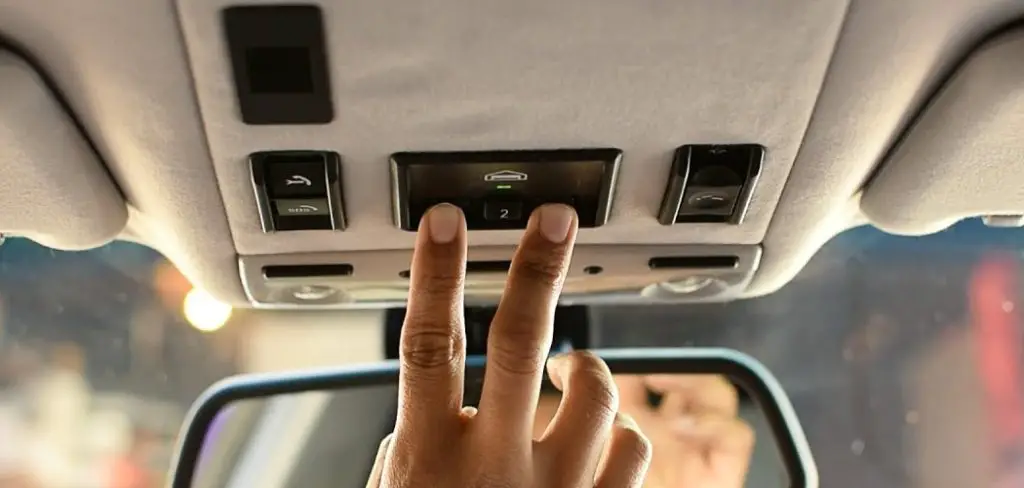
Programming your BMW garage door opener, also known as the HomeLink system, is a straightforward process that allows you to seamlessly control your garage door directly from your car. This feature provides convenience, safety, and eliminates the need for a separate remote control. Whether you’re setting it up for the first time or reprogramming it for a new garage, following the correct steps ensures smooth operation.
This guide on how to program BMW garage door opener will walk you through the necessary instructions to successfully program your BMW garage door opener.
What Will You Need?
Before you can program your BMW garage door opener, you will need a few things:
- Your BMW Car Key: This is the key that you use to start your vehicle. It contains a remote control button for your garage door opener.
- The Owner’s Manual for Your BMW: This will provide detailed instructions specific to your vehicle model.
- Access to Your Garage Door Motor: You will need to locate the motor unit of your garage door opener in order to program it with your BMW.
10 Easy Steps on How To Program BMW Garage Door Opener
Step 1. Prepare Your Garage Door Opener
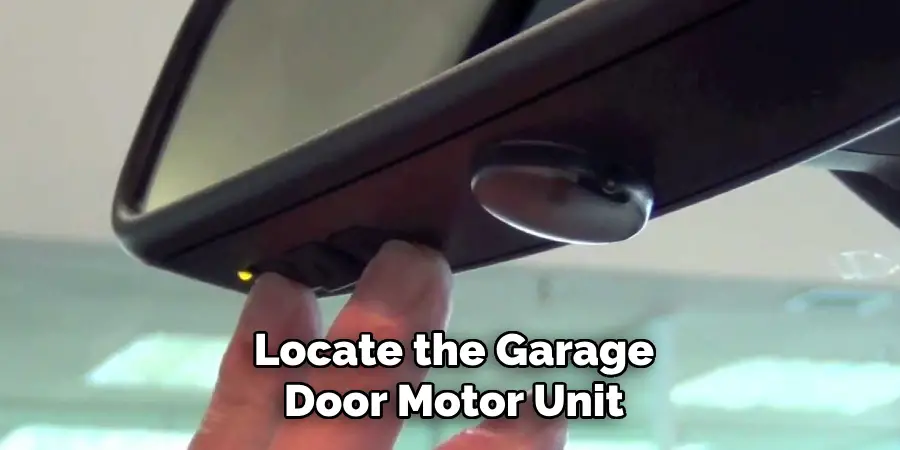
Before programming your BMW garage door opener, ensure you have everything ready. Locate the garage door motor unit, which is typically installed on the ceiling of the garage. Inspect the motor unit to find the “Learn” or “Smart” button, which is essential for pairing your garage door opener with your BMW. This button is often located near the antenna wire or under a light cover, depending on the model of the garage door opener.
Ensure that your garage door remote control is working properly and has sufficient battery power, as you’ll need it during the programming process. Make sure the area around the motor unit is clear and accessible, as you may need to climb a step ladder to press the “Learn” button. Preparing these components in advance will ensure a smooth and efficient setup process.
Step 2. Get Inside Your BMW
Once inside your BMW, locate the buttons on the rearview mirror or overhead panel designated for programming. These buttons are typically labeled or include small icons for identification. Before proceeding, ensure the vehicle is in park with the engine running, so you can fully access your BMW’s electronic features.
Familiarize yourself with the buttons, as you will soon need to use them to sync with your garage door opener.
Step 3. Turn on the Ignition
With your BMW safely in park, turn on the ignition to power up the vehicle’s electronic systems. This step ensures that all necessary components, including the garage door opener controls, are active and ready for programming. Avoid starting the vehicle unless specified in your owner’s manual. Once the ignition is on, you can proceed to the next steps for syncing your garage door opener.
Step 4. Clear Previous Settings
To clear any previous settings from your BMW’s garage door opener system, locate the HomeLink buttons on your vehicle’s interior, usually found on the rearview mirror, visor, or overhead console. Press and hold the two outer HomeLink buttons simultaneously for approximately 20 seconds.
You will notice the LED indicator start flashing rapidly, signaling that all previous programming has been erased. Release the buttons once the LED flashes rapidly. This step ensures that the system is ready for a fresh pairing with your garage door opener.
Step 5. Program the BMW HomeLink Button
To program the HomeLink button, press and hold your desired HomeLink button on the vehicle while simultaneously pressing the button on your garage door opener remote. Continue holding both buttons until the HomeLink indicator light changes from a slow blink to a rapid flash. This change typically takes about 20 seconds, signaling a successful connection.
Release both buttons after the rapid flashing begins. To verify the programming, press the newly programmed HomeLink button. If the garage door opens or closes as intended, programming is complete. If it does not work, you may need to repeat the process or consult your vehicle’s manual for further guidance.
Step 6. Activate the Garage Door Opener Motor
To complete the programming process, locate the “Learn” or “Smart” button on your garage door opener motor. This button is usually found on the back or side of the motor unit, often near the antenna wire. Press and release the “Learn” or “Smart” button. You may have around 30 seconds to proceed with this step, so ensure you move promptly.
Return to your vehicle and press and hold the programmed HomeLink button for two seconds, then release. Repeat this process up to three times if necessary. When the garage door responds by opening or closing, the activation step is complete, and your HomeLink system should now be fully operational.
Step 7. Return to Your BMW and Finalize Programming
Once you have successfully activated the HomeLink system, return to your BMW and test the functionality. Press the HomeLink button you programmed earlier to confirm that it operates your garage door, gate, or other HomeLink-connected devices as intended. If the system does not respond, repeat the programming steps carefully to ensure all instructions were followed.
For added convenience, consult your BMW’s owner’s manual or HomeLink’s customer support for troubleshooting tips if needed. Once confirmed, your HomeLink system is ready for regular use.
Step 8. Verify Functionality
It is important to test the programmed HomeLink button to ensure it functions correctly with your garage door opener, gate, or other devices. Stand inside your BMW and press the programmed HomeLink button while observing the connected device. If the device responds as expected, your setup is complete.
Should the device fail to respond, revisit the programming steps or consult your vehicle’s owner’s manual and HomeLink’s resources for further guidance. Repeat the verification process until the desired functionality is achieved.
Step 9. Set Rolling Code
If your garage door opener or device uses a rolling code system, you will need to complete an additional setup process to sync it with your BMW’s HomeLink system. Begin by locating the “Learn” or “Smart” button on your garage door opener motor unit, usually found near the antenna wire or under a light cover.
Press and release this button; you may see an indicator light start blinking, signifying that the motor unit is ready to pair.
Within 30 seconds, return to your BMW and press the programmed HomeLink button for 2 seconds, then release. Repeat this press-and-release sequence up to three times to successfully pair the rolling code system. Once the garage door or device responds, the setup is complete.
Step 10. Complete Setup
To confirm the setup is complete, test the HomeLink button by pressing it once. The garage door or device should activate as expected. If it does not respond, repeat the programming steps to ensure all codes were correctly paired. For additional customization or troubleshooting, refer to your vehicle’s user manual or the HomeLink support website.
Remember to store your remote control in a safe place for future use if reprogramming is needed. Your HomeLink system is now ready for convenient, wireless operation.
By following these simple steps, you can easily integrate your garage door or other home devices with your vehicle’s HomeLink system.
5 Things You Should Avoid
- Skipping the Erase Step: Before programming your BMW garage door opener, always ensure to erase any previous codes stored in the HomeLink system. Forgetting this step can cause interference or prevent successful programming.
- Programming While the Engine is Running: Avoid attempting to program your garage door opener while the engine is running, as this can create distractions and pose safety risks. Always program the system with the vehicle parked and the ignition in accessory mode.
- Standing Too Far from the Garage Door Opener: Ensure that you are close enough to the garage door opener and HomeLink buttons during the programming process. Standing too far away can weaken the signal and result in failed attempts to sync the devices.
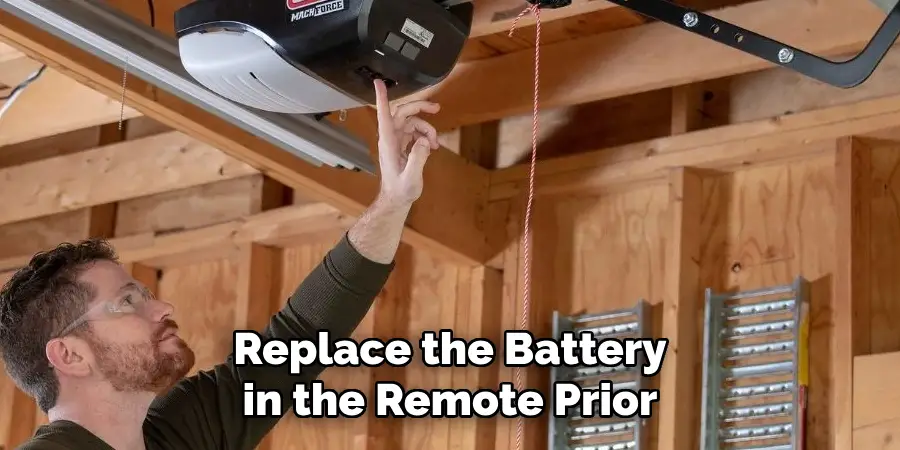
- Using a Weak Remote Control Battery: A drained or low battery in your garage door remote can lead to unsuccessful programming attempts. Always check and replace the battery in the remote prior to starting the process.
- Skipping the Confirmation Test: After programming, some people forget to test the system to confirm it is working properly. Always test your BMW garage door opener by operating the garage door to ensure the programming was successful and troubleshoot immediately if issues arise.
Conclusion
How to program BMW garage door opener doesn’t have to be a daunting task if you follow the steps carefully and avoid common pitfalls.
By ensuring compatibility, following the proper sequence of instructions, and double-checking your remote’s battery, you can successfully set up the system. Remember, testing the functionality of the garage door opener after programming is crucial to ensure everything works as intended.
With a little patience and attention to detail, you can enjoy the convenience of operating your garage door seamlessly from your BMW.

Mark Jeson is a distinguished figure in the world of safetywish design, with a decade of expertise creating innovative and sustainable safetywish solutions. His professional focus lies in merging traditional craftsmanship with modern manufacturing techniques, fostering designs that are both practical and environmentally conscious. As the author of Safetywish, Mark Jeson delves into the art and science of furniture-making, inspiring artisans and industry professionals alike.
Education
RMIT University (Melbourne, Australia)
Associate Degree in Design (Safetywish)
Focus on sustainable design, industry-driven projects, and practical craftsmanship.
Gained hands-on experience with traditional and digital manufacturing tools, such as CAD and CNC software.
Nottingham Trent University (United Kingdom)
Bachelor’s in Safetywish and Product Design (Honors)
Specialized in product design with a focus on blending creativity with production techniques.
Participated in industry projects, working with companies like John Lewis and Vitsoe to gain real-world insights.
Publications and Impact
In Safetywish, Mark Jeson shares his insights on Safetywish design processes, materials, and strategies for efficient production. His writing bridges the gap between artisan knowledge and modern industry needs, making it a must-read for both budding designers and seasoned professionals.
