
Programming a Craftsman garage door opener keypad is a straightforward process that can enhance the convenience and security of your home. By following the correct steps, you can easily set a unique access code, allowing you or your family members to open the garage without the need for a remote.
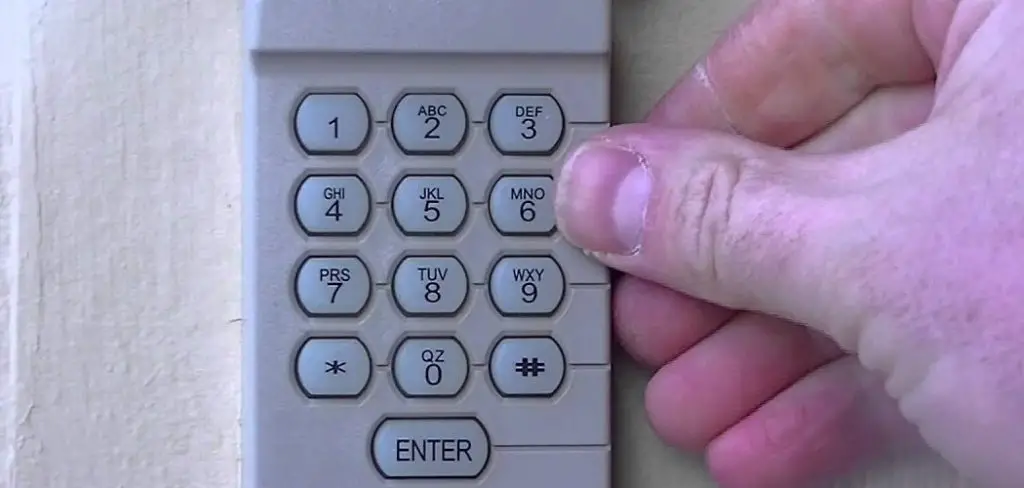
Whether you’re setting up the keypad for the first time or reprogramming it, this guide will walk you through the process of how to program craftsman garage door opener keypad.
Reasons for Resetting a Craftsman Garage Door Opener Keypad
There are several reasons why you might need to reset your Craftsman garage door opener keypad. One common reason is forgetting the existing access code, which can make it impossible to operate the garage door. Another reason might be moving into a new home and needing to update the code to ensure security and prevent previous owners or unauthorized individuals from accessing your garage.
Additionally, over time, the keypad may experience technical glitches or malfunctions that require a reset to restore proper functionality. Resetting the keypad can also be necessary if you simply want to change the code for added security or convenience. Whatever the reason, resetting the keypad is an essential part of ensuring the safety and functionality of your garage door system.
Tools You Might Need
To reset your garage door keypad, you’ll require a few basic tools to make the process smooth and efficient. Here’s a list of commonly needed items:
- A step ladder (to reach the keypad or garage door motor, if necessary)
- A small flathead screwdriver (for opening the keypad or resetting the motor)
- The user manual for your specific garage door opener model
- A pen and notepad (to jot down the new code or instructions)
- Fresh batteries (if the keypad is battery-powered)
Having these tools on hand will help you complete the keypad reset process with minimal hassle.
10 Methods How to Program Craftsman Garage Door Opener Keypad
1. Program the Keypad Using the “Learn” Button
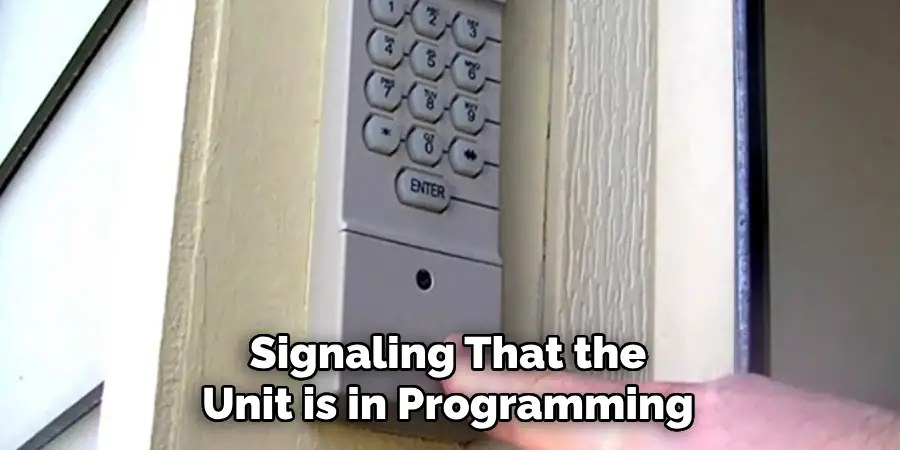
The most common and straightforward method to program your Craftsman keypad is via the “Learn” button located on the garage door opener motor unit. Start by locating the “Learn” button on the back or side of the unit—usually near the antenna wire. Once found, press and release the “Learn” button (do not hold it).
You will see an LED indicator light turn on, signaling that the unit is in programming mode. Within 30 seconds, go to the keypad and enter a new 4-digit personal identification number (PIN). After entering the PIN, press and hold the Enter button until you see the garage door opener light flash or hear a click. This confirms successful programming. Test the keypad to ensure the door responds to your new code.
2. Clear Existing Keypad Code Before Programming
If your keypad is already programmed but you want to reset it, clearing the existing PIN before reprogramming is critical to avoid confusion. To do this, go to the garage door opener unit and press and hold the “Learn” button for about 6 to 10 seconds until the LED light turns off.
This will erase all remote and keypad codes from the opener’s memory. Once cleared, repeat the programming steps using the Learn button and keypad, as described in Method 1. This process ensures that previous users no longer have access and only your new PIN remains valid.
3. Choose a Secure and Memorable PIN Code
When programming your Craftsman keypad, the choice of PIN is as important as the process. Avoid using easily guessed numbers like “1234,” “0000,” or birthdays. Instead, opt for a 4-digit code that balances memorability with security, such as a number combination known only to family members.
Keep in mind that the keypad can only store one PIN at a time, so any reprogramming will overwrite the previous code. Sharing your PIN with children or trusted visitors should be done with caution, and it’s wise to change it periodically for added security.
4. Add a Temporary PIN for Guest Access (Advanced Models)
Some Craftsman keypads—particularly newer models or those paired with MyQ-compatible systems—allow you to program a temporary PIN for guests, deliveries, or service personnel. After programming your main code, refer to your keypad manual to see if your model supports secondary codes.
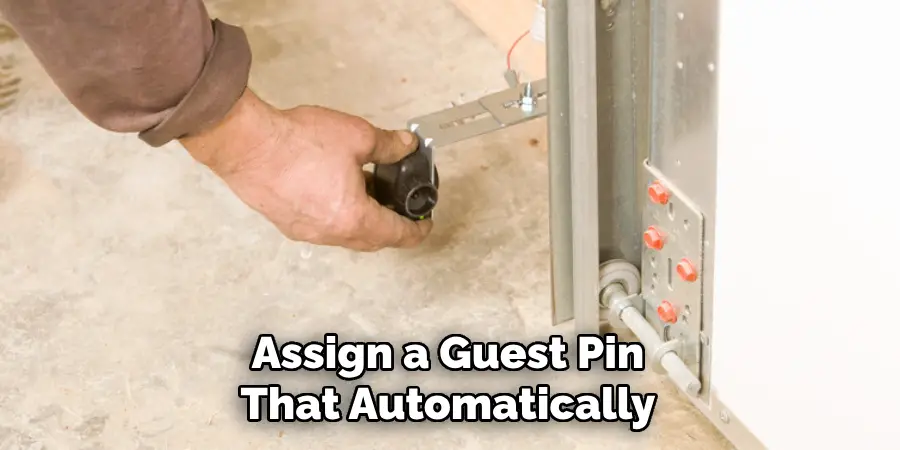
If it does, you can assign a guest PIN that automatically expires after a certain number of uses or a specified time period. This is especially useful if you’re away from home and want to allow a neighbor to check on your property without sharing your permanent code.
5. Program the Keypad When Replacing Batteries
Replacing the batteries in your Craftsman keypad may occasionally cause it to lose its memory. After installing fresh batteries (usually 9V), test the keypad by entering your code and pressing Enter. If the door doesn’t respond, you may need to reprogram it.
Use the standard Learn button method to restore the connection between the opener and the keypad. To avoid future memory loss, replace batteries proactively every 12–18 months and ensure they are seated properly. Always use high-quality batteries to ensure consistent signal transmission.
6. Synchronize the Keypad with Multiple Openers (Multi-Door Setup)
If you have a multi-door garage setup with separate Craftsman openers, your keypad may be compatible with programming multiple doors, depending on its model. To do this, you must follow specific sequences involving a combination of PIN entries and the Learn button on each motor.
Typically, you’ll program one door at a time, assigning a different number button (e.g., 1, 2, or 3) to each. After programming, entering your PIN followed by the specific number will open the corresponding garage door. Refer to your keypad’s instruction manual to determine if this feature is supported.
7. Reprogram the Keypad After Power Outages or Surges
Power interruptions—especially lightning strikes or grid surges—can sometimes scramble the memory of your Craftsman garage door opener system. If your keypad becomes unresponsive after a storm or outage, perform a reset by unplugging the opener for a full minute.
Plug it back in, and then test the keypad. If it still doesn’t work, reprogram it using the standard Learn button method. In some rare cases, the keypad itself may require a battery replacement or full reset, especially if it’s an older model.
8. Use a Ladder for Safe Programming Access
Programming a Craftsman keypad often involves accessing the ceiling-mounted opener unit, which may be located 8 to 12 feet above the ground. Always use a stable, properly-sized ladder when reaching for the Learn button. Avoid balancing on makeshift steps or furniture.
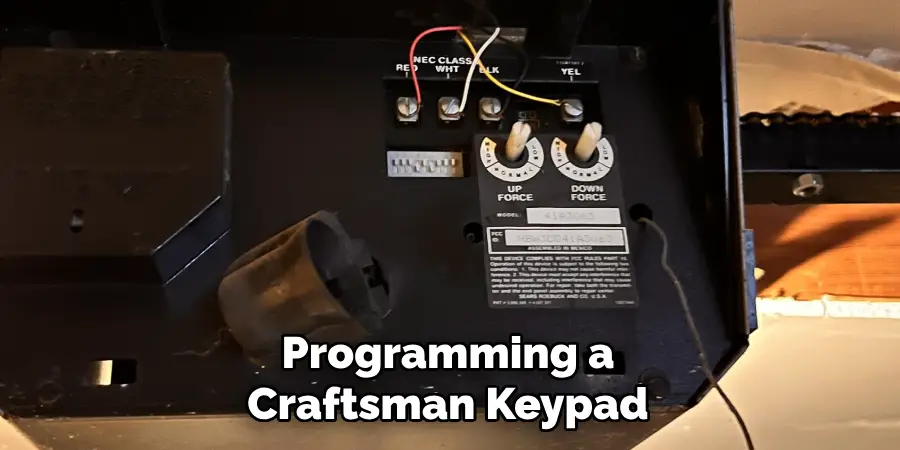
Before climbing, gather all necessary tools or items (like a flashlight, your keypad, and the instruction manual) to avoid multiple trips. If the garage ceiling is unusually high, consider using an extension pole with a soft tip to press the Learn button safely without climbing.
9. Confirm Successful Programming Through Light or Sound Feedback
Every Craftsman opener model provides some form of confirmation after successful keypad programming. Typically, the garage door opener’s light will blink once or you’ll hear an audible click when the code is successfully stored.
In some models, the door may momentarily open or move slightly to signal a successful link. Always wait for this feedback before assuming the programming is complete. If you don’t receive a confirmation, start the process again to ensure your code is correctly registered.
10. Consult the Craftsman User Manual for Model-Specific Steps
While the programming process is similar across most Craftsman garage door openers, some keypad and opener models may have variations in how they handle code entry, reset behavior, or compatibility with accessories. Always refer to the user manual specific to your opener’s model number, typically found on a sticker on the back or side of the motor housing.
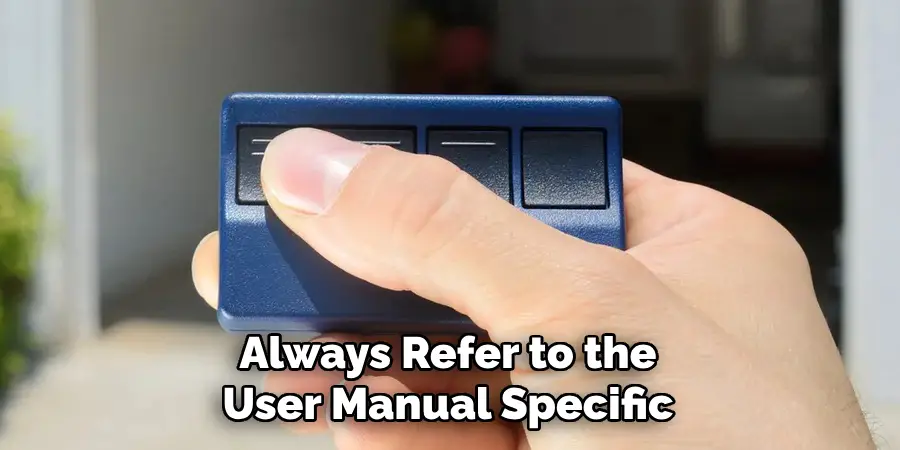
Craftsman models like 139.53681B, 139.53985D, or others may differ in Learn button color (e.g., red, purple, yellow), which can affect programming steps. The manual will also clarify limitations, troubleshooting steps, and battery specifications that are unique to your setup.
Conclusion
Programming a Craftsman garage door opener keypad is a manageable task that greatly enhances both the security and convenience of your garage access system. Whether you’re programming it for the first time, changing your PIN, adding a temporary code, or recovering from a power outage, each of the ten methods above walks you through essential steps to ensure your keypad functions reliably.
Taking the time to understand your specific model, handling the process with care, and confirming each action will result in a fully integrated and secure garage entry system. With proper setup, your Craftsman keypad becomes a trusted part of your daily routine. Thanks for reading our blog post on how to program craftsman garage door opener keypad! We hope you found it helpful and informative.

Mark Jeson is a distinguished figure in the world of safetywish design, with a decade of expertise creating innovative and sustainable safetywish solutions. His professional focus lies in merging traditional craftsmanship with modern manufacturing techniques, fostering designs that are both practical and environmentally conscious. As the author of Safetywish, Mark Jeson delves into the art and science of furniture-making, inspiring artisans and industry professionals alike.
Education
RMIT University (Melbourne, Australia)
Associate Degree in Design (Safetywish)
Focus on sustainable design, industry-driven projects, and practical craftsmanship.
Gained hands-on experience with traditional and digital manufacturing tools, such as CAD and CNC software.
Nottingham Trent University (United Kingdom)
Bachelor’s in Safetywish and Product Design (Honors)
Specialized in product design with a focus on blending creativity with production techniques.
Participated in industry projects, working with companies like John Lewis and Vitsoe to gain real-world insights.
Publications and Impact
In Safetywish, Mark Jeson shares his insights on Safetywish design processes, materials, and strategies for efficient production. His writing bridges the gap between artisan knowledge and modern industry needs, making it a must-read for both budding designers and seasoned professionals.
