
Your car’s computer, often called the Engine Control Unit (ECU) or Powertrain Control Module (PCM), is the brain of your vehicle. It manages everything from engine performance to transmission shifting. Occasionally, this brain can get confused, storing old error codes or failing to adjust to new parts, which can lead to performance issues or a persistent check engine light. In many cases, a simple reset can resolve these minor glitches and restore your car to its optimal state. While it sounds technical, the process can often be surprisingly simple. This guide will show you how to reset car computer with key, providing you with straightforward methods to handle this common DIY maintenance task safely and effectively.
Why Reset the Car Computer?
Resetting your car’s computer can seem like a drastic step, but it’s a standard troubleshooting procedure for several common issues. One of the most frequent reasons is to clear the check engine light. After a repair is made, the error code that triggered the light may remain stored in the ECU’s memory; a reset clears it. Another key time for a reset is after replacing the car battery.
Disconnecting the power source can cause the computer to lose its adaptive memory, and a reset helps it recalibrate to the engine’s current state. This recalibration can also resolve minor performance problems like rough idling, poor fuel economy, or hesitant acceleration, as it forces the ECU to relearn the optimal parameters for your vehicle’s systems.
Safety Precautions
Before attempting to reset your car’s computer, it’s important to take a few safety precautions to protect both yourself and your vehicle’s sensitive electronics. First and foremost, ensure the car is turned off and the key is out of the ignition before you disconnect any components like the battery or fuses. If you are going to handle the battery terminals, wearing safety glasses and gloves is a good practice to protect against any potential acid contact or accidental shorts. Also, confirm that your car battery is in good health and fully charged. Attempting a reset with a low or failing battery can lead to an incomplete process or cause other electronic issues.
10 Methods for How to Reset Car Computer with Key
Method 1: Key-off Method
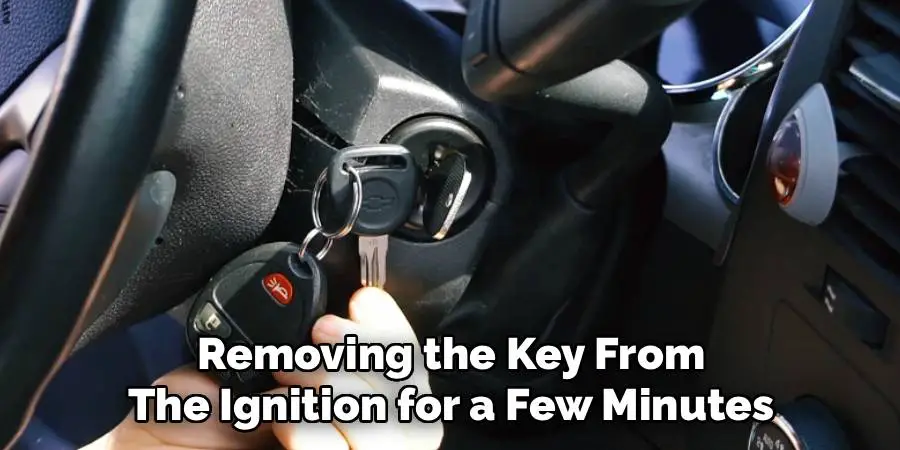
One of the easiest ways to reset your car computer is by turning off the ignition and removing the key from the ignition for a few minutes. This method is especially useful if you have just installed a new battery or made any changes to your car’s electronic system.
Another effective approach to resetting your car computer involves disconnecting the battery. Start by turning off the ignition and ensuring the car is completely powered down. Then, use a wrench to disconnect the negative terminal of the battery and leave it disconnected for about 10 to 15 minutes. This helps to clear any residual electricity in the system, effectively resetting the car’s computer. After reconnecting the battery, start the car and allow it to idle for a few minutes to enable the system to recalibrate.
Method 2: Using the OBD-II Scanner
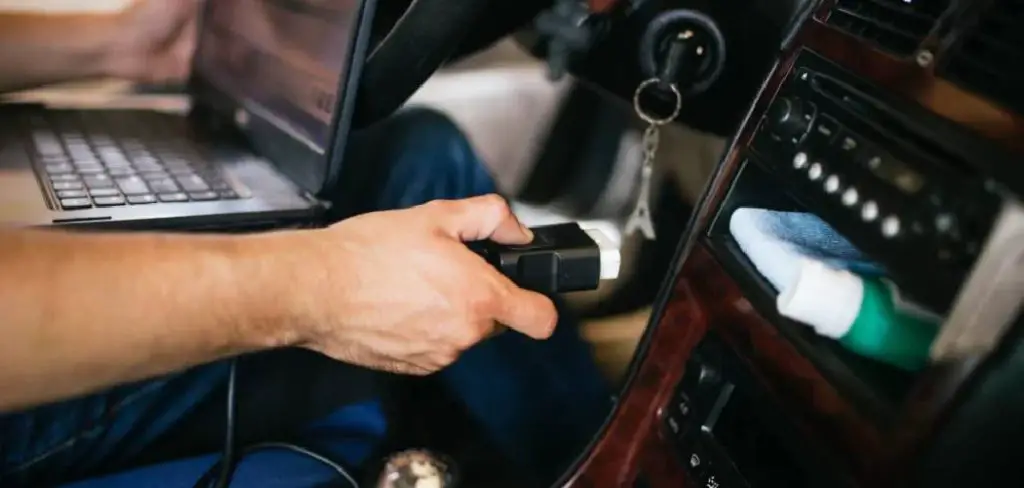
Another method for resetting your car’s computer is by using an OBD-II scanner. This tool connects to the car’s diagnostic port, which is typically located under the dashboard on the driver’s side.
Once the OBD-II scanner is connected, turn the ignition to the “ON” position without starting the engine. Follow the instructions on the scanner to access the vehicle’s diagnostic system. Locate the option to clear or reset the codes. By doing this, the car’s computer will reset, erasing any stored error codes and returning the system to its default settings. After the reset, switch off the ignition, disconnect the scanner, and start the car to ensure everything is functioning correctly.
Method 3: Disconnecting the Car Battery
Turn off the car and remove the key to ensure safety before proceeding. Locate the car battery and use a wrench to disconnect the negative terminal. Allow the battery to remain disconnected for about 15 minutes, which gives the vehicle’s computer system time to reset. After the time has passed, reconnect the negative terminal securely. Finally, turn the key to the “ON” position without starting the engine to complete the reset process and ensure the system is functional.
Method 4: Key Cycle Reset with Brake Pedal
Another method to reset your vehicle’s computer system is by performing a key cycle reset with the brake pedal. This method is recommended for vehicles that have a drive-by-wire throttle system.
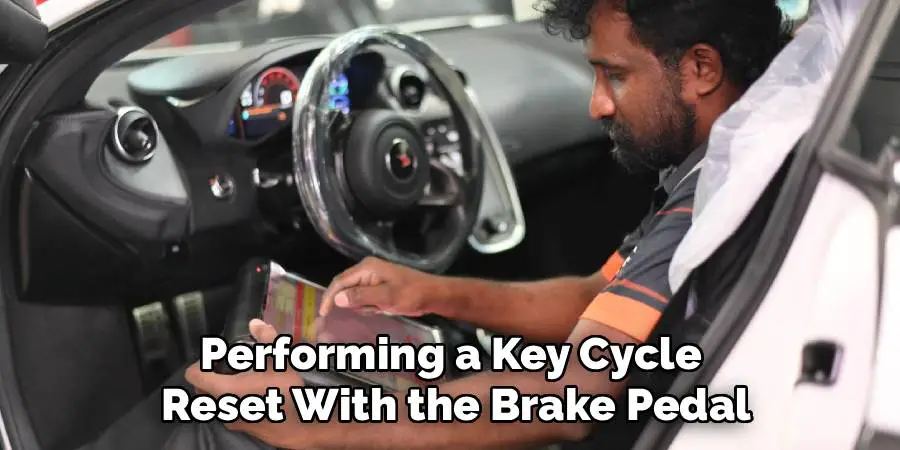
To begin, make sure your car is parked in a safe and flat location. Next, turn off all electronic devices such as lights, radio, and air conditioning. Starting with the engine off, press the brake pedal and hold it down for 30 seconds. While continuing to hold down the brake pedal, insert your key into the ignition and turn it to the “ON” position without starting the engine.
Method 5: Unlock and Lock Method
Another method to reset your car’s ECU is the unlock and lock method. This method involves pressing the “unlock” button on your key fob, then immediately following it with the “lock” button. Repeat this sequence a total of three times, ending on the “lock” button.
Afterwards, insert your key into the ignition and turn it to the “ON” position without starting the engine. Press and hold down both the brake pedal and gas pedal for 30 seconds. Release both pedals and turn off the ignition. Wait for at least 2 minutes before starting your car again. This method is recommended for vehicles that have a traditional mechanical throttle system.
Method 6: Manual ECU Reset Through Fuses
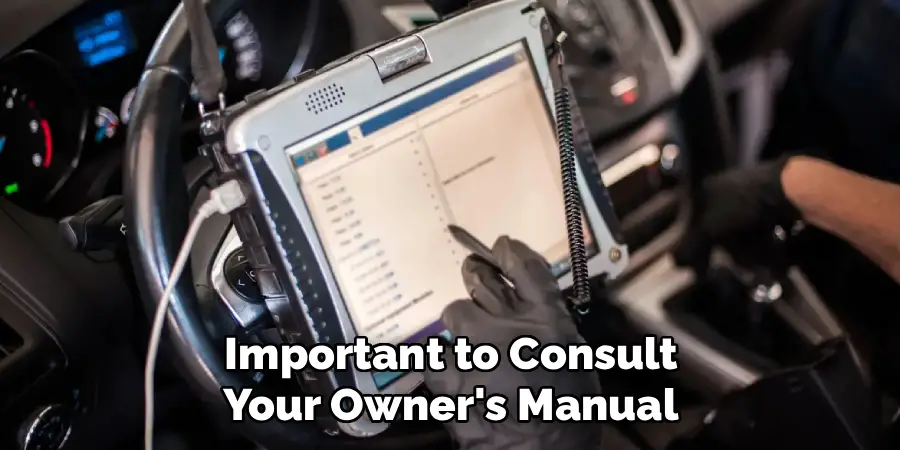
Another method for resetting the ECU is by manually removing and replacing certain fuses related to the engine control unit. This method varies depending on the make and model of your vehicle, so it’s important to consult your owner’s manual or a professional mechanic before attempting this method.
It is crucial to exercise caution when performing any method of resetting the ECU to avoid unintentional damage to your vehicle’s systems. Always ensure the car is turned off and parked securely before proceeding with any physical intervention, such as removing fuses or disconnecting the battery. If you’re unsure of the process, consulting with a certified mechanic is highly recommended to ensure the resetting procedure is done safely and correctly. Making a mistake can potentially lead to further complications, which may be costly to repair.
Method 7: Accelerator Pedal Method
The accelerator pedal method is another way to reset your vehicle’s ECU. This method involves disconnecting the battery and then pressing down on the accelerator pedal for a certain amount of time.
After pressing the accelerator pedal, it is essential to wait a few minutes before reconnecting the battery. This allows the vehicle’s electrical system to fully discharge and ensures the reset process is effective. Once the battery is reconnected, start the engine and allow the vehicle to idle for a few minutes. During this time, the ECU will recalibrate itself and adjust to its default settings. It is crucial to follow the steps carefully to avoid any malfunction or inconsistency in the resetting process.
Frequently Asked Questions (FAQ)
Will Resetting the Car’s Computer Erase My Radio Presets?
Yes, in most cases, a hard reset that involves disconnecting the battery or pulling the main ECU fuse will erase the short-term memory of various components. This typically includes your preset radio stations, the clock, and sometimes even the seat memory settings. Be prepared to re-program these personal preferences after performing the reset. A simple key-cycle reset, however, usually does not affect these settings.
Can I Reset My Car’s Computer Without a Scanner?
Absolutely. While a scanner is a helpful diagnostic tool, it is not necessary for a simple reset. Methods like disconnecting the battery for 15-20 minutes, performing a key-on/key-off cycle, or pulling the designated ECU fuse are all effective ways to clear the computer’s memory without any special equipment. These manual methods are great for DIYers handling common issues at home.
How Often Should I Reset My Car’s Computer?
You should only reset your car’s computer when there is a specific reason to do so. It is not a part of routine maintenance. A reset is appropriate after replacing the battery, after performing a repair to clear an old error code, or as a troubleshooting step for unexplained performance issues like rough idling. Unnecessary resets can erase the valuable adaptive learning data the ECU has stored, temporarily affecting performance.
Does Resetting the Car Computer Permanently Fix a Check Engine Light?
A reset will turn off the check engine light, but it may not be a permanent fix. The light is simply an indicator of a problem detected by the ECU. If the underlying mechanical or electrical issue that caused the code in the first place has not been repaired, the computer will detect the fault again during its next drive cycle, and the check engine light will come back on.
Can I Damage My Car’s Computer by Resetting It?
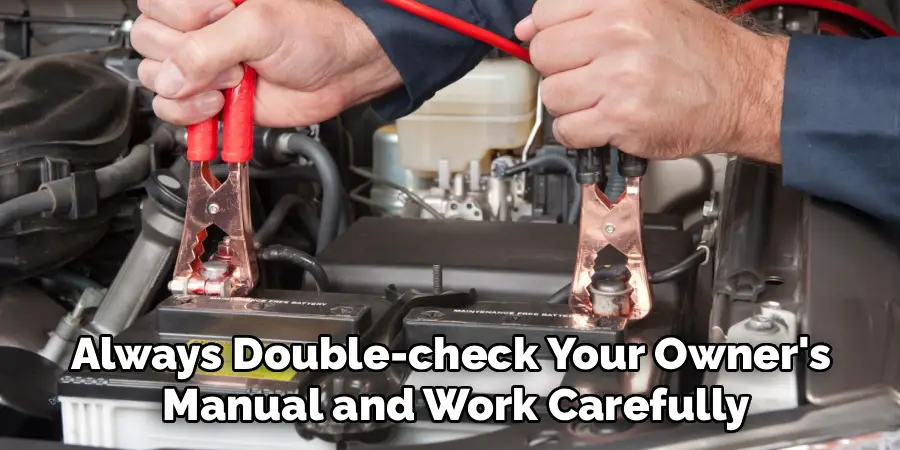
Following the correct procedures to reset your car’s computer is generally very safe and should not cause any damage. The systems are designed to be reset. However, problems can arise from improper handling, such as creating an electrical short while disconnecting the battery or pulling the wrong fuse. Always double-check your owner’s manual and work carefully to avoid any accidental damage.
Conclusion
Understanding how to reset your car’s computer is a valuable skill that can save you time, money, and a trip to the mechanic for minor issues. From a simple key cycle to a full battery disconnect, these methods can help clear stubborn error codes, resolve performance hiccups, and ensure your vehicle is running smoothly after a repair. While a reset is a powerful tool, remember that it is a fix for the symptom, not always the cause. If a check engine light or performance problem returns, it’s a sign that a deeper diagnosis is needed. By learning how to reset car computer with key, you are taking a proactive step in maintaining your vehicle’s health and performance.

Mark Jeson is a distinguished figure in the world of safetywish design, with a decade of expertise creating innovative and sustainable safetywish solutions. His professional focus lies in merging traditional craftsmanship with modern manufacturing techniques, fostering designs that are both practical and environmentally conscious. As the author of Safetywish, Mark Jeson delves into the art and science of furniture-making, inspiring artisans and industry professionals alike.
Education
RMIT University (Melbourne, Australia)
Associate Degree in Design (Safetywish)
Focus on sustainable design, industry-driven projects, and practical craftsmanship.
Gained hands-on experience with traditional and digital manufacturing tools, such as CAD and CNC software.
Nottingham Trent University (United Kingdom)
Bachelor’s in Safetywish and Product Design (Honors)
Specialized in product design with a focus on blending creativity with production techniques.
Participated in industry projects, working with companies like John Lewis and Vitsoe to gain real-world insights.
Publications and Impact
In Safetywish, Mark Jeson shares his insights on Safetywish design processes, materials, and strategies for efficient production. His writing bridges the gap between artisan knowledge and modern industry needs, making it a must-read for both budding designers and seasoned professionals.
