
Keyless entry door locks have revolutionized home security by eliminating the need for traditional keys while providing convenient access control. These digital locks offer enhanced security features, customizable access codes, and the ability to grant temporary access to visitors or service providers. However, situations arise where you need to reset your lock’s programming, whether due to security concerns, forgotten codes, or the need to remove unauthorized users.
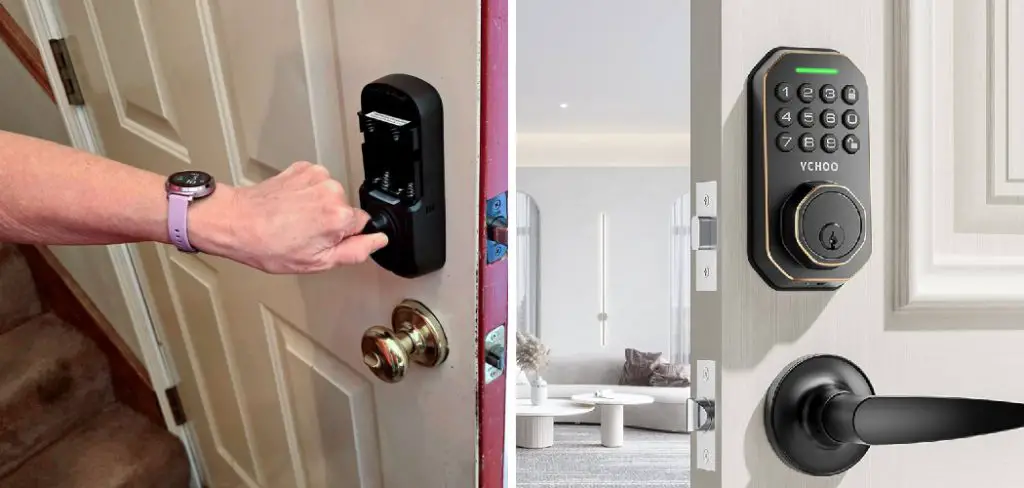
Learning how to reset keyless entry door lock systems is an essential skill for any homeowner who values both security and convenience. The process typically involves restoring the lock to its factory settings, which clears all programmed codes and allows you to start fresh with new security configurations.
Why Resetting Your Keyless Entry Door Lock Matters
Resetting your keyless entry door lock is crucial for maintaining optimal home security and ensuring your access control system functions properly. Over time, these digital locks can accumulate multiple user codes, temporary access permissions, and system glitches that compromise both security and performance. Regular resets eliminate unauthorized access codes and refresh the lock’s memory.
Security breaches, forgotten master codes, or concerns about who has access to your home are common scenarios that necessitate a complete system reset. Additionally, if you’ve recently moved into a new home with an existing keyless lock, performing a factory reset ensures previous owners or tenants cannot access your property. This proactive approach to digital security protects your family and belongings while giving you complete control over who can enter your home.
Step-by-Step Guide: How to Reset Keyless Entry Door Lock
Step 1: Locate the Reset Button or Programming Panel
Most keyless entry door locks feature a dedicated reset button or programming panel that initiates the factory reset process. This button is typically located on the interior side of the lock mechanism, often concealed behind a removable cover or battery compartment. Some models integrate the reset function into the main keypad using specific button combinations.
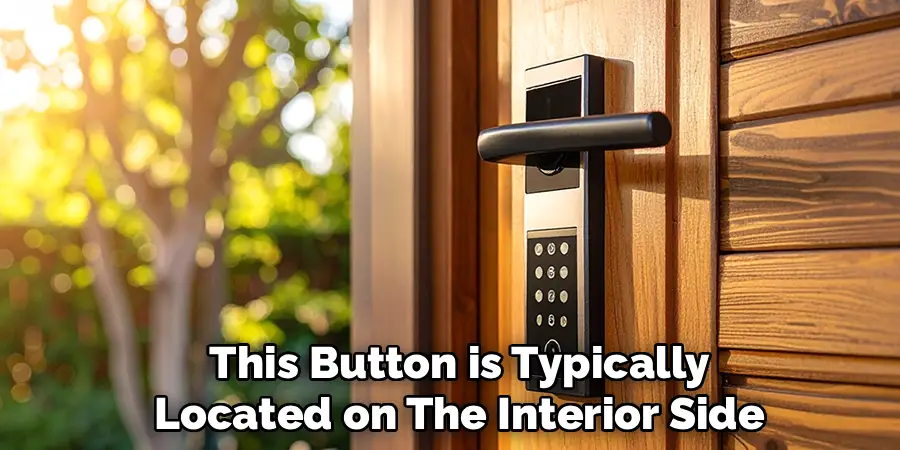
Consult your lock’s user manual to identify the exact location and appearance of the reset mechanism, as it varies significantly between manufacturers and models. If you cannot locate a physical reset button, check for programming instructions printed on the lock body or battery compartment door that indicate the proper button sequence for initiating a reset.
Step 2: Remove the Battery Cover and Disconnect Power
Before beginning the reset process, ensure the lock has adequate power by checking the battery level indicator if available. Remove the battery cover on the interior side of the lock by sliding, lifting, or unscrewing it according to your model’s design. Temporarily disconnect the batteries or power source to prepare the lock for a complete system reset.
This power interruption often serves as the first step in clearing the lock’s memory and returning it to factory settings. Wait approximately 30 seconds after disconnecting power to allow any residual electrical charge to dissipate completely. This brief power-down period ensures the reset process begins with a clean slate and maximum effectiveness for clearing all programmed codes and settings.
Step 3: Initiate the Factory Reset Sequence
With the power disconnected, locate and press the reset button if your lock features this option. Hold the reset button firmly while reconnecting the power supply to trigger the factory reset sequence. Many locks require this specific timing to enter programming mode successfully.
If your lock uses a keypad combination instead of a physical reset button, reconnect power first, then enter the manufacturer’s default reset sequence within the specified time window, typically 10-20 seconds after power restoration. Listen for audible confirmation signals such as beeps or electronic tones that indicate the lock has successfully entered reset mode. Visual indicators like flashing LED lights also confirm that the lock is ready to process the factory reset command.
Step 4: Confirm the Reset Using Programming Mode
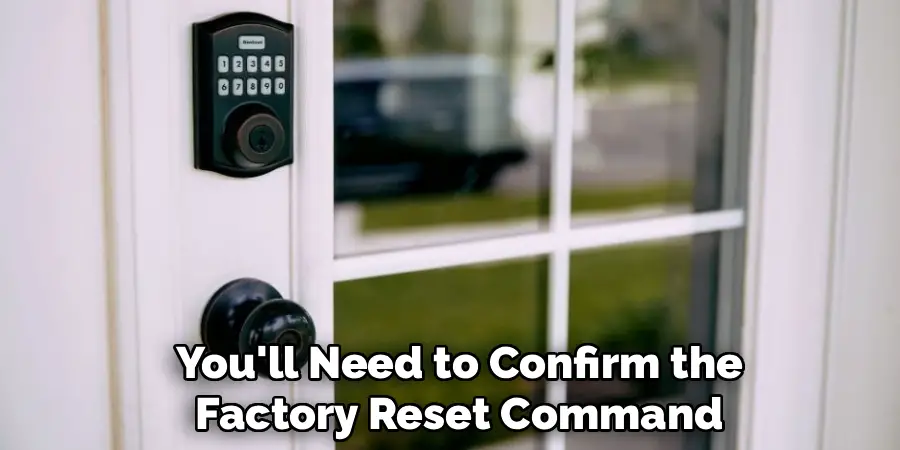
Once the lock enters reset mode, you’ll need to confirm the factory reset command using the appropriate method for your specific model. This typically involves pressing and holding certain keypad buttons simultaneously or entering a predetermined sequence provided by the manufacturer.
The lock’s programming mode allows you to navigate through various settings, including the factory reset option. Follow the audio and visual prompts carefully, as the sequence must be completed within a specific timeframe to be effective. Some locks require multiple confirmation steps to prevent accidental resets, so be patient and methodical in following each prompt. The lock may emit different tones or display various light patterns to guide you through each stage of the confirmation process.
Step 5: Wait for Reset Completion and Verification
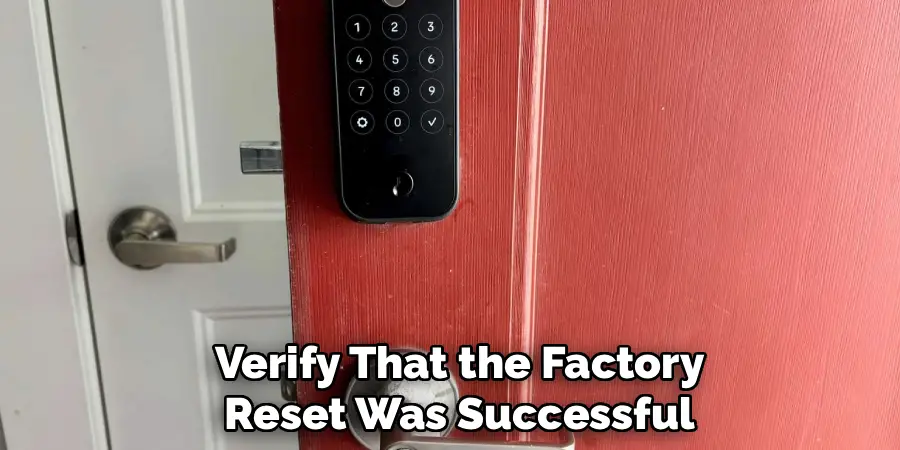
After confirming the factory reset command, allow the lock adequate time to process the request and clear all stored data. This process typically takes 30 seconds to 2 minutes, depending on the lock’s complexity and the amount of data being cleared. During this period, avoid pressing any buttons or interfering with the lock’s operation, as interruptions can cause incomplete resets or system errors.
Watch for confirmation signals indicating successful completion, such as a series of beeps, specific light patterns, or a verbal announcement on smart locks. The lock may automatically cycle through its mechanical components to verify proper operation after the reset. Some models return to a default state with all LED lights off, while others display a specific pattern indicating readiness for new programming.
Step 6: Test Basic Lock Functions After Reset
Before programming new codes, verify that the factory reset was successful by testing the lock’s basic mechanical and electronic functions. Attempt to operate the lock using the default settings, which typically include a temporary access code provided by the manufacturer or no-code access during initial setup.
Check that the deadbolt extends and retracts smoothly when activated electronically, and verify that all buttons on the keypad respond appropriately with audio and visual feedback. Test the lock’s power indicators to ensure normal operation after the reset process. If any functions appear abnormal or unresponsive, repeat the reset process or consult the manufacturer’s troubleshooting guide. Proper function testing at this stage prevents issues when programming new security codes and ensures reliable operation going forward.
Step 7: Program Your New Master Code
With the lock successfully reset and functioning properly, establish a new master code that will serve as your primary access method and administrative control. Choose a code that’s memorable but not easily guessed, avoiding obvious patterns like birthdays, addresses, or sequential numbers. Most locks require master codes between 4-8 digits, depending on the model’s specifications and security features.
Enter programming mode using the manufacturer’s prescribed method, then input your chosen master code according to the specific sequence outlined in your lock’s documentation. Confirm the new master code by entering it a second time when prompted, ensuring accuracy to prevent lockout situations. Test the newly programmed master code several times to verify it operates consistently and provides reliable access to your home.
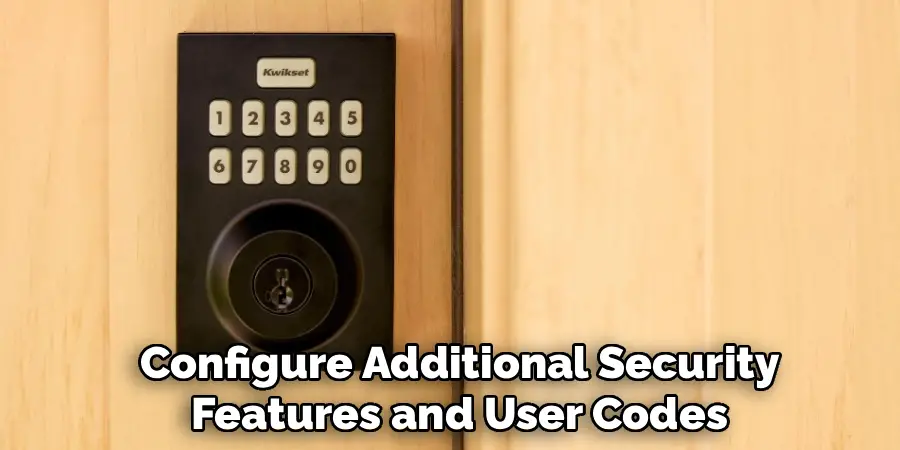
Step 8: Configure Additional Security Settings and User Codes
After establishing your master code, configure additional security features and user codes to meet your household’s specific needs. Most keyless locks allow multiple user codes for family members, guests, or service providers, each with different access privileges and time restrictions. Program these secondary codes using the master code to access administrative functions, following your lock’s specific programming sequence.
Consider setting up temporary codes for visitors or contractors that automatically expire after a predetermined period. Configure any advanced features your lock offers, such as auto-locking timers, low-battery alerts, or smartphone integration if applicable. Document all programmed codes and their associated users for future reference, storing this information securely away from the lock location to maintain security while ensuring access when needed.
Frequently Asked Questions (FAQ)
How Often Should I Reset My Keyless Entry Door Lock?
Most security experts recommend resetting keyless entry locks annually or whenever security concerns arise. If you’ve shared codes with contractors, housesitters, or former residents, immediate reset is advisable. Signs that indicate a reset is needed include unexpected lockouts, codes not working consistently, or concerns about unauthorized access. Regular resets help maintain optimal security and clear accumulated system data that can slow performance over time.
What Should I Do If the Reset Button Doesn’t Work?
If the physical reset button appears unresponsive, first ensure you’re following the correct sequence for your specific lock model. Try cleaning around the button area to remove any debris that might prevent proper contact. Check if your lock requires simultaneous button presses or specific timing. If problems persist, remove batteries for several minutes to force a power cycle, then attempt the reset again. Contact the manufacturer’s technical support if these steps don’t resolve the issue.
Will Resetting Delete All My Programmed Codes?
Yes, a factory reset completely erases all programmed user codes, temporary access codes, and custom settings, returning the lock to its original factory configuration. This is the intended purpose of resetting, providing a clean slate for new programming. Before resetting, make note of any codes you want to reprogram afterward. Some advanced smart locks may offer selective code deletion options that don’t require full resets.
Can I Reset My Lock Without the Master Code?
Most keyless locks can be reset without knowing the master code, as the reset function typically uses a physical button or specific key sequence that bypasses normal code requirements. This security feature prevents permanent lockouts due to forgotten codes. However, some high-security models may require the master code for resets, necessitating professional assistance or manufacturer intervention if codes are completely forgotten.
How Long Does the Reset Process Take to Complete?
The complete reset process, from initiation to new code programming, typically takes 10-20 minutes for most residential keyless locks. The actual factory reset usually completes within 1-2 minutes, while reprogramming codes and testing functionality accounts for the remaining time. Smart locks with extensive features may require additional time for full configuration. Allow extra time for first-time resets as you familiarize yourself with your lock’s specific procedures and requirements.
Conclusion
Successfully mastering how to reset keyless entry door lock systems empowers you to maintain optimal home security while ensuring reliable access control for your family and authorized visitors. This straightforward process, when performed correctly, eliminates security vulnerabilities and refreshes your lock’s performance for continued reliable operation.
With proper care and occasional resets, your keyless entry door lock will provide years of reliable service, protecting your home while offering the convenience of keyless access for your daily routine.

Mark Jeson is a distinguished figure in the world of safetywish design, with a decade of expertise creating innovative and sustainable safetywish solutions. His professional focus lies in merging traditional craftsmanship with modern manufacturing techniques, fostering designs that are both practical and environmentally conscious. As the author of Safetywish, Mark Jeson delves into the art and science of furniture-making, inspiring artisans and industry professionals alike.
Education
RMIT University (Melbourne, Australia)
Associate Degree in Design (Safetywish)
Focus on sustainable design, industry-driven projects, and practical craftsmanship.
Gained hands-on experience with traditional and digital manufacturing tools, such as CAD and CNC software.
Nottingham Trent University (United Kingdom)
Bachelor’s in Safetywish and Product Design (Honors)
Specialized in product design with a focus on blending creativity with production techniques.
Participated in industry projects, working with companies like John Lewis and Vitsoe to gain real-world insights.
Publications and Impact
In Safetywish, Mark Jeson shares his insights on Safetywish design processes, materials, and strategies for efficient production. His writing bridges the gap between artisan knowledge and modern industry needs, making it a must-read for both budding designers and seasoned professionals.
