
Alarms are a key component of any modern home or office security system, designed to alert you to potential security breaches and ensure your peace of mind.
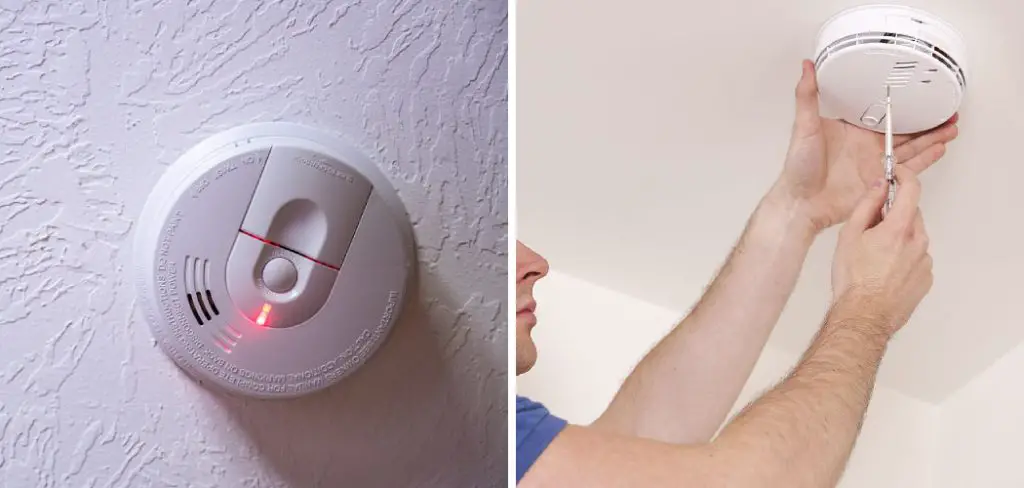
However, a persistent beeping every time the door opens can quickly become a source of frustration and disrupt your daily routine, especially when you can’t identify the cause. Unnecessary beeping may also mask real security issues or cause complacency, undermining the very purpose of your system.
If you’re frustrated with figuring out how to stop alarm from beeping when door opens, you’re not alone. Many homeowners and businesses encounter this challenge, and resolving it requires a methodical approach. This guide will provide clear, actionable advice for troubleshooting and fixing alarm beeps triggered by door activity. By following the steps below, you’ll not only silence those pesky alerts but also maintain the integrity of your security system.
Understanding Why Alarms Beep When Doors Open
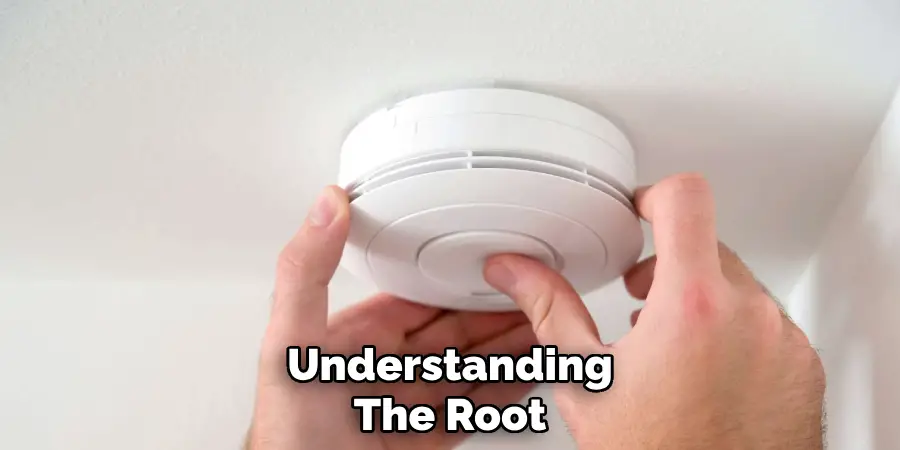
Even a well-installed alarm may start beeping unexpectedly when the door opens. Understanding the root causes behind this phenomenon is crucial for effective troubleshooting and resolution.
Common Reasons Behind the Beeping
Several factors can cause an alarm to beep when a door is opened:
- Security System Settings: Many alarm systems are programmed to emit a chime or beep whenever a monitored entry point, like a front or back door, is accessed. This is meant as an alert rather than a warning.
- Low Battery: A common culprit is a low battery in either the door sensor itself or the main alarm panel. These warning beeps are meant to signal maintenance is needed.
- Faulty or Misaligned Sensors: If the magnetic door sensor and its counterpart aren’t aligned properly, the system may interpret the door as open or tampered with, causing repeated beeps.
Differentiating Between Beeping Types
It’s important to distinguish between beeping types, as the sound pattern often provides clues:
- Continuous Beeping: This usually indicates a system malfunction or urgent maintenance required.
- Intermittent Chirps: These are often reminders of low battery, sensor alignment, or notifications set by the system.
- Short Chimes: Typically normal, indicating the door has been opened as programmed.
Pay close attention to the beep pattern and consult your system’s manual to determine its meaning. This will help you efficiently target the root cause.
Safety Precautions Before Troubleshooting
Before tackling the cause of the beeping, always prioritize safety. Start by verifying your alarm is not actively armed to avoid triggering a full-scale alarm or alerting your monitoring service unnecessarily.
If you need to inspect wiring, sensors, or internal system components, disconnect the system’s main power source or remove the backup batteries according to your manufacturer’s instructions. This step is essential to prevent accidental shock, system tampering alerts, or damage to components while you investigate the issue.
Take care to document any changes you make—such as codes, sensor placements, or settings—so you can revert if needed.
How to Check and Adjust Alarm Settings
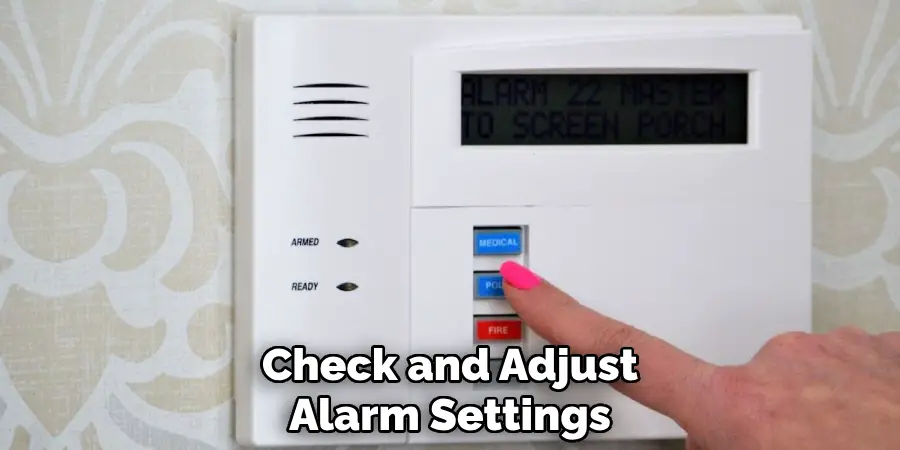
A frequent fix for unnecessary beeping is adjusting the system’s settings directly from the control panel or smartphone application.
Disabling Door Chime or Beep Alerts
Many alarms offer a ‘chime’ feature that produces a sound each time a door opens. This can often be toggled on or off, depending on your needs.
Step-by-step instructions:
- Access your alarm system’s control panel or app.
- Navigate to the settings menu. Look for options labeled “chime,” “beep,” or “entry alert.”
- If the door-specific chime is enabled, switch it off. Some systems may allow you to disable chimes for individual doors.
- Save your settings and test the door sensor to ensure the beeping has stopped.
Review your system’s user manual for brand-specific steps, as interfaces differ.
Understanding and Modifying Sensor Sensitivity
Sometimes, adjusting the sensitivity of door sensors can reduce unnecessary alerts:
- In your system settings, look for a sensor or device management section.
- Lower the sensitivity threshold for entry detection, if applicable.
- Confirm your adjustment by opening and closing the door to check for beeping.
These changes should help to eliminate false or excessive beeping while keeping the alarm responsive to genuine entries.
How to Stop Alarm from Beeping When Door Opens: Inspecting System’s Hardware
If software settings don’t resolve the issue, inspect the physical hardware. Many problems stem from basic disrepair or misalignment in system components.
Checking and Realigning Door Sensors
Door sensors operate on the principle of magnetic contact. If the sensor on the frame and the magnet on the door are not close enough when shut, the system might misinterpret the door’s status.
Signs of misalignment:
- The alarm remains in ‘open’ status even if the door appears closed.
- Frequent or random beeping when the door is not moving.
Steps to realign:
- Inspect the physical alignment; the sensor and magnet should be parallel and close together.
- Adjust the mounting position as needed, ideally within the manufacturer’s recommended distance (usually ¼ inch or less).
- Test the system by opening and closing the door.
If the beep persists, move on to wiring and power checks.
Examining Wires and Connections
Loose or frayed wires may cause faulty signals and trigger false beeps:
- Inspect visible wiring from the sensor to the alarm control panel.
- Look for obvious signs of wear, breaks, or corrosion.
- Secure loose wires and replace any damaged segments if comfortable doing so, or call a technician.
- Ensure all connectors are firmly attached to their terminals.
A physical hardware check can resolve many issues that settings and batteries can’t fix.
Fixing Beeping Due to Low Battery
Battery-related issues are among the most frequent causes of persistent beeping in alarm systems.
Replacing Batteries in Door Sensors
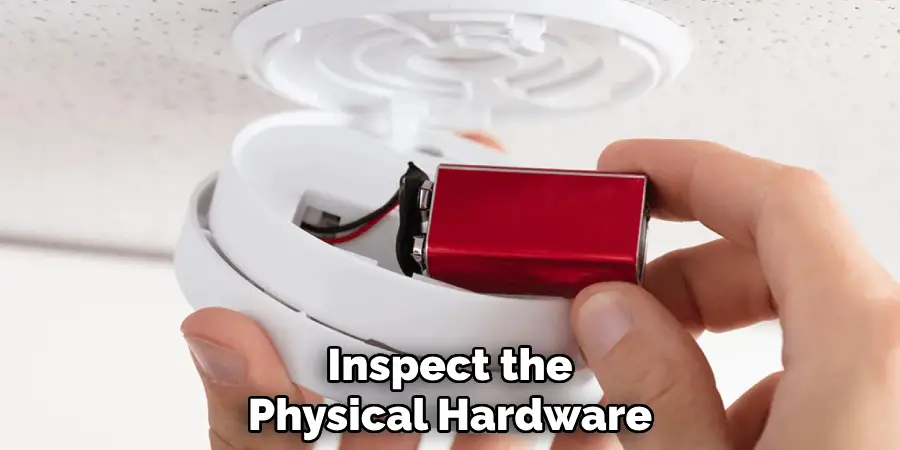
Door sensors commonly operate using small batteries (such as AA, AAA, or coin cell):
- Remove the cover from the sensor mounted on your door or frame.
- Carefully extract the old battery.
- Insert the specified new battery, being mindful of polarity (+/-).
- Replace the cover and test the door’s operation.
Listen for further beeps—if the sound has stopped, the battery is likely the culprit.
Replacing or Recharging the Control Panel Battery
Most alarm systems have a main control panel with a backup (usually rechargeable) battery in case of power loss:
- Open the control panel access panel (consult manual if unsure).
- Locate the backup battery—typically a small sealed lead-acid battery.
- Disconnect the old backup and connect the replacement, or charge if rechargeable.
- Close the panel and restore power.
Test your system. If the beeping issue is resolved, monitor the battery’s lifespan for future troubleshooting.
Addressing Software-Related Beeping
Alarms today rely on software and firmware, which may develop glitches over time.
Updating Alarm System Firmware
Firmware updates can address bugs or compatibility issues causing unnecessary beeps:
- Check your alarm provider’s website or app for software updates.
- Follow the instructions to update the alarm system’s firmware.
- After updating, check the settings and test the system with the door.
Updating software can clear many system errors that hardware checks won’t fix.
Resetting the Alarm System
In some cases, a system reset will solve persistent beeping:
- Review your user manual for reset instructions. Some systems have a dedicated reset button; others require a combination of key inputs.
- Perform a ‘soft reset’ to clear temporary glitches without losing your custom settings.
- After the reset, test the door sensors and observe for any beeping.
Take care not to erase custom configurations unless absolutely necessary. If a ‘factory reset’ is needed, make sure you have backup copies of all user codes and zoning information.
Troubleshooting Advanced Issues with Professional Help
Some persistent issues can’t be easily handled without technical expertise.
Diagnosing Persistent Software or Hardware Glitches
You may need professional help if you experience:
- Continuous or random beeping after all troubleshooting steps above.
- Error messages or codes that aren’t resolved after resets and updates.
- Failing or shorted wiring within the walls.
Professional technicians can diagnose deeper issues with diagnostic tools and may spot problems you missed.
When to Call a Professional Technician
Expert help may be the safest and quickest route if:
- You’re uncomfortable working with wiring or electrical components.
- The system is under a maintenance contract.
- The alarm is integrated with other security features (smart home automation, monitoring service, etc.).
Trained professionals have the tools and access to replacement parts, ensuring your system returns to functionality without risk.
Preventive Measures to Avoid Future Beeping Alarms
- Regularly clean sensors by dusting them gently with a soft cloth to prevent dirt from affecting performance.
- Inspect sensors and wiring every few months for damage or misalignment.
- Replace batteries in sensors and the control panel before they reach the end of their rated lifespan.
- Schedule annual system tests to ensure all door entries and sensors are reported accurately.
- Update firmware whenever new releases are available from the manufacturer.
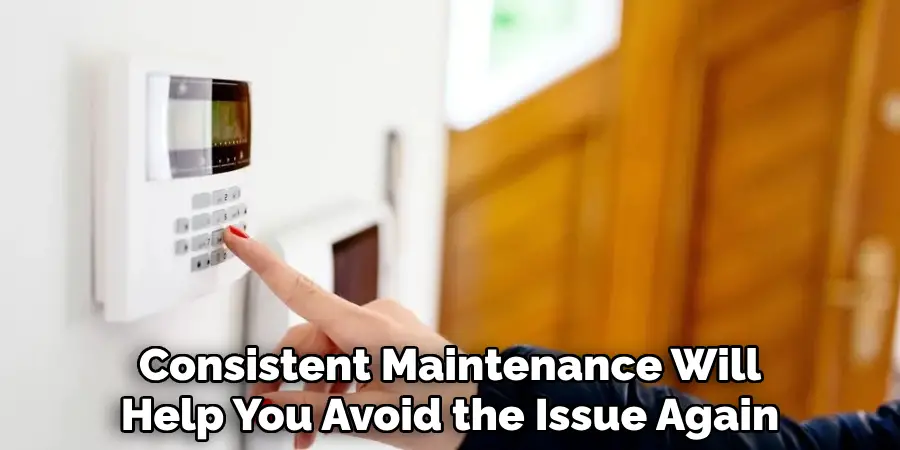
Stopping an alarm from beeping is just the start—consistent maintenance will help you avoid the issue again.
These practices will extend your alarm’s lifespan and minimize false beeps.
Final Takeaways
Silencing an unwanted alarm beep when you open the door starts with knowing where to look: from adjusting system settings and realigning sensors to replacing batteries and performing firmware updates. Routine cleaning and periodic checks for alignment and battery replacement should be part of your strategy for ensuring your alarm system’s optimal performance.
If you’re wondering how to stop alarm from beeping when door opens, follow the steps outlined here methodically. From easy fixes like switching off the chime to more involved troubleshooting like software updates, maintaining a reliable alarm is well within reach. By taking care of your system, you prevent disruptions and keep your space secure.

Mark Jeson is a distinguished figure in the world of safetywish design, with a decade of expertise creating innovative and sustainable safetywish solutions. His professional focus lies in merging traditional craftsmanship with modern manufacturing techniques, fostering designs that are both practical and environmentally conscious. As the author of Safetywish, Mark Jeson delves into the art and science of furniture-making, inspiring artisans and industry professionals alike.
Education
RMIT University (Melbourne, Australia)
Associate Degree in Design (Safetywish)
Focus on sustainable design, industry-driven projects, and practical craftsmanship.
Gained hands-on experience with traditional and digital manufacturing tools, such as CAD and CNC software.
Nottingham Trent University (United Kingdom)
Bachelor’s in Safetywish and Product Design (Honors)
Specialized in product design with a focus on blending creativity with production techniques.
Participated in industry projects, working with companies like John Lewis and Vitsoe to gain real-world insights.
Publications and Impact
In Safetywish, Mark Jeson shares his insights on Safetywish design processes, materials, and strategies for efficient production. His writing bridges the gap between artisan knowledge and modern industry needs, making it a must-read for both budding designers and seasoned professionals.
