
Losing connection with your Ford key fob can be a frustrating experience, leaving you without the remote convenience you’ve come to rely on. Whether you’ve just replaced the battery or bought a new fob, getting it to communicate with your vehicle is a crucial step.
Fortunately, learning how to sync key fob ford models is a straightforward process you can often do yourself, saving you a trip to the dealership. This guide will walk you through the entire process, from understanding why syncing is necessary to following a simple, step-by-step procedure. With just a few minutes and your car key, you can restore full functionality and get back on the road with confidence.
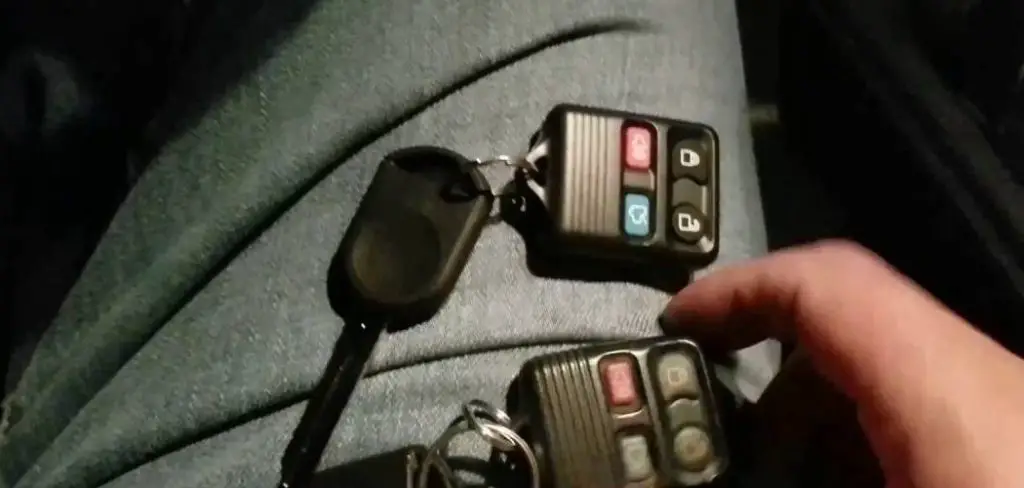
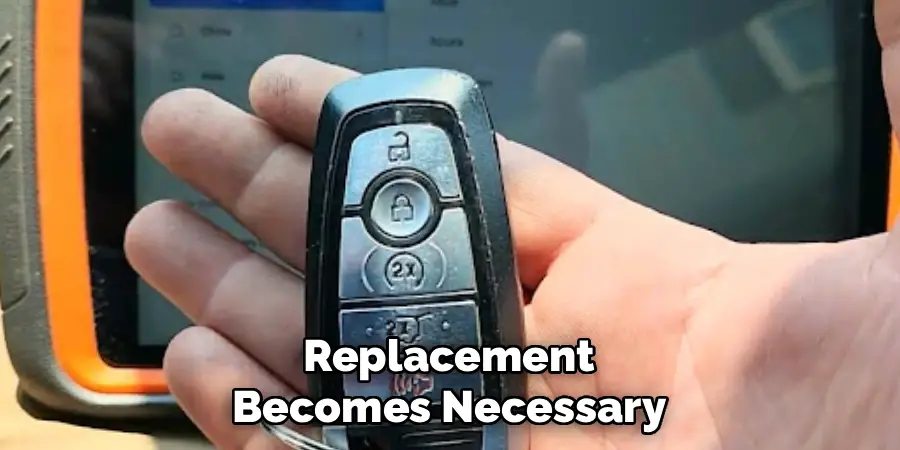
Without a proper sync, the fob is essentially a useless piece of plastic. This is a common issue after a battery replacement, as the fob can lose its memory. Furthermore, if you purchase a replacement or an additional fob, it won’t work out of the box until it’s been programmed for your specific car. Syncing ensures that only your authorized remotes can access your vehicle, preventing potential theft or unauthorized entry from other fobs. It’s a simple but essential task for any Ford owner.
Why Syncing Your Ford Key Fob is Important
Syncing, or programming, your Ford key fob is the process of creating a secure, unique electronic link between the remote and your vehicle’s computer system. This connection is vital for both convenience and security. When a fob is synced, it sends a specific radio signal that only your car’s receiver is programmed to recognize. This allows you to lock and unlock doors, open the trunk, and even activate the panic alarm from a distance. In addition to these convenient features, here are some other reasons why syncing your Ford key fob is important.
Prevents Unauthorized Access
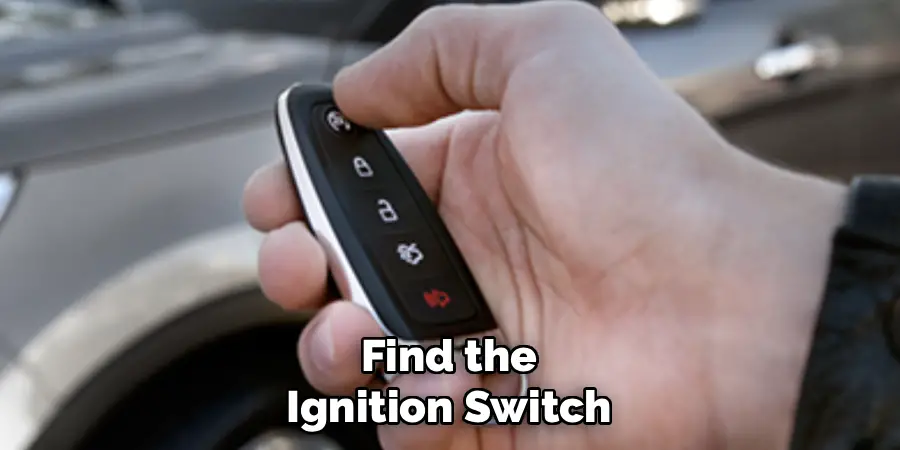
One of the main reasons for programming your key fob is to prevent unauthorized access to your vehicle. With a synced fob, only you and anyone else with a synced remote can gain entry to your car. This adds an extra layer of security that traditional keys cannot provide. It also ensures that someone who may have a similar model of Ford cannot accidentally or intentionally unlock your doors.
How to Sync Key Fob Ford: A Step-by-Step Guide
Step 1: Gather Your Keys and Get Inside
Before starting the programming sequence, make sure you have all the necessary items. You will need every key fob you want to sync with your vehicle, including any existing ones that are already working, along with one master key that can turn the ignition. It is crucial to program all remotes in a single session, as the process will erase the memory of any fobs not included. Once you have everything, get into the driver’s seat and ensure all car doors are closed. This prevents any interruptions and signals to the car’s computer that you are ready to initiate the programming mode.
Step 2: Insert and Turn the Ignition Key
With all doors shut, take your standard ignition key (not the fob itself if it’s separate) and insert it into the ignition cylinder. The next sequence of actions must be performed relatively quickly to successfully enter programming mode. You will need to turn the key from the “Off” position to the “On” position (the spot right before the engine starts) and back again multiple times. This rapid cycling is what triggers the vehicle’s computer to prepare for fob synchronization. Be ready to perform the next step immediately, as timing is a critical component of this entire procedure.
Step 3: Cycle the Key Eight Times
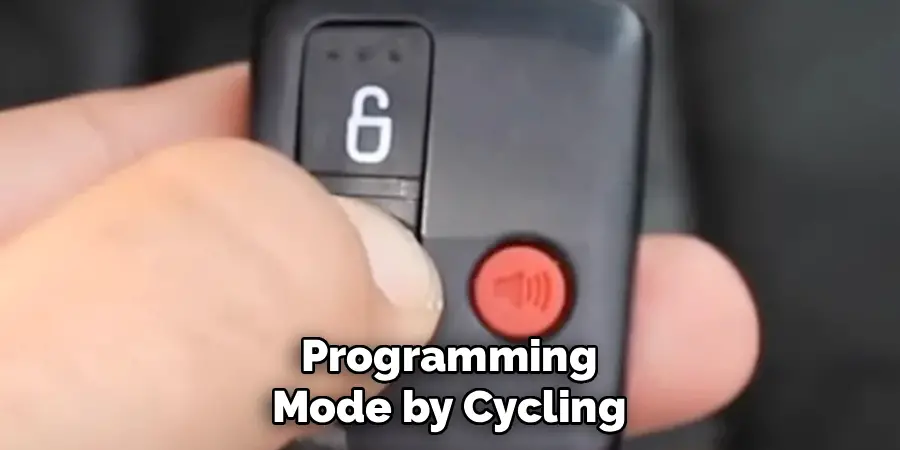
This is the most important step for entering programming mode. You must turn the key from the “Off” position to the “On” position eight times in quick succession, ending in the “On” position on the eighth turn. Perform this action within about 10 seconds. Do not turn the key all the way to start the engine. As you turn the key back and forth, you are communicating with the car’s internal computer. If done correctly, you will hear the power door locks cycle—locking and then unlocking—on their own. This sound is your confirmation that the vehicle has successfully entered programming mode.
Step 4: Program Your First Ford Fob
Once you hear the doors lock and unlock, you have a short window of about 20 seconds to program your first remote. Take the first key fob you wish to sync and press any button on it—the “Lock” or “Unlock” button is usually the most reliable choice. After pressing the button, the car’s door locks should cycle again, confirming that the remote has been successfully paired with the vehicle’s system. This sound is your signal that the car has accepted the new fob’s code. If you do not hear this confirmation, the process may have timed out, and you will need to start over from Step 2.
Step 5: Ford Remotes Consecutively
If you have more than one remote to program, you must do so immediately after the first one is synced. The vehicle remains in programming mode for a brief period. Pick up your second key fob and press any button on it, just as you did with the first. You should once again hear the power door locks cycle, which confirms that the second fob has been successfully programmed. Repeat this exact process for any additional fobs you have, whether it’s a third, fourth, or more. You must sync them all within the same programming session to ensure they all work.
Step 6: Finalize the Programming Session
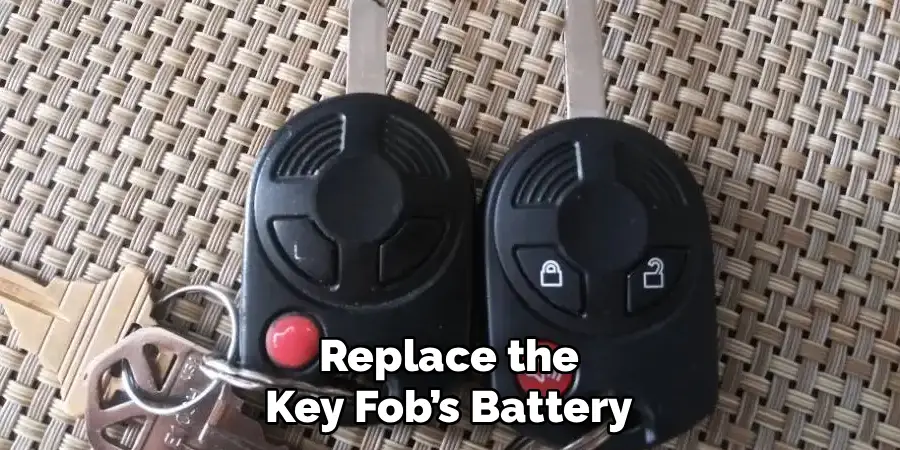
After you have successfully programmed all of your key fobs, you need to exit programming mode to save the new settings. To do this, simply turn the ignition key back to the “Off” position. Turning the key off signals to the vehicle’s computer that the syncing process is complete. The door locks may cycle one final time as confirmation that the programming mode has been deactivated. This final step is crucial for storing the new remote codes in the car’s memory, ensuring that your fobs will work correctly from this point forward.
Step 7: Test All Your Key Fobs
The final step is to verify that the process worked for all your remotes. Remove the key from the ignition, exit the vehicle, and close the driver’s side door. Now, test each key fob one by one. Press the lock, unlock, trunk release, and panic buttons on each remote to ensure all functions are working as expected. If a fob doesn’t work, it may not have been synced correctly, or its battery might be dead. If all fobs work, you have successfully completed the process. If any fail, you may need to repeat the entire procedure from the beginning.
Tips for Key Fob Maintenance
- Replace Batteries Regularly – Key fob batteries typically last 1-3 years, depending on usage. If you notice a weaker signal or inconsistent performance, replace the battery promptly to avoid getting locked out of your vehicle.
- Keep the Fob Clean – Dust and grime can accumulate on your key fob over time, potentially interfering with the buttons or sensors. Use a soft cloth and mild cleaner to wipe it down periodically.
- Avoid Water Exposure – Many key fobs are not fully waterproof. Try to keep them away from water to prevent internal damage. If it does get wet, dry it immediately and replace the battery if necessary.
- Protect Against Physical Damage – Dropping or crushing your key fob can damage its internal components. Consider using a durable protective case to help absorb impact and extend its lifespan.
- Store Spare Fobs Safely – Keep spare key fobs in a safe, easily accessible location. Avoid storing them in extreme temperatures, as heat or cold can degrade the battery and electronics over time.
- Reprogram When Necessary – If you notice reduced connectivity or the fob becomes unresponsive, it might need reprogramming. Follow the manufacturer’s instructions or consult a professional to restore proper functionality.
By following these tips, you can ensure your key fob remains reliable and functional for years to come.
Frequently Asked Questions
Can I Program a Ford Key Fob Myself?
Yes, for many Ford models, you can program a new key fob yourself using the ignition key cycling method described in this guide. This process doesn’t require special tools and can save you money. However, some newer models or push-to-start systems may require professional programming at a dealership.
Why Did My Ford Key Fob Suddenly Stop Working?
The most common reason for a key fob to stop working is a dead battery. Replacing the battery is a simple fix. Other potential causes include internal damage to the fob, signal interference, or the fob losing its synchronization with the vehicle, which would require you to reprogram it.
How Much Does It Cost to Sync a Ford Key Fob?
If you do it yourself, syncing a key fob is free. If your vehicle requires professional programming, a dealership or automotive locksmith will typically charge a fee for the service. This cost can vary but often ranges from $50 to $150, depending on the vehicle model and location.
Do I Need to Reprogram My Key Fob After Changing the Battery?
Often, yes. When you remove the battery from a key fob, it can lose its programmed memory. After inserting a new battery, you may find that the remote no longer communicates with your car. In this case, you will need to follow the reprogramming steps to re-establish the connection.
How Do I Know if My Key Fob Battery Is Low?
A key sign of a low battery is a significantly reduced signal range. You might have to stand much closer to your car for the remote to work. Another indicator is needing to press a button multiple times for it to register. Many Ford vehicles will also display a “Key Fob Battery Low” message on the dashboard.
Conclusion
Syncing your Ford key fob is an empowering and cost-effective skill for any vehicle owner. By following the simple steps outlined—cycling the ignition key eight times to enter programming mode and then pressing a button on each remote—you can restore full functionality in minutes. This process not only saves you a trip to the dealership but also ensures your vehicle remains secure. Now that you know how to sync key fob ford models, you can confidently handle battery changes or add new remotes whenever needed, keeping the convenience of remote access at your fingertips.

Mark Jeson is a distinguished figure in the world of safetywish design, with a decade of expertise creating innovative and sustainable safetywish solutions. His professional focus lies in merging traditional craftsmanship with modern manufacturing techniques, fostering designs that are both practical and environmentally conscious. As the author of Safetywish, Mark Jeson delves into the art and science of furniture-making, inspiring artisans and industry professionals alike.
Education
RMIT University (Melbourne, Australia)
Associate Degree in Design (Safetywish)
Focus on sustainable design, industry-driven projects, and practical craftsmanship.
Gained hands-on experience with traditional and digital manufacturing tools, such as CAD and CNC software.
Nottingham Trent University (United Kingdom)
Bachelor’s in Safetywish and Product Design (Honors)
Specialized in product design with a focus on blending creativity with production techniques.
Participated in industry projects, working with companies like John Lewis and Vitsoe to gain real-world insights.
Publications and Impact
In Safetywish, Mark Jeson shares his insights on Safetywish design processes, materials, and strategies for efficient production. His writing bridges the gap between artisan knowledge and modern industry needs, making it a must-read for both budding designers and seasoned professionals.
