
Welcome to the world of keyless convenience! If you’ve recently upgraded to a Schlage smart lock, you’re on your way to a simpler and more secure way of accessing your home. The key fob is a central part of this system, but like any new technology, it can seem a bit confusing at first. Don’t worry, using it is incredibly straightforward once you understand the basics. This small device offers a powerful alternative to traditional keys, putting access right at your fingertips.
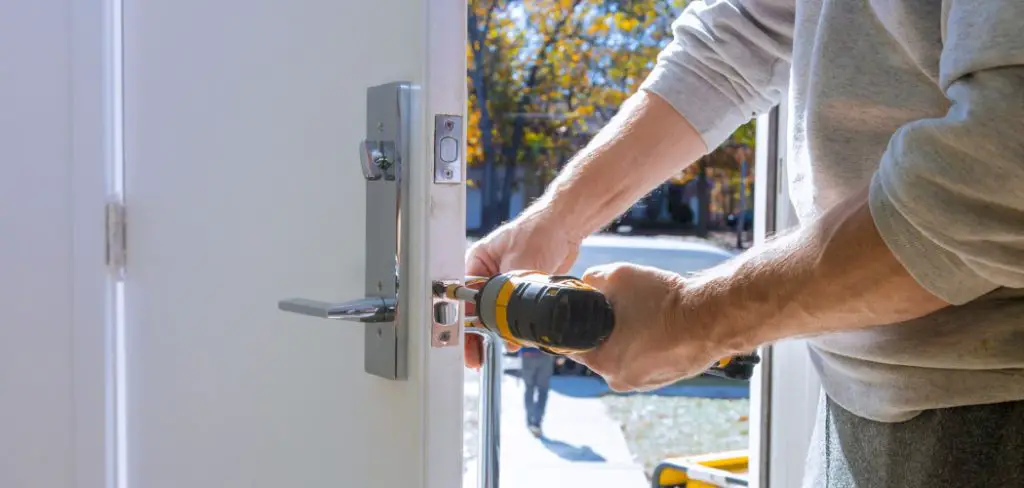
This guide is designed to provide clear, easy-to-follow instructions for everyone. We’ll show you exactly how to use schlage key fob, from the initial setup to daily operation, ensuring you can make the most of your new smart lock system with confidence.
Why Use a Schlage Key Fob?
The primary benefit of using a Schlage key fob is the sheer convenience it offers. Instead of fumbling for keys in your pocket or bag, a simple tap or button press is all it takes to unlock your door. This is especially helpful when your hands are full with groceries, luggage, or a child. This ease of access streamlines your daily routine, making coming and going a seamless experience. It’s a modern solution that eliminates one of life’s small but frequent frustrations.
Beyond convenience, a key fob significantly enhances your home’s security. It’s a key component of a modern access control system. Unlike a physical key that can be easily copied, a key fob uses encrypted signals that are extremely difficult to duplicate. If a fob is lost or stolen, you can simply deactivate it from your smart lock system, instantly revoking its access without the need to change your locks. This gives you greater control and peace of mind over who can enter your home.
Step-by-Step Guide: How to Use Schlage Key Fob
Step 1: Unpack and Identify Your Components
Before you begin, unpack your Schlage lock and key fob kit. You should have the lock itself, one or more key fobs, the user manual, and any necessary batteries or mounting hardware. Take a moment to familiarize yourself with the fob. It’s a small, durable device designed to fit on your keychain.
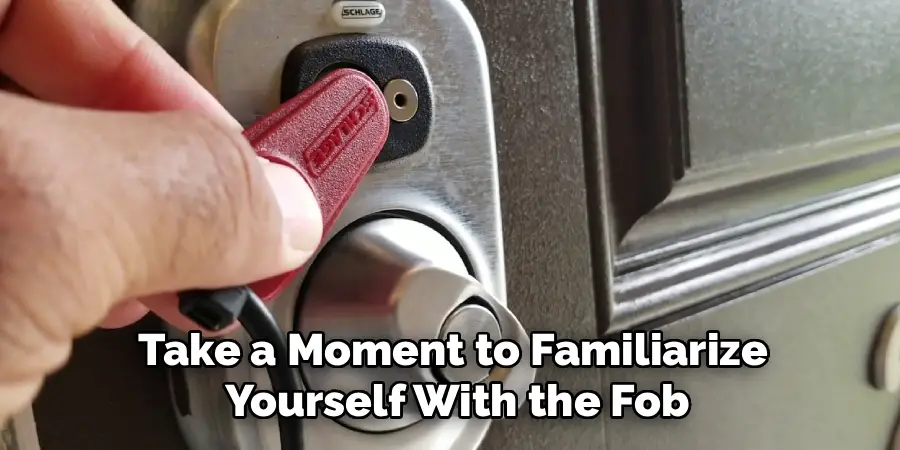
The user manual is your most important tool, as the exact steps for fob programming can vary slightly between different Schlage lock models, such as the Schlage Sense, Schlage Connect, or Schlage Encode. Identifying your specific lock model is the first step to a successful setup.
Step 2: Install and Power on Your Schlage Lock
Before you can use the key fob, your smart lock system must be properly installed on your door and powered on. Follow the manufacturer’s installation guide carefully to mount the lock. Once it’s physically installed, insert the required batteries. The lock will typically perform a self-check, indicated by a series of beeps and flashing lights. It’s crucial that the lock is fully operational before you attempt to pair any new devices with it. A correctly installed and powered lock is the foundation for all Schlage lock features.
Step 3: Enter Programming Mode on the Lock
To pair your key fob, you must first put the lock into programming mode. This is a security measure to ensure only authorized users can add new credentials. To do this, you will need the unique 6-digit programming code that came with your lock. This code is usually found on a sticker on the back of the interior lock assembly and also in your user manual. Typically, you will enter this programming code on the lock’s keypad, which will then signal that it is ready to accept new commands, like adding a key fob.
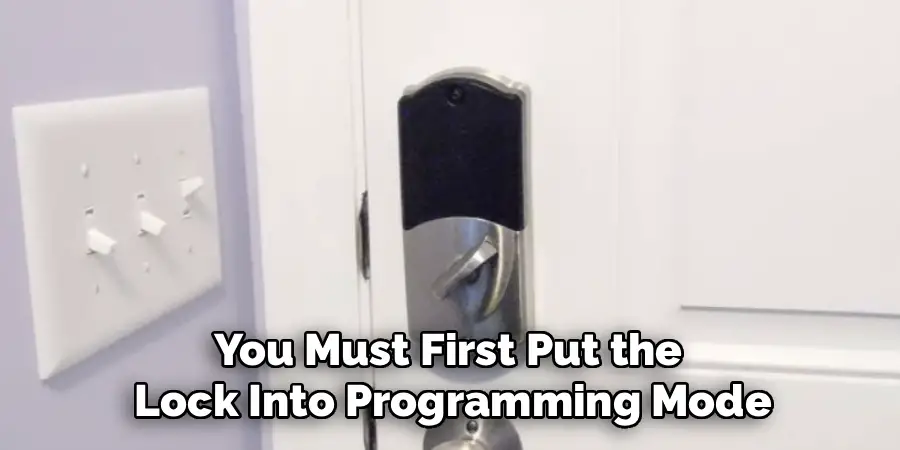
Step 4: Add the Key Fob to the Lock’s System
With the lock in programming mode, you are ready to introduce the key fob. The specific action will be outlined in your manual, but it usually involves pressing a designated button on the lock’s keypad, followed by presenting the key fob to the lock. You will need to hold the fob close to the lock’s sensor (usually near the keypad) until the lock provides a confirmation signal. This is often a green light and a short beep, indicating that the fob has been successfully added to the system’s memory.
Step 5: Test the Key Fob for Functionality
After receiving the confirmation signal, it’s essential to test the fob to ensure the pairing was successful. Exit programming mode on your lock, and make sure the door is in the locked position. Now, hold the newly programmed key fob up to the lock’s sensor. The lock should immediately disengage and unlock. It’s also a good idea to test the locking function if your fob supports it. Confirming that the fob works correctly ensures that your keyless entry system is ready for daily use and avoids any lockout situations.
Step 6: Daily Use and Operation
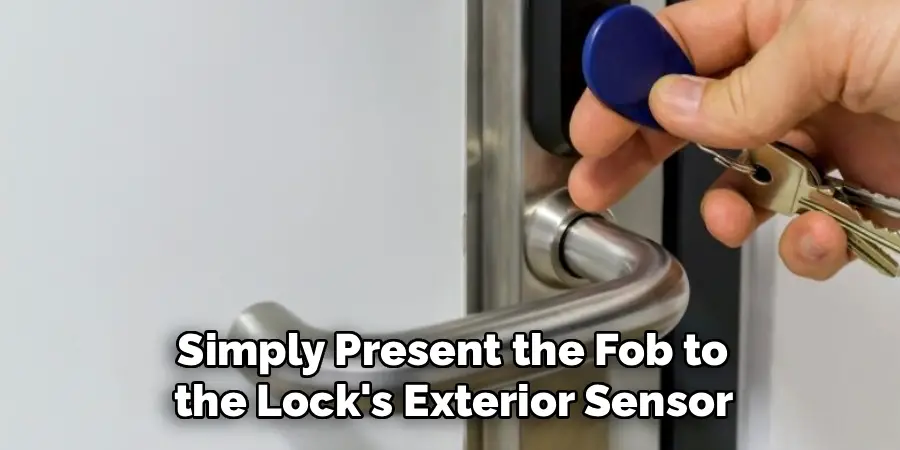
This is the easiest and most rewarding step in learning how to use schlage key fob. For day-to-day use, simply present the fob to the lock’s exterior sensor. Hold it flat against the surface for a moment. The lock will read the encrypted signal, verify its credentials, and unlock the door. There’s no need to press any buttons on the fob itself for basic unlocking. This simple, tap-and-go action is what makes the key fob an incredibly convenient upgrade from a traditional key, especially when your hands are full.
Step 7: Removing a Lost or Stolen Key Fob
One of the most powerful Schlage lock features is the ability to easily manage access control. If a key fob is ever lost or stolen, you must remove it from your system immediately to maintain security. To do this, you will once again need to enter programming mode using your 6-digit code. Follow the manual’s instructions for deleting a user code or credential. This process will invalidate the lost fob, rendering it useless. This is a significant security advantage over traditional locks, which would require a complete re-keying.
Advanced Security Features
Modern keyless entry systems come equipped with a range of advanced security features designed to enhance protection and convenience. One such feature is activity logging, which tracks and records all access events, allowing you to monitor who has entered and exited the premises.
Additionally, many systems offer two-factor authentication, combining a key fob or code with biometric verification, such as a fingerprint or facial recognition, for an added layer of security.
Remote management capabilities through dedicated mobile apps are also becoming standard, enabling you to lock or unlock doors, update credentials, and receive real-time alerts from anywhere. These cutting-edge features provide enhanced control and peace of mind, ensuring that your property remains secure at all times.
Frequently Asked Questions (FAQs)
What Do I Do if My Schlage Key Fob Stops Working?
If your key fob suddenly stops working, there are a few things to check.
- First, check the batteries in the Schlage lock itself. A low battery in the lock is a common reason for intermittent performance.
- Ensure there is no physical damage to the fob.
- If those issues are not the cause, you may need to try re-programming the fob by deleting it from the system and then adding it back again.
Can I Use One Schlage Key Fob for Multiple Locks?
Yes, you can program a single Schlage key fob to work with multiple Schlage locks, provided they are compatible models. You will need to perform the programming process for each lock individually. This means you will go to each door, put that specific lock into programming mode, and add the same key fob to its system. This is a convenient feature for homeowners with multiple keyless entry points.
How Is a Key Fob More Secure Than a Key?
A key fob offers superior security because it uses encrypted communication that is extremely difficult to duplicate, unlike a physical key that can be copied at any hardware store. Furthermore, if a key fob is lost or stolen, its access can be instantly revoked by deleting it from the lock’s memory. With a lost key, your only option to restore security is to have the entire lock re-keyed or replaced, which is more expensive and time-consuming.
Does a Schlage Key Fob Have a Battery?
Most Schlage key fobs are passive devices, meaning they do not contain a battery. They are powered wirelessly by the lock’s sensor when you hold them close. This is a technology similar to what is used in tap-to-pay credit cards. This design makes the fobs very reliable and maintenance-free, as you never have to worry about a dead battery in the fob itself.
How Many Key Fobs Can I Program to One Schlage Lock?
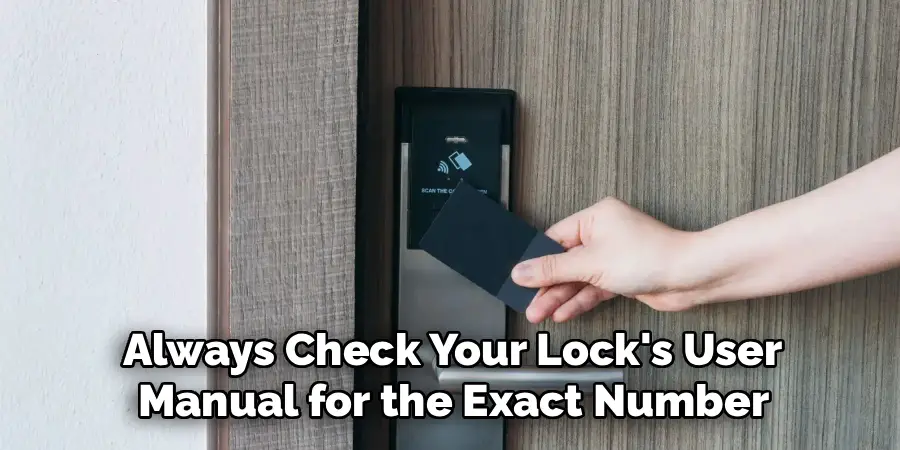
The number of key fobs (and user codes) you can program to a single Schlage lock depends on the specific model. Most Schlage smart locks, like the Schlage Connect and Sense, can store between 19 and 30 different user credentials. This provides plenty of capacity for family members, friends, or temporary guests. Always check your lock’s user manual for the exact number your model supports.
Conclusion
Mastering your Schlage key fob is a simple process that unlocks a new level of convenience and security for your home. By following the steps of pairing, testing, and understanding daily use, you can move past the limitations of traditional keys. The ability to grant and revoke access easily puts you in complete control of your home’s security. It’s about embracing a smarter, more streamlined way to manage access for your family.
Now that you have a clear understanding of how to use schlage key fob, you can confidently set up and operate your keyless entry system. Enjoy the peace of mind and effortless access that comes with this modern home technology.

Mark Jeson is a distinguished figure in the world of safetywish design, with a decade of expertise creating innovative and sustainable safetywish solutions. His professional focus lies in merging traditional craftsmanship with modern manufacturing techniques, fostering designs that are both practical and environmentally conscious. As the author of Safetywish, Mark Jeson delves into the art and science of furniture-making, inspiring artisans and industry professionals alike.
Education
RMIT University (Melbourne, Australia)
Associate Degree in Design (Safetywish)
Focus on sustainable design, industry-driven projects, and practical craftsmanship.
Gained hands-on experience with traditional and digital manufacturing tools, such as CAD and CNC software.
Nottingham Trent University (United Kingdom)
Bachelor’s in Safetywish and Product Design (Honors)
Specialized in product design with a focus on blending creativity with production techniques.
Participated in industry projects, working with companies like John Lewis and Vitsoe to gain real-world insights.
Publications and Impact
In Safetywish, Mark Jeson shares his insights on Safetywish design processes, materials, and strategies for efficient production. His writing bridges the gap between artisan knowledge and modern industry needs, making it a must-read for both budding designers and seasoned professionals.
