
Apple’s AirTag is a brilliant device for keeping track of your keys, bags, and other valuables. But these small trackers are almost always housed in a keychain or holder, and getting them open isn’t always as intuitive as it seems. Whether you need to replace the battery in your AirTag or simply want to switch to a new stylish case, you first need to get the old one open. Different keychain styles have different mechanisms, which can be confusing. This guide will provide clear, beginner-friendly instructions on how to open airtag keychain holders of all types, making the process simple and stress-free.

Opening an AirTag keychain holder might seem tricky at first, but with the right approach, it can be done quickly and easily. Whether you’re dealing with a snap-on case, a screw-lock design, or a silicone loop, each requires a specific technique. It’s important to handle the holder carefully to avoid damaging the AirTag or the keychain itself. By following the steps outlined, you’ll be able to safely access your AirTag in no time.
Opening a Snap-On AirTag Keychain Holder
To open a snap-on AirTag keychain holder, follow these steps:
- Position Your Fingers: Place your fingers on each side of the holder where the cover meets the base. Make sure to use a firm grip without applying too much pressure.
- Apply Pressure: While holding onto the sides of the holder, gently squeeze and apply pressure towards the center to release the snaps that hold the cover in place.
- Lift Up: Once you feel or hear the snaps release, lift up on one side of the cover while still maintaining pressure with your other hand. This will create enough space for you to easily remove the cover from the base.
- Repeat: If necessary, repeat the process on the other side of the cover to fully remove it from the base.
- Clean and Replace: Once you have removed the cover, take the opportunity to clean any dust or debris that may have accumulated inside the holder. You can use a soft cloth or compressed air to gently clean out any hard-to-reach areas. Then, simply place the cover back onto the base and apply pressure until you hear or feel the snaps lock into place.
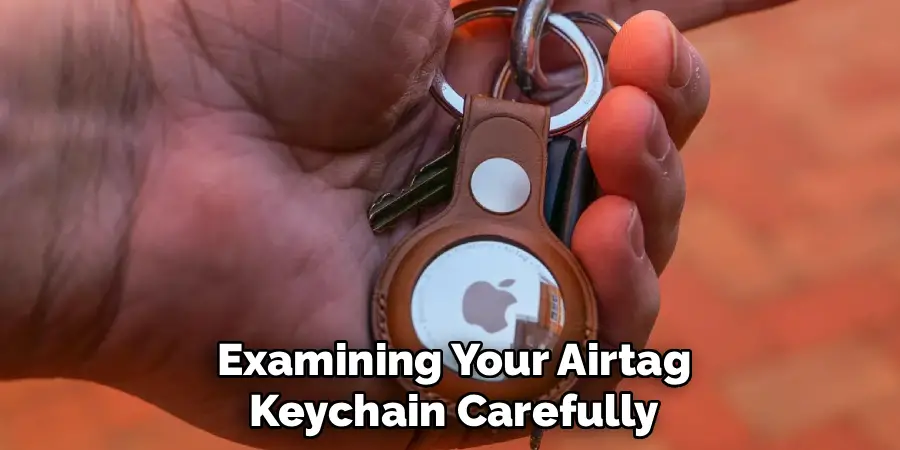
Step-by-Step Guide on How to Open AirTag Keychain Holders
Step 1: Identify Your Type of AirTag Keychain
Before you begin, take a close look at your AirTag keychain to determine its design. Most holders fall into a few common categories. There are silicone or rubber sleeves that the AirTag simply pops into. There are two-piece plastic or metal cases that twist or snap together. And there are leather or fabric pouches with a snap or a secure flap. Understanding which type you have is the first step, as the opening method will be specific to its design. This initial assessment will ensure you use the correct technique and avoid damaging the holder or the AirTag itself.
Step 2: AirTag Keychain Sleeves
For silicone, rubber, or flexible plastic sleeves, the process is straightforward. These holders are designed to be friction-fit, meaning they hold the AirTag securely through their tight, flexible shape. To open one, place your thumbs on the back of the case, near the center where the AirTag sits. Then, using your index fingers on the front lip of the sleeve, simply push the AirTag forward and out of the holder. It should pop out with a bit of firm, steady pressure. This design is common and is one of the easiest to manage.
Step 3: Open a Two-Piece Twist-Lock Keychain
Many popular hard plastic or metal keychains consist of two pieces that twist together to lock the AirTag inside. To open this style, hold both sides of the keychain firmly. You will need to twist the two halves in opposite directions, usually counter-clockwise, to unlock them. It might feel stiff, especially if it’s a new keychain. Look for any small arrows or markings that indicate the direction to twist. Once you have turned it about a quarter-turn, you should feel it release. You can then pull the two pieces apart to access your AirTag.
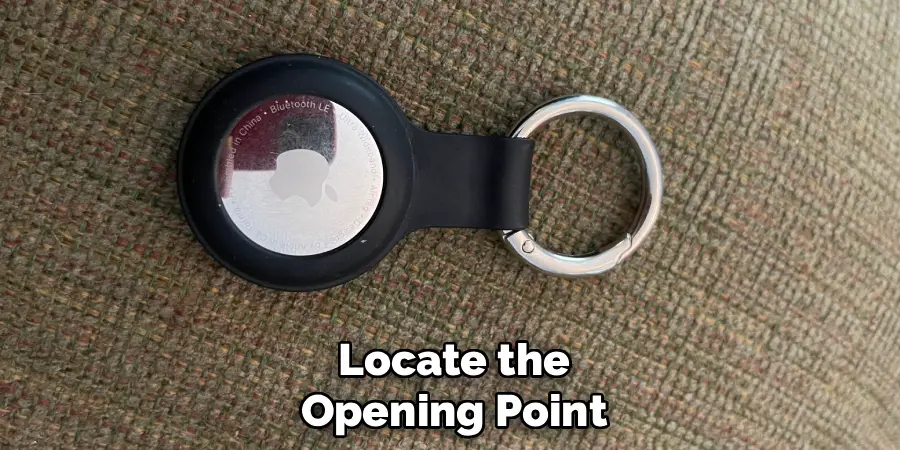
Step 4: Keychain with a Snap
Leather, faux leather, and fabric keychains often use a pouch design secured with a metal snap button. This style is perhaps the most intuitive to open. Simply locate the snap button that holds the flap closed. Place your thumb or finger under the edge of the flap and pull it firmly away from the body of the keychain. The snap will release with a distinct popping sound. Once the flap is open, the AirTag is usually housed in a snug pocket inside, and you can easily slide it out with your thumb.
Step 5: Dealing with Snap-Together Hard Cases
Some hard plastic cases don’t twist but instead snap together with small, hidden clips around the seam. These can be the trickiest to open. You will need to find the small indentation or pry point along the seam where the two halves meet. Carefully insert a fingernail or a thin, non-metal prying tool (like a guitar pick) into this slot. Gently work your way around the edge, applying steady pressure to release the clips one by one. Be patient and avoid using excessive force, as this could crack the plastic case.
Step 6: Removing the AirTag from its Holder
Once you have successfully opened the keychain’s locking mechanism—whether by popping, twisting, or unsnapping—the final step is to remove the AirTag itself. For pouch or sleeve designs, you can simply slide or push the AirTag out. For two-piece cases, once you have separated the halves, the AirTag will be resting inside one of them. You can just lift it out. Be sure to place the AirTag on a clean, safe surface, especially if you are about to perform a battery replacement. This prevents it from getting lost or scratched.
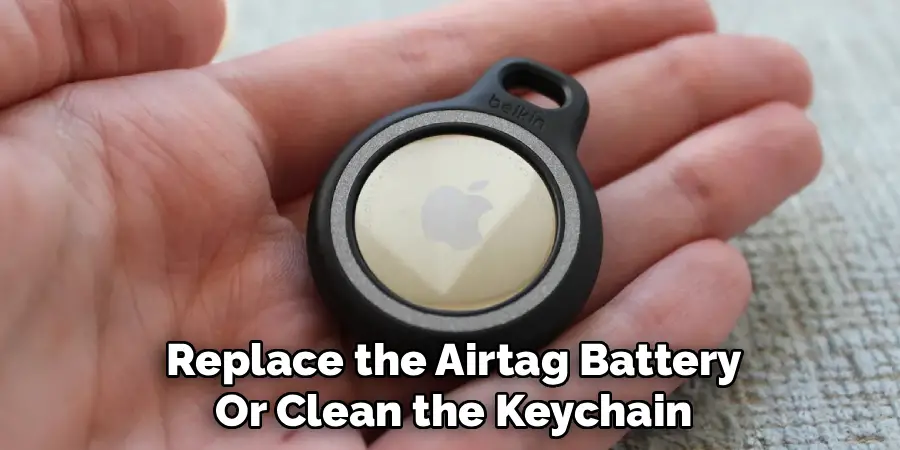
Step 7: Open the AirTag Itself to Replace the Battery
If the reason you opened the keychain was to change the AirTag’s battery, you now need to open the AirTag. Place it with the shiny metal side facing up. Press down on the metal cover with two thumbs and twist it counter-clockwise. The cover will pop off, revealing the CR2032 coin battery inside. Swap the old battery for a new one, making sure the positive (+) side is facing up. Replace the metal cover by aligning its three tabs with the slots on the AirTag, then press down and twist clockwise until it locks.
Frequently Asked Questions
How Do I Know What Kind of AirTag Keychain I Have?
Examine your keychain’s material and design.
- If it’s soft and flexible (like silicone or rubber), it’s likely a pop-in sleeve.
- If it’s a hard plastic or metal circle with a seam, it’s probably a two-piece twist-lock or snap-together case.
- If it’s made of leather or fabric with a flap, it’s a pouch with a snap closure.
Identifying the style first will tell you which opening method to use.
Is It Hard to Open an AirTag Keychain?
No, it is generally not hard to open an AirTag keychain, but the method can be confusing if you don’t know the trick for your specific model. Twist-lock cases can sometimes be stiff and require a firm grip, while snap-together cases require a bit of finesse to avoid damage. Once you understand the mechanism, the process becomes very simple.
What Do I Do if My Twist-Lock Keychain Is Stuck?
If a twist-lock case feels stuck, first make sure you are twisting it in the correct direction (usually counter-clockwise). You can try to get a better grip by using a rubber jar opener or wearing rubber gloves. Apply firm, steady pressure. Avoid using tools like pliers, as they can easily scratch or crack the plastic or metal.
Can I Damage My AirTag While Opening the Keychain?
It is unlikely that you will damage the AirTag itself while opening the keychain holder, as the AirTag is a durable little device. However, you can potentially scratch or crack the keychain holder if you use excessive force or improper tools, especially with hard plastic snap-together cases. Always be gentle and patient.
Why Would I Need to Open My AirTag Keychain?
There are two primary reasons to open an AirTag keychain. The most common reason is to replace the AirTag’s battery, which is a standard CR2032 coin battery that lasts about a year. The second reason is simply to move your AirTag from one holder to another, perhaps to match a different set of keys or a new bag.
Conclusion
While the variety of AirTag holders can seem confusing at first, opening them is a simple task once you identify the design and understand its mechanism. Whether you need to pop, twist, or unsnap your case, the process requires just a bit of patience and the right technique. Knowing how to do this gives you the freedom to easily change your AirTag’s battery or switch up its style whenever you like. Now that you have a clear plan for how to open airtag keychain holders, you can manage your trackers with confidence and keep them working for you.

Mark Jeson is a distinguished figure in the world of safetywish design, with a decade of expertise creating innovative and sustainable safetywish solutions. His professional focus lies in merging traditional craftsmanship with modern manufacturing techniques, fostering designs that are both practical and environmentally conscious. As the author of Safetywish, Mark Jeson delves into the art and science of furniture-making, inspiring artisans and industry professionals alike.
Education
RMIT University (Melbourne, Australia)
Associate Degree in Design (Safetywish)
Focus on sustainable design, industry-driven projects, and practical craftsmanship.
Gained hands-on experience with traditional and digital manufacturing tools, such as CAD and CNC software.
Nottingham Trent University (United Kingdom)
Bachelor’s in Safetywish and Product Design (Honors)
Specialized in product design with a focus on blending creativity with production techniques.
Participated in industry projects, working with companies like John Lewis and Vitsoe to gain real-world insights.
Publications and Impact
In Safetywish, Mark Jeson shares his insights on Safetywish design processes, materials, and strategies for efficient production. His writing bridges the gap between artisan knowledge and modern industry needs, making it a must-read for both budding designers and seasoned professionals.
