
If you’ve ever replaced the battery in your Audi key fob or purchased a new one, you might find that it no longer communicates with your vehicle. The solution is to reprogram it. The thought of this process can seem complex, often leading owners to assume a costly trip to the dealership is necessary. However, for many Audi models, this is a task you can successfully perform yourself with just a bit of patience and the right set of instructions.
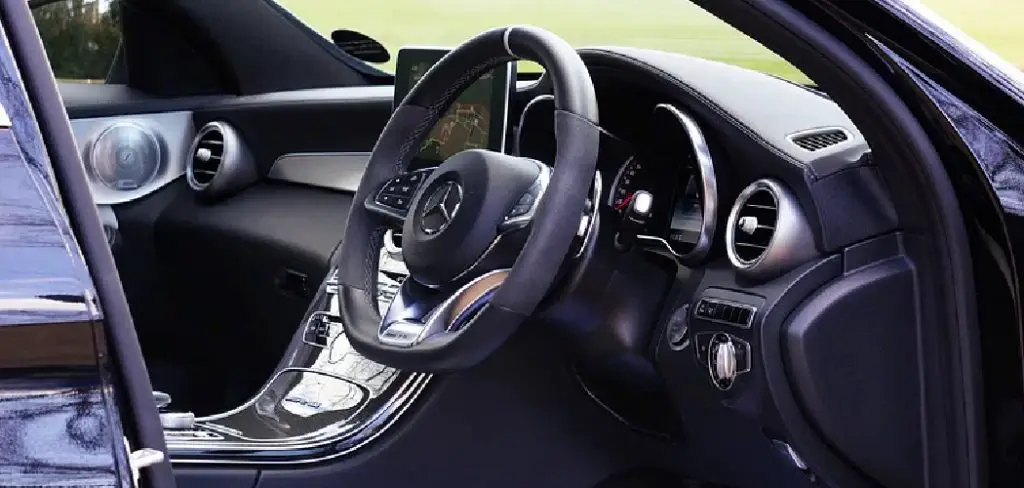
This guide is designed to provide a clear, beginner-friendly walkthrough of the process. We’ll show you exactly how to program a audi key fob, helping you restore its functionality and save both time and money.
Why Programming Your Audi Key Fob Is Important
Programming your Audi key fob is about more than just convenience; it’s a crucial step for ensuring security and accessing the full range of your vehicle’s features. When a key fob is properly synchronized with your car, it sends a unique, encrypted signal that allows you to lock and unlock doors, open the trunk, and activate the panic alarm remotely. This seamless connection is a cornerstone of modern vehicle security systems, preventing unauthorized access.
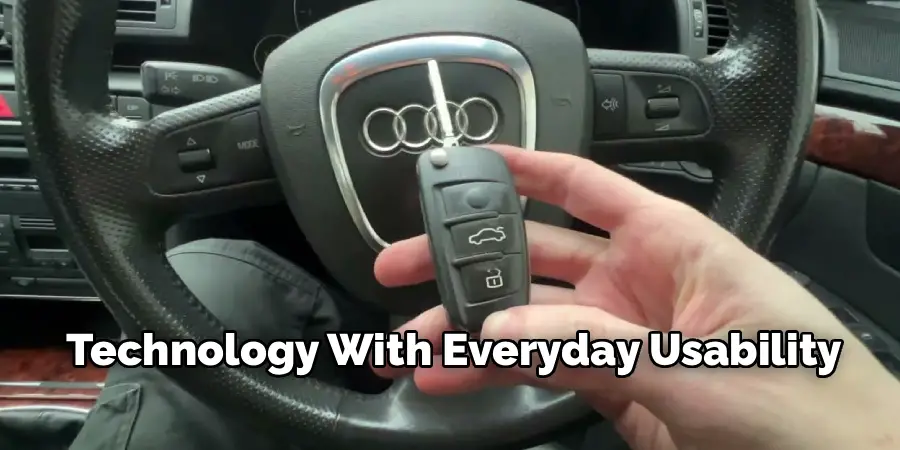
Beyond security, a programmed fob is essential for convenience. It allows you to use features like keyless entry and push-button start, which are standard on many newer Audi models. If a fob isn’t programmed, you lose access to these luxury features that make your driving experience smoother. Taking the time to program it correctly ensures your vehicle operates as intended, blending sophisticated technology with everyday usability.
Step-by-Step Guide: How to Program a Audi Key Fob
Step 1: Gather Your Keys
Before you begin the remote control programming sequence, it is essential to gather all the keys associated with your Audi, including any spare or valet keys. The programming process will often reset the vehicle’s memory, causing any keys not included in the current programming session to be de-synchronized and stop working. By having all your keys with you, you can program them all at once, ensuring that every key you own—the new one and all existing ones—will function correctly with your vehicle’s security system when you are finished. This simple preparation step will save you from future headaches.
Step 2: Insert the First Key into the Ignition
Take one of your existing, working keys and insert it into the ignition switch. Turn the key one click to the “On” or “Accessory” position. It is very important that you do not start the engine. This action powers up your vehicle’s electrical systems and signals to the onboard computer that you are about to initiate a programming sequence. The car is now in a state where it is ready to receive new commands and begin the key synchronization process. Leave this key in the ignition for the next several steps of the procedure.
Step 3: Lock the Driver’s Side Door Manually
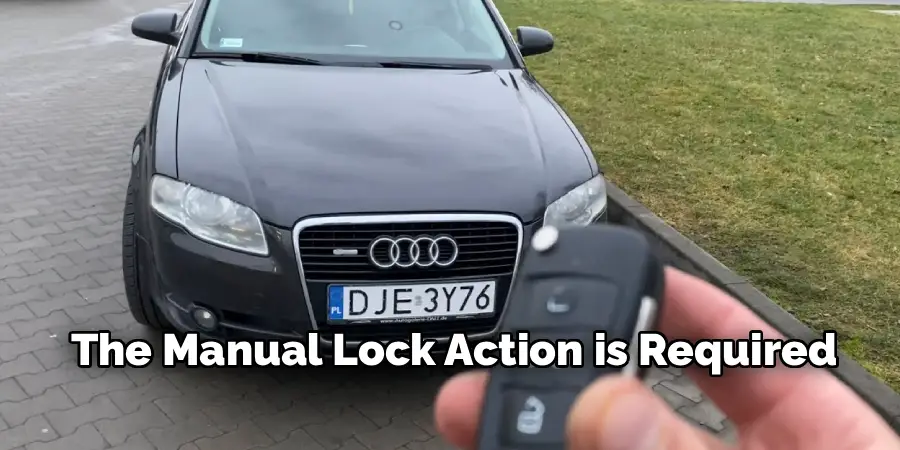
With the first key still in the ignition and turned to the “On” position, exit the vehicle and close the driver’s side door. Now, take your second key—the one you wish to program—and insert it into the driver’s side door lock. Turn the key to the right to manually lock the door. This physical action is another critical part of the sequence that communicates with the car’s central locking system, preparing it to enter programming mode. Do not use the power lock button inside the car; the manual lock action is required.
Step 4: Begin the Remote Programming Sequence
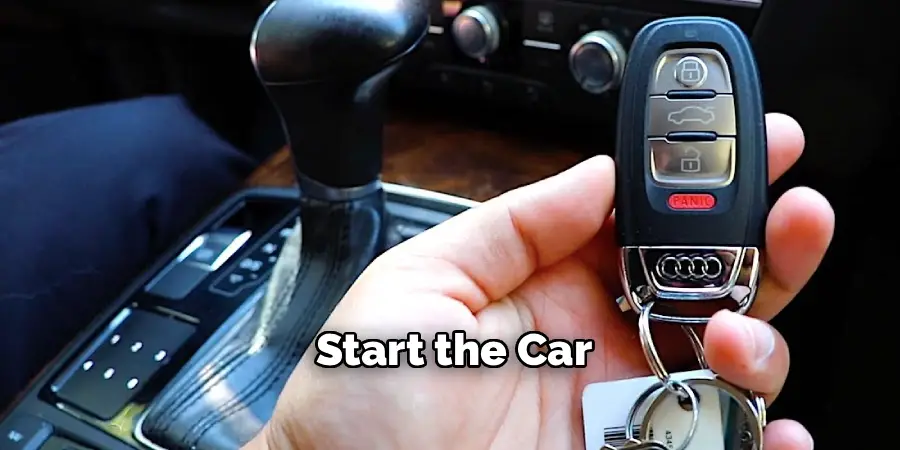
Now, you will initiate the core of the programming process. With the door locked, press the “Unlock” button on the new key fob you are programming. It is recommended to press the button in one-second intervals. Wait about two seconds, then press the “Unlock” button again. At this point, you should hear the vehicle’s alarm horn beep or see the hazard lights flash. This is the signal that the car has successfully entered programming mode and is ready to learn the new remote’s signal. This feedback is your confirmation to proceed.
Step 5: Finalize the Key Fob Synchronization
Once the car has signaled it is in programming mode, you can finalize the synchronization for that specific key. Press the “Unlock” button one more time on the key fob. This action confirms the key’s unique code and locks it into the vehicle’s memory. After this final press, you can remove the key from the driver’s side door. This completes the car key setup for this specific remote. This part of learning how to program a audi key fob is where the new key is officially paired.
Step 6: Program Additional Remotes
If you have other keys that you gathered in the first step, now is the time to program them. The vehicle will remain in programming mode for a short period, typically about 15-30 seconds. To program the next remote, simply repeat the same process: press the “Unlock” button in one-second intervals until the car’s horn beeps or lights flash, indicating it has learned the new remote. Then, press “Unlock” one final time to store its code. Repeat this for each additional key you need to program.
Step 7: Exit Programming Mode and Test the Keys
After you have programmed all your keys, you need to exit the programming mode. Return to the key that you left in the ignition and turn it back to the “Off” position, then remove it. This action tells the vehicle’s computer that the key synchronization session is complete. Now, test each key fob one by one. Stand a few feet away from the vehicle and test the lock, unlock, and trunk release functions on every remote you just programmed to ensure they are all working correctly with your Audi’s features.
Additional Security Advice
To ensure the continued security of your vehicle, always store your key fobs in a safe location when not in use. Consider using a signal-blocking pouch or case, often referred to as a Faraday bag, to prevent unauthorized signal interception or relay attacks. Avoid leaving your keys near windows or entry points to your home, where they might be more susceptible to theft.
Additionally, routinely check for any updates related to your vehicle’s security system from the manufacturer to stay protected against potential vulnerabilities. By taking these precautions, you can further safeguard your Audi against unauthorized access.
Frequently Asked Questions
Can I Program a Used Audi Key Fob from Another Car?
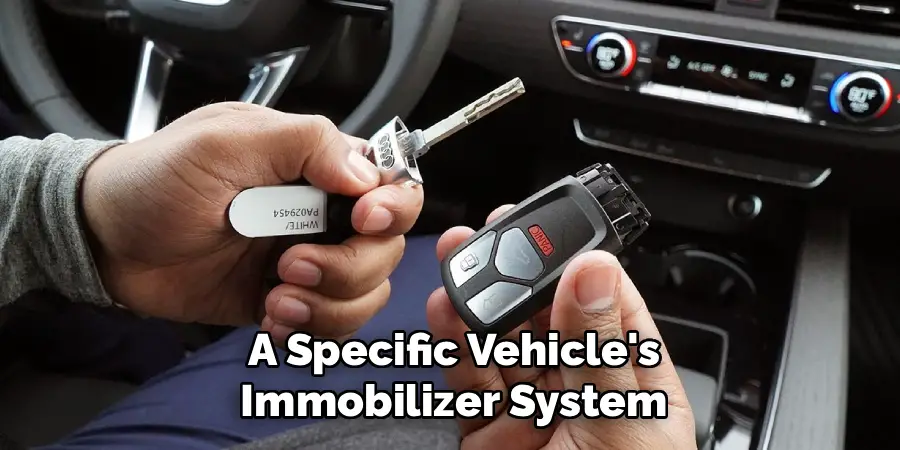
Generally, no. Audi key fobs are designed with a security chip that is coded to a specific vehicle’s immobilizer system. Once a key fob has been programmed to one car, its chip is permanently written and cannot be reprogrammed to work with another vehicle. For security reasons, you will almost always need to purchase a new, un-programmed key fob specifically for your car’s VIN.
Why Is My Audi Key Fob Not Programming?
If you are following the steps and the key is not programming, there could be several reasons.
- The key fob’s battery may be dead or weak. Try replacing the battery first.
- The key fob itself may be faulty or incompatible with your specific Audi model.
- Your vehicle may have a more complex immobilizer system that requires professional diagnostic tools.
- You may not be performing the sequence of steps in the correct order or timing.
How Much Does It Cost to Have an Audi Dealer Program a Key Fob?
Having an Audi dealership program a key fob can be expensive. The cost typically includes both the price of the new key fob itself and a separate labor charge for the programming service. Depending on the model and year of your Audi, you can expect the total cost to range from $300 to over $600. This is why attempting the DIY method first can be a significant cost-saver.
Do I Need All My Keys to Program a New One?
Yes, it is highly recommended that you have all your existing keys present when programming a new one. The programming process often clears the car’s memory of all previously stored keys. Therefore, any key that is not included in the new programming session will no longer work with the car. Programming them all at once ensures every key you own remains synchronized.
What Is the Difference Between Key Programming and Key Cutting?
Key cutting and key programming are two separate and distinct processes.
- Key Cutting: This is the physical process of shaping the metal blade of the key so that it can manually turn the locks in your car’s doors and ignition.
- Key Programming: This is the electronic process of synchronizing the remote fob’s transponder chip with your vehicle’s immobilizer and security system so that it can remotely lock/unlock doors and start the car.
Conclusion
Reprogramming an Audi key fob can seem like a task reserved for professionals, but for many models, it is a straightforward process that you can handle yourself. By carefully following the sequence of steps—from gathering your keys and using the ignition to manually locking the door and pressing the buttons in order—you can successfully resynchronize your remotes with your vehicle. This not only restores convenience but also reinforces your car’s security.
Don’t be afraid to take on this simple but valuable task. Now that you have this guide on how to program a audi key fob, you have the knowledge to save yourself a trip to the dealership and enjoy the satisfaction of a successful DIY project.

Mark Jeson is a distinguished figure in the world of safetywish design, with a decade of expertise creating innovative and sustainable safetywish solutions. His professional focus lies in merging traditional craftsmanship with modern manufacturing techniques, fostering designs that are both practical and environmentally conscious. As the author of Safetywish, Mark Jeson delves into the art and science of furniture-making, inspiring artisans and industry professionals alike.
Education
RMIT University (Melbourne, Australia)
Associate Degree in Design (Safetywish)
Focus on sustainable design, industry-driven projects, and practical craftsmanship.
Gained hands-on experience with traditional and digital manufacturing tools, such as CAD and CNC software.
Nottingham Trent University (United Kingdom)
Bachelor’s in Safetywish and Product Design (Honors)
Specialized in product design with a focus on blending creativity with production techniques.
Participated in industry projects, working with companies like John Lewis and Vitsoe to gain real-world insights.
Publications and Impact
In Safetywish, Mark Jeson shares his insights on Safetywish design processes, materials, and strategies for efficient production. His writing bridges the gap between artisan knowledge and modern industry needs, making it a must-read for both budding designers and seasoned professionals.
