
Modern cars come with amazing features, and one of the most convenient is the remote key fob. This small device does more than just lock and unlock your doors; it often holds the power to bring your engine to life from a distance. For many drivers, especially those new to this technology, figuring out exactly how to start car with remote key can seem a bit confusing at first. This guide is here to help.
We will walk you through the simple process, step by step, so you can enjoy the comfort of a pre-warmed or pre-cooled vehicle before you even step inside. It’s a luxury that is easier to use than you might think, adding a touch of convenience to your daily routine.
When it comes to making your daily commute more comfortable and effortless, using a remote key to start your car is a game changer. This feature allows you to prepare your vehicle in advance by adjusting its temperature or starting the engine from a distance. Whether you’re stepping out on a chilly morning or facing the heat of summer, mastering this functionality can elevate your driving experience significantly.
The Convenience of Remote Start
The ability to start your car from a distance is more than just a novelty; it’s a practical feature that offers significant benefits. Imagine a cold winter morning where you can warm up your car’s engine and cabin from the comfort of your home. By the time you get in, the windows are defrosted, and the seats are warm.
Conversely, on a scorching summer day, you can run the air conditioning for a few minutes before you get in, ensuring a cool and comfortable interior. This not only enhances your driving experience but also helps the engine’s oil circulate properly before you begin driving, which can contribute to better long-term engine health. The technology is designed for safety and ease, making it a valuable tool for any car owner.
Step-by-Step Guide: How to Start Car with Remote Key
Learning the remote start process is simple once you understand the basic steps. While specific button symbols may vary slightly between car manufacturers, the core procedure remains largely the same. This guide will take you through the universal actions required to start your vehicle remotely, ensuring you can use this feature with confidence regardless of your car’s make or model.
Step 1: Ensure Your Vehicle is in Range
Before attempting a remote start, you must be within the operational range of your key fob. Most standard remote keys have a range of up to 200 feet, but this can vary based on the manufacturer and environmental factors. Obstacles like thick concrete walls, other electronic signals, or even large vehicles can interfere with the signal and reduce the effective distance. To ensure success, try to have a clear line of sight to your car. If the car doesn’t respond on the first try, move a little closer and attempt the sequence again.
Step 2: Press the Lock Button
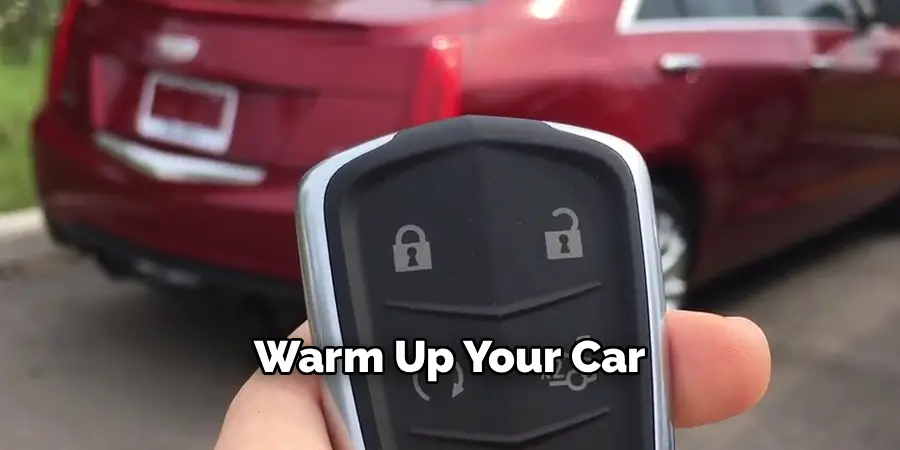
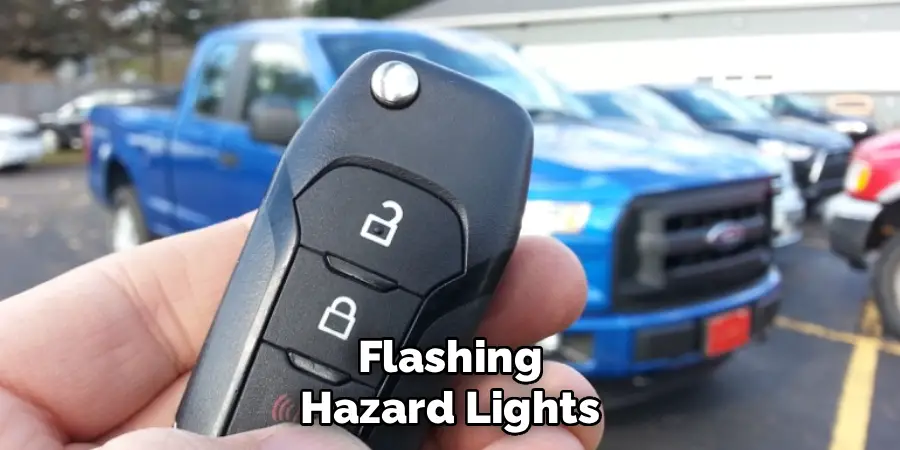
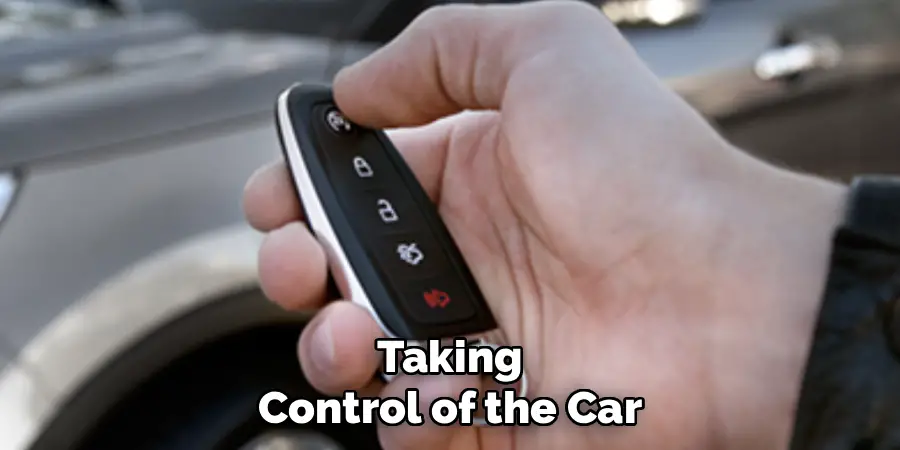
Nearly all remote start systems require you to lock the car first as a security measure. This ensures that all doors are secured before the engine is activated, preventing unauthorized access to your running vehicle. Locate the lock button on your key fob—it typically features a symbol of a closed padlock. Press it once and listen for the audible chirp or watch for the flash of the vehicle’s lights, which confirms that the car has been successfully locked. This initial step is crucial for the remote start sequence to proceed correctly.
Step 3: Locate the Remote Start Button
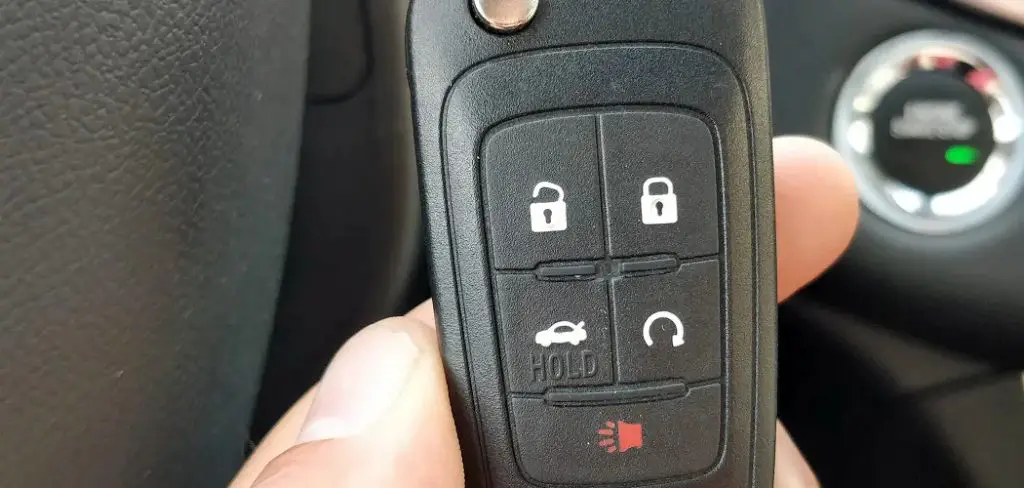
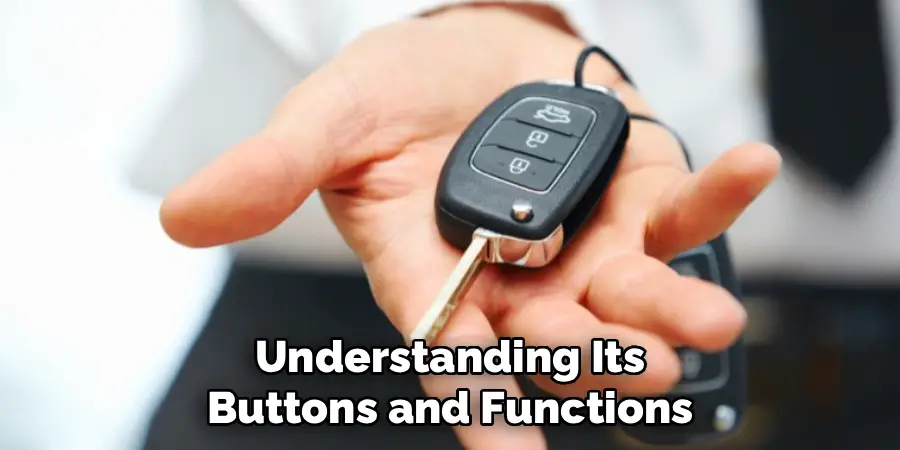
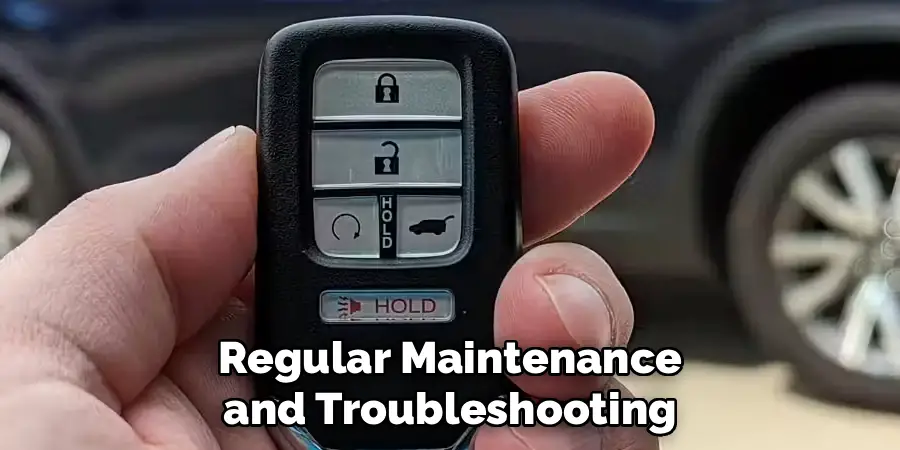
Now, find the remote start button on your key fob. This button is often distinct from the others to prevent accidental activation. It usually has a symbol of a circular arrow or might be labeled with “x2” or “Engine Start.” Some manufacturers might use a specific icon unique to their brand, so if you’re unsure, consult your vehicle’s owner’s manual for clarification. The button might also be a different color or shape to make it easily identifiable. Take a moment to familiarize yourself with its location on your specific remote key.
Step 4: Press and Hold the Remote Start Button
With the car locked, you are ready to initiate the start sequence. Press and hold the remote start button for a few seconds. Most systems require you to hold it down for approximately three to five seconds. This prolonged press is another safety feature designed to prevent the engine from starting unintentionally if the button is bumped in your pocket or bag. Keep the button held down until you see the car’s parking lights flash and hear the engine turn over. Once the engine is running, you can release the button.
Step 5: Confirm the Engine Has Started
After releasing the button, your car should provide confirmation that the remote start was successful. Typically, the parking lights will remain on, and you will hear the engine running. The car doors will stay locked for security. The climate control system will also activate, defaulting to its last used setting or a preset temperature designed to heat or cool the cabin efficiently. The vehicle will usually run for a predetermined period, often 10 to 15 minutes, before automatically shutting off if you don’t enter it.
Step 6: Extending the Run Time
If you need more time before you get to your car, many systems allow you to extend the remote start duration. To do this, you generally repeat the remote start sequence while the engine is already running. This means pressing the lock button again, followed by pressing and holding the remote start button for a few seconds. This action typically resets the shutdown timer, giving you another 10-15 minutes. Check your owner’s manual, as some systems may have a limit on how many times you can extend the run time.
Step 7: Remote Key and Drive Away
Once you are ready to drive, simply unlock the doors with your key fob and get inside. You will notice that while the engine is running, the dashboard instruments and infotainment system may still be off. To take control of the vehicle, you must complete the ignition process. For cars with a traditional key, insert the key into the ignition and turn it to the “On” position. For cars with a push-button start, simply press the “Start/Stop” button with your foot on the brake. You are now ready to put the car in gear and drive away.
Frequently Asked Questions
Can I Use the Remote Start if My Car Is Low on Fuel?
Most remote start systems will not activate if the fuel level is too low. This is a built-in safety feature to prevent the car from running out of gas while idling. You will typically need at least a quarter tank of fuel for the remote start to work properly.
Is It Safe to Use Remote Start in a Garage?
You should never use the remote start feature in an enclosed space like a home garage. A running engine produces carbon monoxide, a colorless and odorless gas that can be lethal. Only use remote start in a well-ventilated, outdoor area to ensure toxic fumes can dissipate safely.
Will My Car Shut Off if Someone Tries to Break In?
Yes, remote start systems have security features to prevent theft. If someone tries to open a door or break a window while the engine is running remotely, the system will typically shut the engine off immediately and may sound the alarm. The car cannot be driven until the key is present inside.
What Happens if I Change My Mind and Want to Turn the Car Off?
You can easily turn the car off remotely if you decide you no longer need it running. To do this, simply press and hold the remote start button again for a few seconds. The engine will shut down, and the lights will turn off, confirming the command.
Does Remote Start Work with a Manual Transmission?
Remote start is extremely rare on vehicles with manual transmissions due to safety risks. The car must be in neutral with the parking brake engaged for it to work, and factory-installed systems for manual cars are uncommon. Aftermarket systems exist but require complex installation to be safe.
Conclusion
Mastering your car’s remote start feature is a small effort that yields significant rewards in comfort and convenience. By following these steps—ensuring you’re in range, locking the doors, and holding the remote start button—you can easily prepare your vehicle for any weather.
This technology is designed to be secure and user-friendly, allowing you to enjoy a perfectly tempered cabin every time you drive. Now that you understand the process, you’re ready to make this feature a regular part of your routine. We encourage you to try it and experience for yourself just how simple and beneficial it is to know how to start car with remote key.

Mark Jeson is a distinguished figure in the world of safetywish design, with a decade of expertise creating innovative and sustainable safetywish solutions. His professional focus lies in merging traditional craftsmanship with modern manufacturing techniques, fostering designs that are both practical and environmentally conscious. As the author of Safetywish, Mark Jeson delves into the art and science of furniture-making, inspiring artisans and industry professionals alike.
Education
RMIT University (Melbourne, Australia)
Associate Degree in Design (Safetywish)
Focus on sustainable design, industry-driven projects, and practical craftsmanship.
Gained hands-on experience with traditional and digital manufacturing tools, such as CAD and CNC software.
Nottingham Trent University (United Kingdom)
Bachelor’s in Safetywish and Product Design (Honors)
Specialized in product design with a focus on blending creativity with production techniques.
Participated in industry projects, working with companies like John Lewis and Vitsoe to gain real-world insights.
Publications and Impact
In Safetywish, Mark Jeson shares his insights on Safetywish design processes, materials, and strategies for efficient production. His writing bridges the gap between artisan knowledge and modern industry needs, making it a must-read for both budding designers and seasoned professionals.
