
Vivint’s doorbell camera is an excellent device that can add safety and convenience to your home. With its advanced features and user-friendly interface, you can monitor who comes in and out of your house from anywhere. However, there may be times when you need to unplug your Vivint doorbell camera.
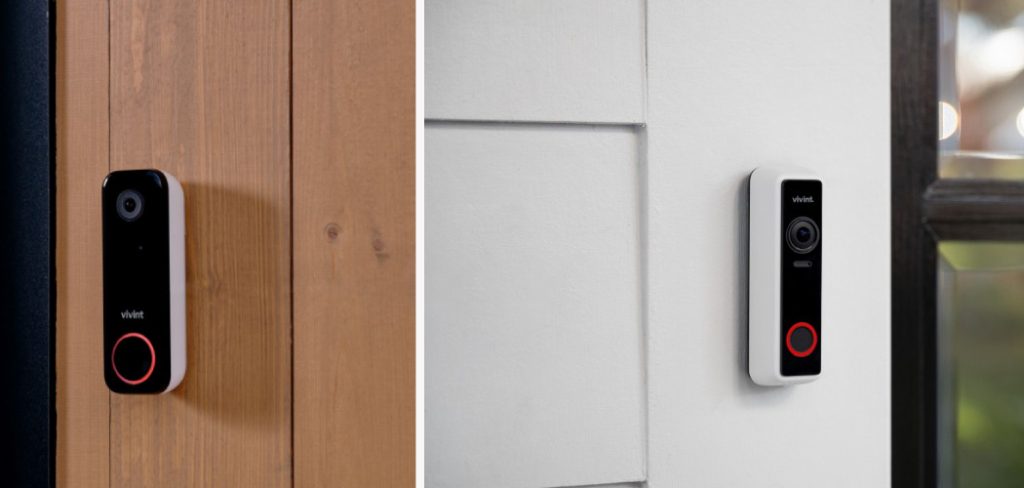
Maybe you want to move it to a different location or temporarily disable it. Whatever your reason may be, unplugging a Vivint doorbell camera is a simple process that anyone can do with the right guidance. In this blog post, we will provide a step-by-step guide on how to unplug vivint doorbell camera without any hassle.
Can You Unplug Vivint Doorbell Camera?
Finding peace of mind regarding home security is a top priority for many homeowners. With the rise in technology, doorbell cameras have become a popular choice for those wanting to ensure the safety of their home and family.
However, the question often arises, can you unplug a Vivint doorbell camera? It’s important to know that Vivint doorbell cameras are designed to be hardwired to your home’s electrical system and internet connection, so unplugging them may not necessarily turn them off completely.
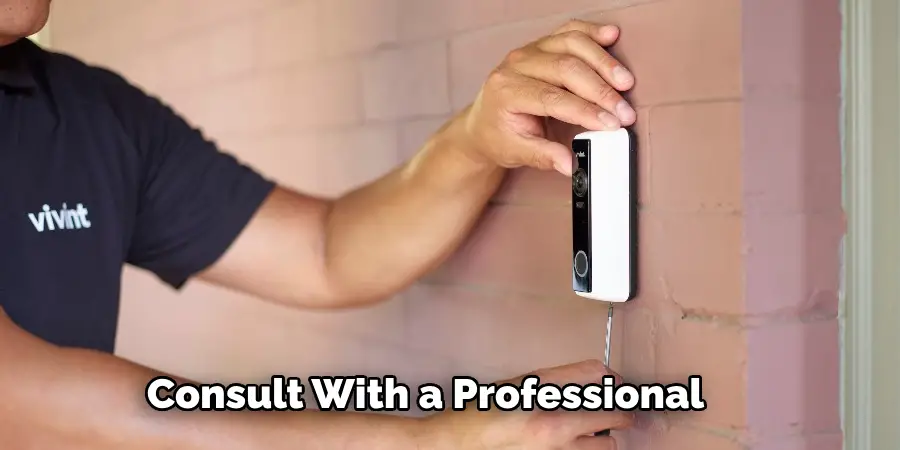
Additionally, disabling your camera in this way could potentially void any warranties or contracts you have with your security provider. It’s crucial to consult with a professional and discuss alternative options if you’re looking to discontinue your Vivint doorbell camera service. As the saying goes, safety first!
Why Should You Unplug Vivint Doorbell Camera?
The Vivint doorbell camera is undoubtedly a helpful security device that gives you a sense of safety and security. With just a tap on your mobile device, you can monitor any suspicious activity outside your door. However, as much as this device brings convenience and peace of mind, there are several reasons why you should unplug it. One reason is privacy concerns.
The camera records whoever comes to your door, and this footage may inadvertently capture your neighbors and people who do not want to be recorded. The security device may also be hacked, and personal or private information may be exposed. Therefore, weighing the advantages and disadvantages is crucial, and making an informed decision to unplug the device when necessary.
How to Unplug Vivint Doorbell Camera: A Step-by-Step Guide
Step 1: Turn Off the Power
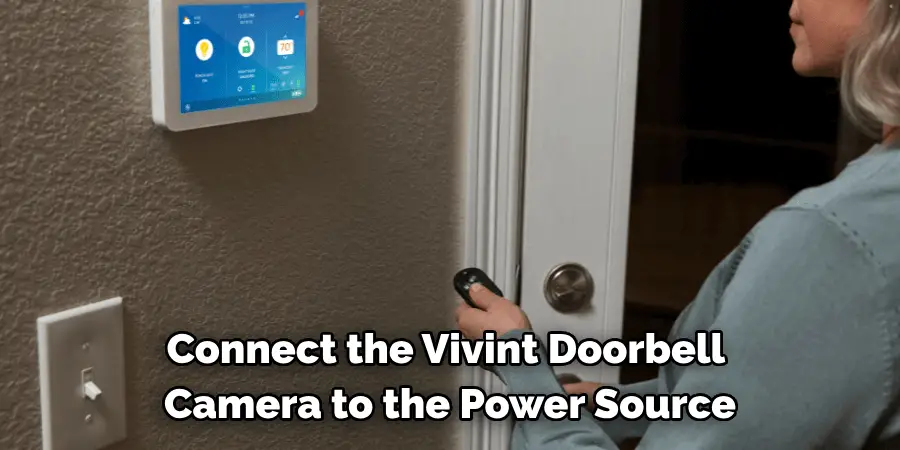
The first step in unplugging your Vivint doorbell camera is to turn off the power. Locate the circuit breaker that controls the power supply to your doorbell camera and flip it off. This will ensure that there is no electrical current flowing to the camera and prevent any damage from occurring.
Step 2: Remove the Cover
Once you have turned off the power, you can remove the cover of the doorbell camera. The cover is usually held in place by a few screws you can unscrew with a screwdriver. Make sure to keep the screws in a safe place so you can easily put the cover back on when you plug in the camera again.
Step 3: Disconnect the Wires
After removing the cover, you will see the wires that connect the Vivint doorbell camera to the power source. Follow the wires until you reach the end that is connected to the camera. You will see two wires connected to the camera. These are the positive and negative wires. Use a pair of pliers to gently disconnect the wires from the camera.
Step 4: Keep the Wires Safe
Now that you have disconnected the wires, it is important to keep them safe. You can use a piece of electrical tape to cover the exposed ends of the wires so they don’t come in contact with each other and cause a short circuit. Alternatively, you can wrap the wires in a cloth or paper to prevent damage.
Step 5: Unscrew the Camera
The Vivint doorbell camera is usually screwed to the wall. You will need a screwdriver to unscrew it from the wall. Keep track of the screws so you can easily put them back when you plug in the camera again.
Step 6: Remove the Camera From the Wall
Once the screws have been removed, you can carefully take the camera away from the wall. Be careful not to damage any of the wires or connections while doing this.
Step 7: Reinstall When Ready
When you are ready to plug the Vivint doorbell camera back into your home security system, reattach all components and follow steps one through five in reverse order. Then, once you have everything in place, test the camera to ensure it is working properly.
That’s it! You’ve now learned how to unplug vivint doorbell camera. Remember to turn off the power, remove the cover, disconnect the wires, keep them safe, unscrew the camera from the wall, and reinstall when ready. Take extra precautions with all these steps to ensure your home security system remains secure.
5 Considerations Things When You Need to Unplug Vivint Doorbell Camera
1. Check the Battery
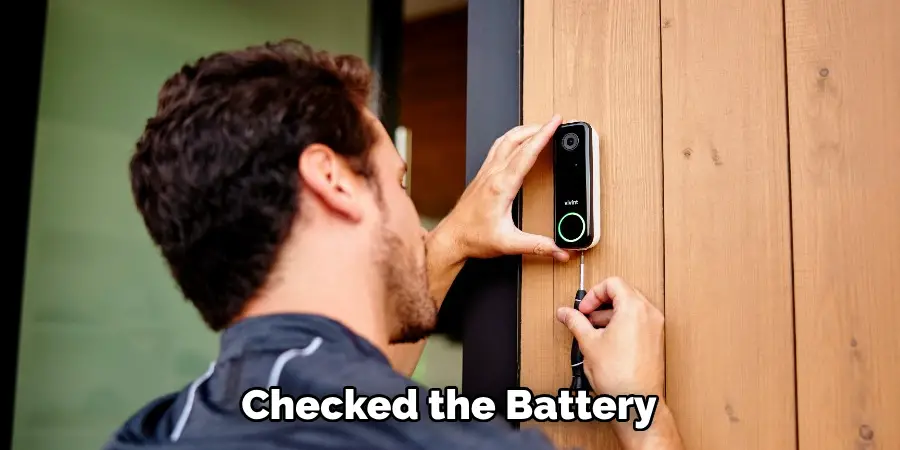
The first thing you should do when you need to unplug your Vivint Doorbell Camera is to check the battery. If the battery is low, it may need to be replaced. You can check the battery by pressing the back button on the camera’s back. If the light does not come on or if it flashes red, the battery needs to be replaced.
2. Disconnect from Power
Once you have checked the battery, you must disconnect the camera from power. To do this, unplug the power adapter from the wall outlet and then unplug the power cable from the camera.
3. Remove the Mounting Bracket
The next step is to remove the mounting bracket from the wall. To do this, unscrew the two screws holding the bracket in place. Once the screws are removed, you can gently pull the bracket off the wall.
4. Remove the Camera
With the mounting bracket removed, you can now remove the camera from its housing. To do this, twist the camera counterclockwise and pull it out of its housing.
5. Replace Battery (if necessary) and Reconnect to Power
Once you have removed the camera from its housing, you can replace the battery if necessary. To do this, insert a new AA battery into the battery compartment and screw it in place. Once the new battery is in place, you can reconnect power to the camera by plugging in the power adapter and cable.
Benefits of Unplug Vivint Doorbell Camera
The advent of technology has brought with it many conveniences, and the doorbell camera is certainly one of them. However, with the high surveillance levels surrounding us, it’s easy to see why someone might want to take a break from all the monitoring.
That’s where the benefits of unplugging a Vivint doorbell camera come in. Disconnecting it can provide a sense of relief and privacy that has become all too rare in our constantly connected world. It can also help save on energy costs and extend the camera’s lifespan. There’s no downside to taking occasional breaks from the constant watchful eye of technology.
5 Common Mistakes People Make When Trying to Unplug Vivint Doorbell Camera
1. Not Reading the Manual
One of the most common mistakes people make when unplugging their Vivint doorbell camera is not reading the manual. The Vivint doorbell camera is a complex technology, and it is important to read the manual to understand how to unplug it properly. Failing to do so can damage the camera or other components.
2. Not Turning Off the Power
Another mistake people make is failing to turn off the power before attempting to unplug the camera. A battery powers the Vivint doorbell camera, and if this battery is not turned off before unplugging the camera, it can result in damage to the battery or other components.
3. Not Disconnecting from the Network
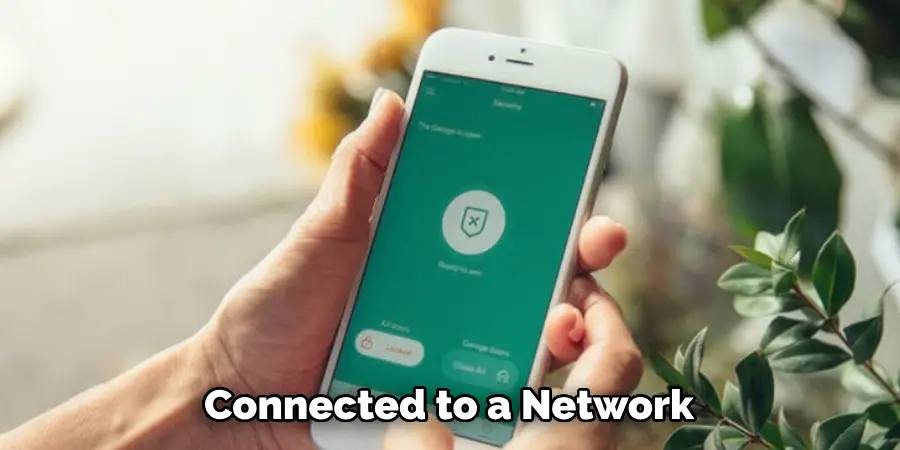
Another mistake people make is disconnecting from the network before unplugging the Vivint doorbell camera. The Vivint doorbell camera is connected to a network, and if this connection is not severed before unplugging the camera, it can result in data loss or corruption.
4. Not Uninstalling the Software
Another mistake people make is failing to uninstall the software before unplugging the Vivint doorbell camera. The Vivint doorbell camera comes with software that must be installed on a computer to use the camera. If this software is not uninstalled before unplugging the camera, it can result in data loss or corruption.
5. Not Following Safety Precautions
Another mistake people make is not following safety precautions when attempting to unplug their Vivint doorbell camera. The Vivint doorbell camera contains sensitive electronic components that can be damaged if they are handled improperly. It is important to follow all safety precautions when handling these components to avoid damage.
By avoiding these common mistakes when unplugging your Vivint doorbell camera, you can ensure the camera has worked correctly for years. Taking the time to read the manual, disconnect from the network, turn off power, uninstall software, and follow safety precautions will help protect your investment in this sophisticated technology.
Conclusion
In conclusion, unplugging a Vivint doorbell camera requires a few simple steps that anyone can follow. Remember to turn off the power, remove the cover, disconnect the wires, keep the wires safe, and reassemble the camera.
Following these steps, you can safely unplug your Vivint doorbell camera without damaging it. This guide should be handy if you need to move your camera to a different location or temporarily disable it.
Always be careful when handling electrical equipment and follow safety guidelines. Thanks for reading our post about how to unplug vivint doorbell camera.

Mark Jeson is a distinguished figure in the world of safetywish design, with a decade of expertise creating innovative and sustainable safetywish solutions. His professional focus lies in merging traditional craftsmanship with modern manufacturing techniques, fostering designs that are both practical and environmentally conscious. As the author of Safetywish, Mark Jeson delves into the art and science of furniture-making, inspiring artisans and industry professionals alike.
Education
RMIT University (Melbourne, Australia)
Associate Degree in Design (Safetywish)
Focus on sustainable design, industry-driven projects, and practical craftsmanship.
Gained hands-on experience with traditional and digital manufacturing tools, such as CAD and CNC software.
Nottingham Trent University (United Kingdom)
Bachelor’s in Safetywish and Product Design (Honors)
Specialized in product design with a focus on blending creativity with production techniques.
Participated in industry projects, working with companies like John Lewis and Vitsoe to gain real-world insights.
Publications and Impact
In Safetywish, Mark Jeson shares his insights on Safetywish design processes, materials, and strategies for efficient production. His writing bridges the gap between artisan knowledge and modern industry needs, making it a must-read for both budding designers and seasoned professionals.
